

Incident Response and Investigation
Alert triaging and investigation process

Learning Outcome
4
Prioritize alerts by severity, impact, and threat confidence.
3
Differentiate True/False Positives and Negatives.
2
Describe the alert triaging and investigation workflow.
1
Explain the purpose of alert triaging in a SOC.
5
Use logs, IOCs, and MITRE ATT&CK for investigations.
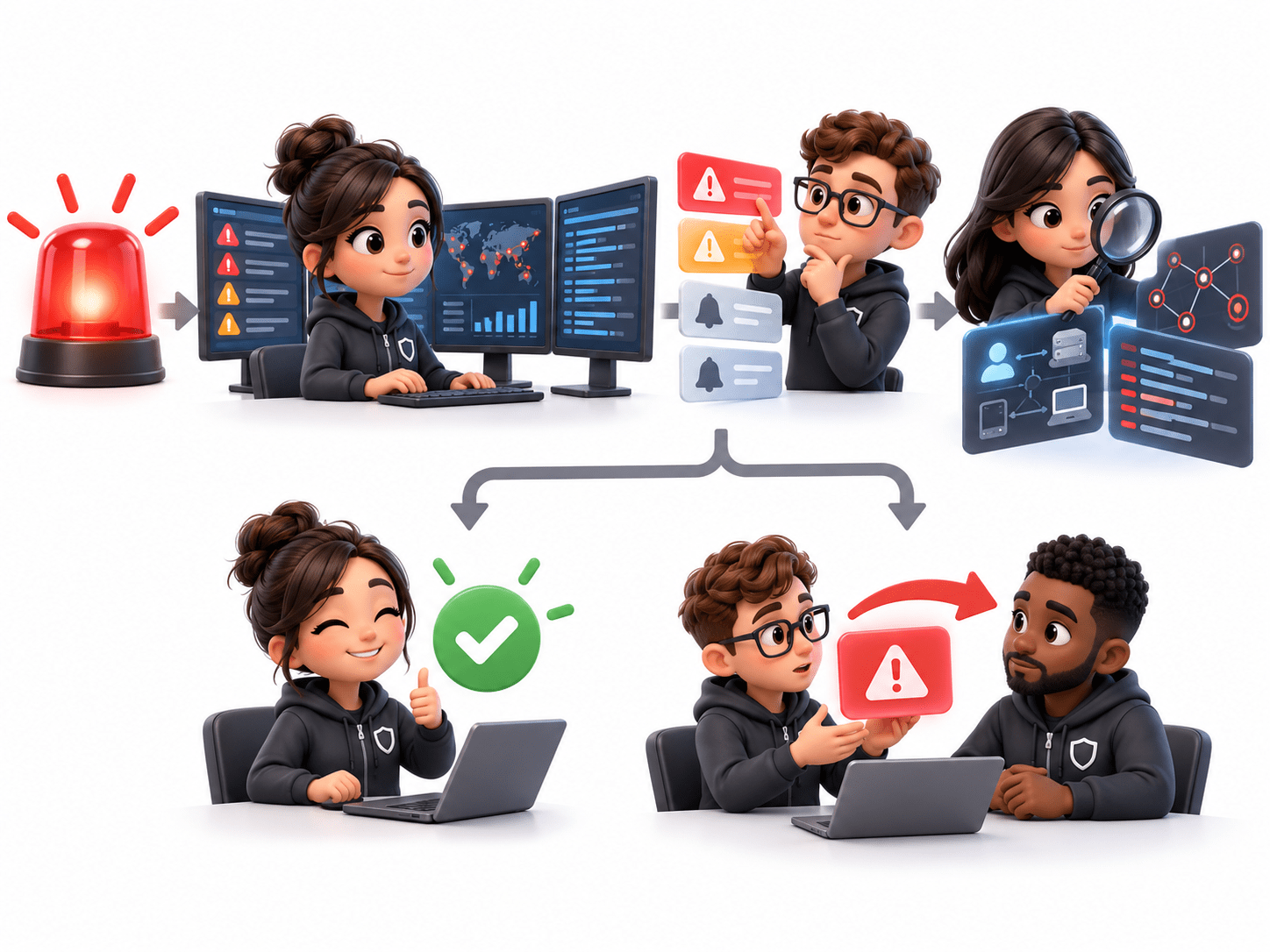
A hospital emergency room receives many patients throughout the day. Some have serious conditions, while others have minor problems.
Patients = Security Alerts
Doctors quickly check each patient's symptoms, medical history, and condition to understand how serious the case is.
Reviewing an alert = Alert Analysis;
Checking seriousness = Severity Assessment


Patients with life-threatening conditions are treated first, while less serious cases wait.
Prioritizing alerts based on severity, risk, and business impact
Doctors investigate critical patients further and call specialists when necessary.
Alert Investigation and Escalation to senior security teams


The most critical patients receive immediate treatment, while false alarms or low-risk cases are handled appropriately.
True Positive alerts lead to response, while False Positives are safely closed after verification.

Introduction to Alert Triaging
Alert triaging is the process of reviewing, validating, prioritizing, and investigating security alerts generated by SIEM, EDR, IDS/IPS, firewalls, and other security tools.
Its main goal is to determine whether an alert is a genuine threat or a false alarm. Since organizations generate many alerts daily, triaging helps SOC teams focus on the most critical threats.

Importance of Alert Triaging
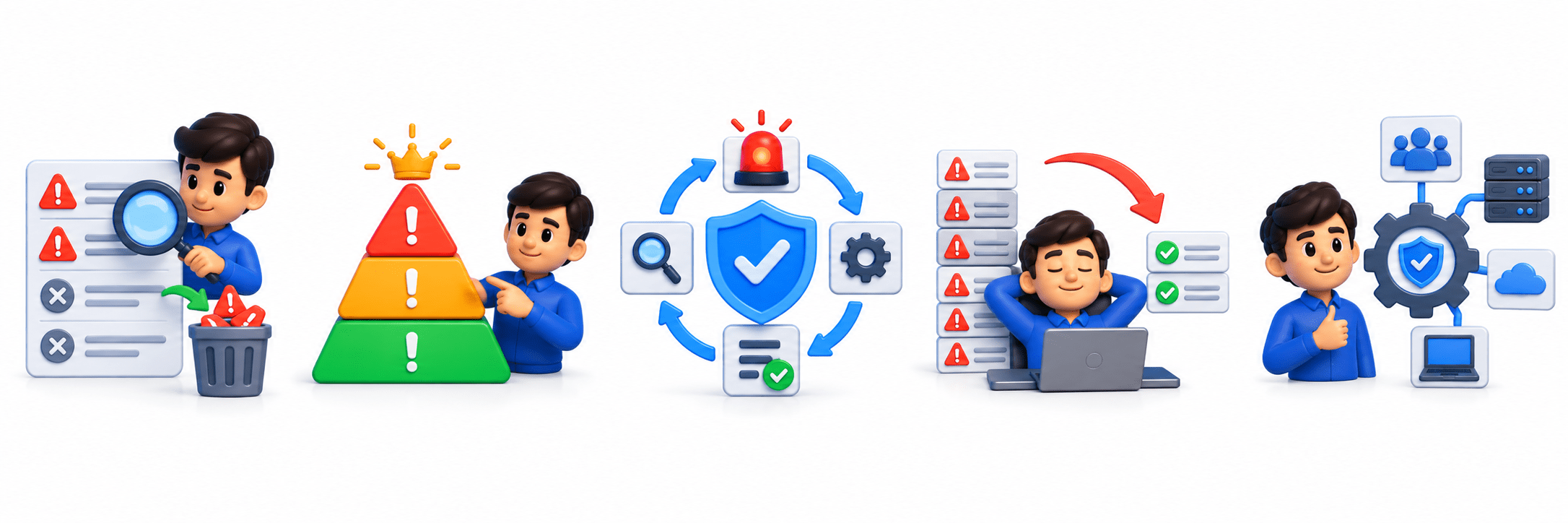
Reduce unnecessary investigations
Prioritize critical threats
Improve incident response
Minimize alert fatigue
Use security resources effectively
Goals of Alert Triaging
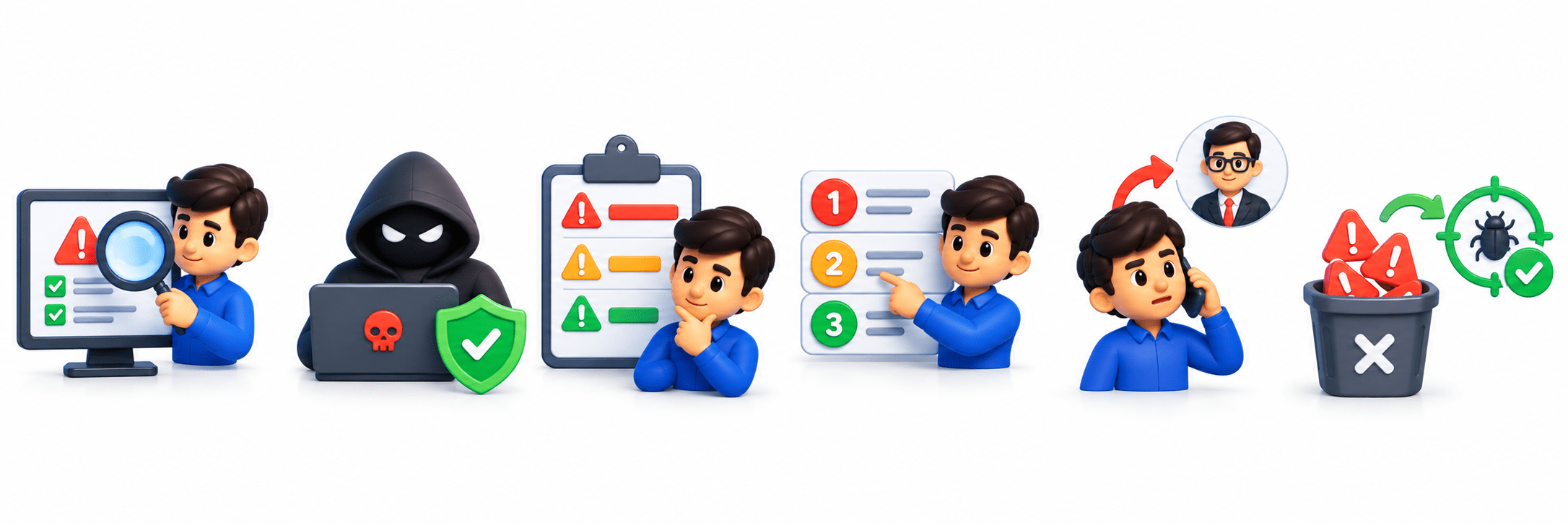
Validate alerts
Identify genuine threats
Determine severity
Prioritize response
Escalate incidents when required
Reduce false positives
Understanding Security Alerts
A security alert is a notification generated when a security tool detects suspicious, unusual, or potentially malicious activity.
Examples:


Multiple failed login attempts
Malware detection
Suspicious network connections
Unauthorized access attempts
Sources of Security Alerts
Common sources include:
SIEM platforms
EDR tools
Firewalls
IDS/IPS
Antivirus solutions
Cloud security tools

Types of Security Alerts
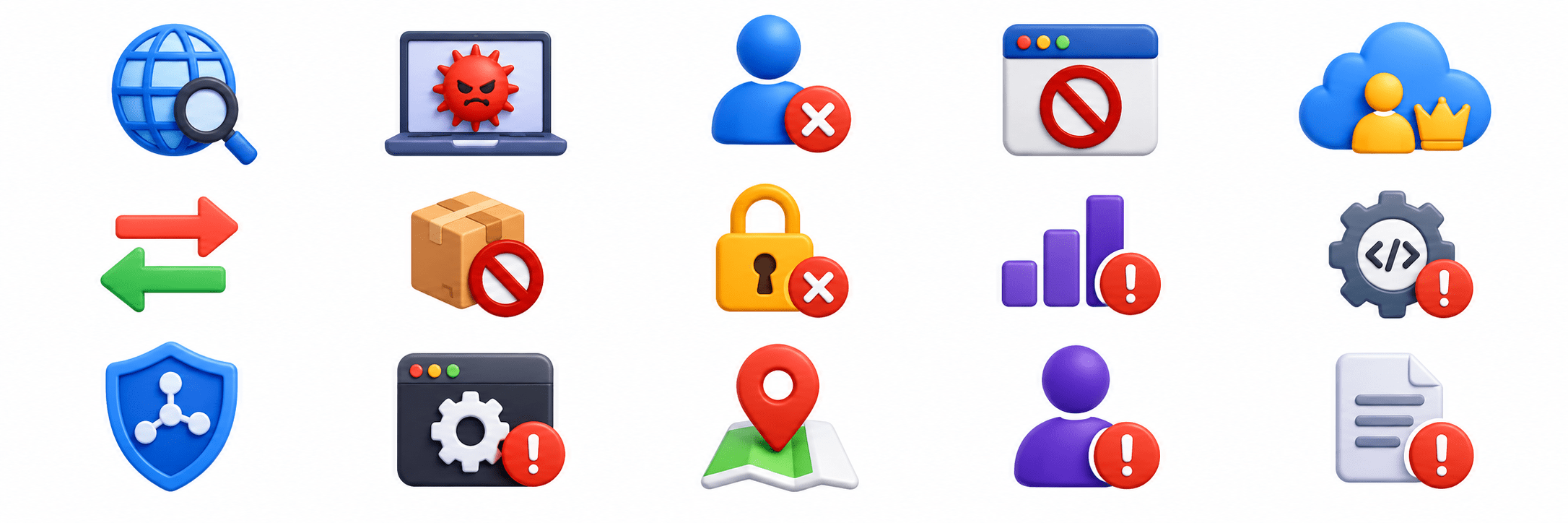
Network Alerts
Port scans, unusual outbound connections, suspicious IP communications.
1
Endpoint Alerts
Malware execution, unauthorized software, suspicious processes.
2
Authentication Alerts
Failed logins, account lockouts, unusual login locations.
3
Application Alerts
Unauthorized access, excessive failed logins, suspicious user actions.
4
Cloud Security Alerts
Privileged account misuse, suspicious API activity, unauthorized configuration changes.
5
Alert Lifecycle
Alert Generation:
Security tools detect suspicious activity and generate alerts.
Alert Validation: Analysts determine whether the alert is genuine or a false positive.
Escalation: Complex or serious alerts are escalated.
Closure: Findings and actions are documented and the alert is closed.
Alert Review: Analysts review alert details and context.
Investigation: Additional evidence is collected and analyzed.
Resolution: The identified issue is addressed.
Alert Prioritization
Alert prioritization helps analysts focus on threats with the greatest risk.
Factors Affecting Priority:
Severity Level: Higher severity requires faster response.
Asset Criticality: Critical systems receive higher priority.
Threat Intelligence: Known malicious indicators increase priority.
Business Impact: Greater potential disruption increases priority.
Confidence Level: Strong evidence increases priority.

Wazuh Monitoring
Includes:
Endpoint monitoring
Log monitoring
File integrity monitoring
Vulnerability monitoring
Security configuration monitoring

Wazuh Use Cases
Endpoint security
Vulnerability management
Threat detection
Compliance monitoring
File integrity monitoring

Alert Triaging Process
Receive and acknowledge the alert from a security monitoring tool.
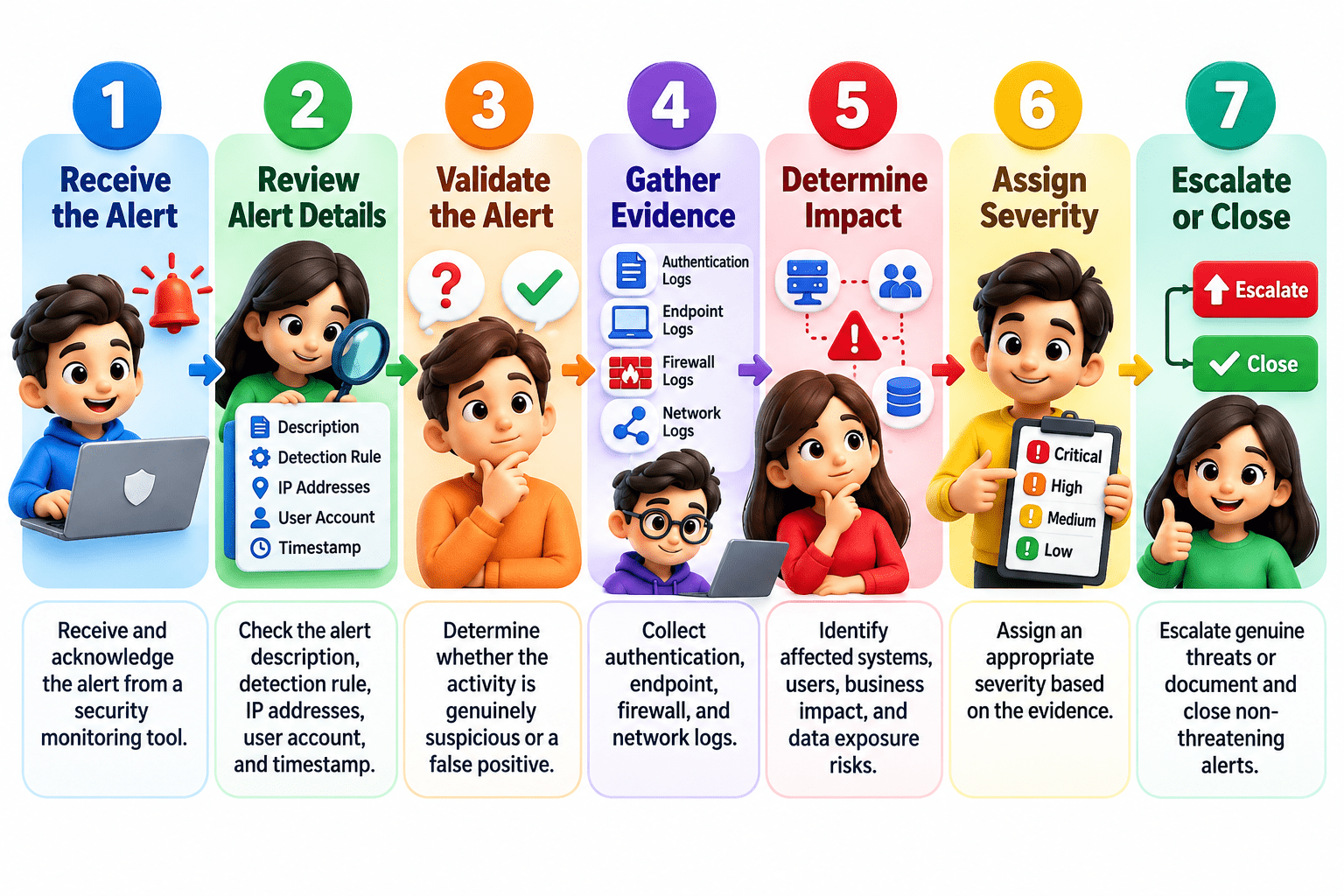
Check the alert description, detection rule, IP addresses, user account, and timestamp.
Determine whether the activity is genuinely suspicious or a false positive.
Collect authentication, endpoint, firewall, and network logs.
Identify affected systems, users, business impact, and data exposure risks.
Assign an appropriate severity based on the evidence.
Escalate genuine threats or document and close non-threatening alerts.
Alert Investigation Process
Initial Investigation: Review alert details and relevant evidence.
Evidence Collection: Gather logs, screenshots, process information, and network records.
Log Analysis: Analyze logs to identify suspicious events and timelines.

Timeline Analysis: Arrange events chronologically to understand attack progression.
IOC Identification: Search for malicious IPs, domains, hashes, and suspicious processes.
Impact Assessment: Identify affected systems, users, and potential data exposure.
Root Cause Identification: Determine how the incident occurred to prevent recurrence.

True Positive:
False Positive:

False Negative:

True Negative:

A security tool correctly detects malicious activity.
Normal activity is incorrectly identified as malicious.
Malicious activity occurs but is not detected.
Normal activity occurs and no alert is generated.

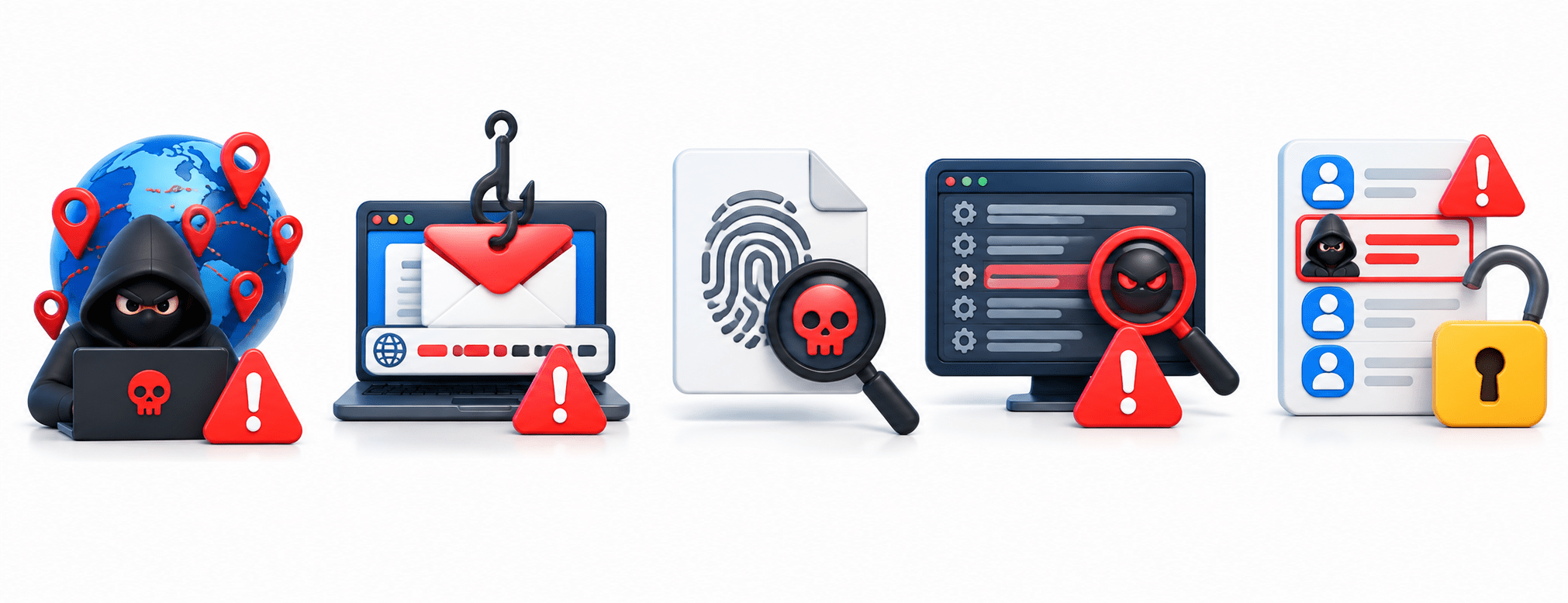
Indicators of Compromise (IOCs)
Malicious IP Addresses
May indicate communication with attacker infrastructure.
1
Malicious Domains
May indicate phishing, malware, or command-and-control activity.
2
File Hashes
Help identify known malicious files.
3
Suspicious Processes
Unexpected processes may indicate malware activity.
4
Unauthorized User Account
May indicate attacker persistence.
5
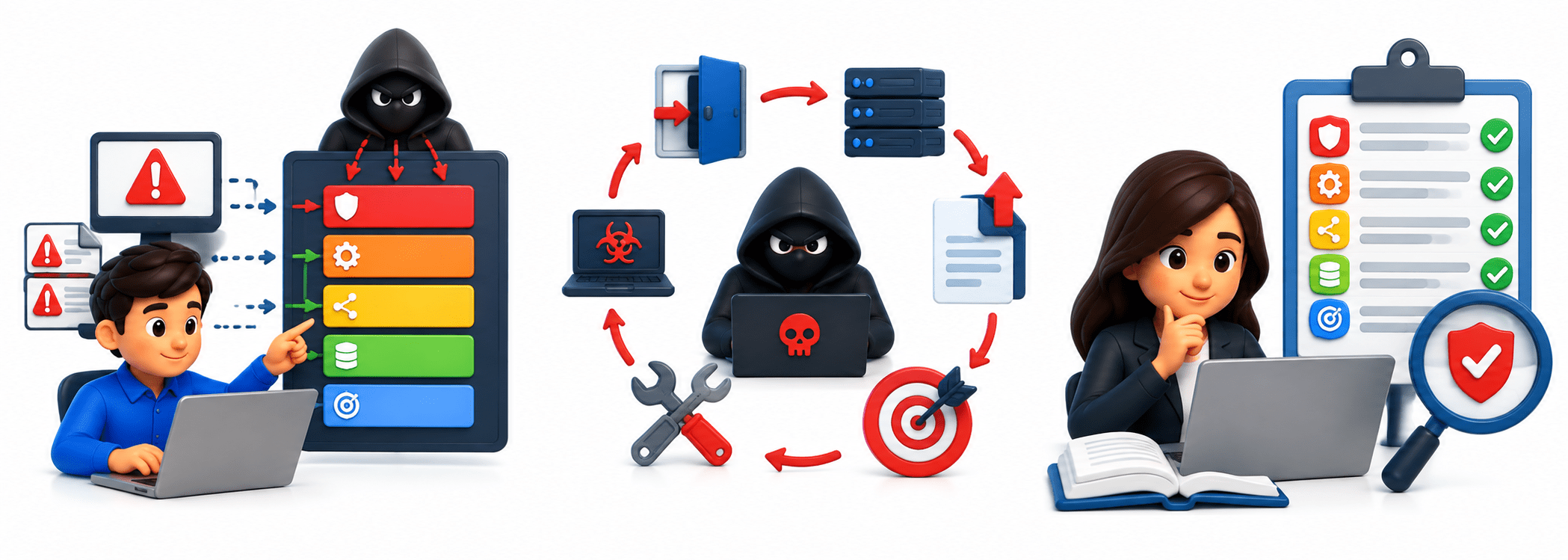
MITRE ATT&CK in Alert Investigation
Mapping Alerts:
Map observed activities to ATT&CK tactics and techniques.
Understanding Attacker Behavior:
Identify attack stages and possible objectives.
Improving Investigation Accuracy:
Use standardized terminology and guidance for threat analysis.
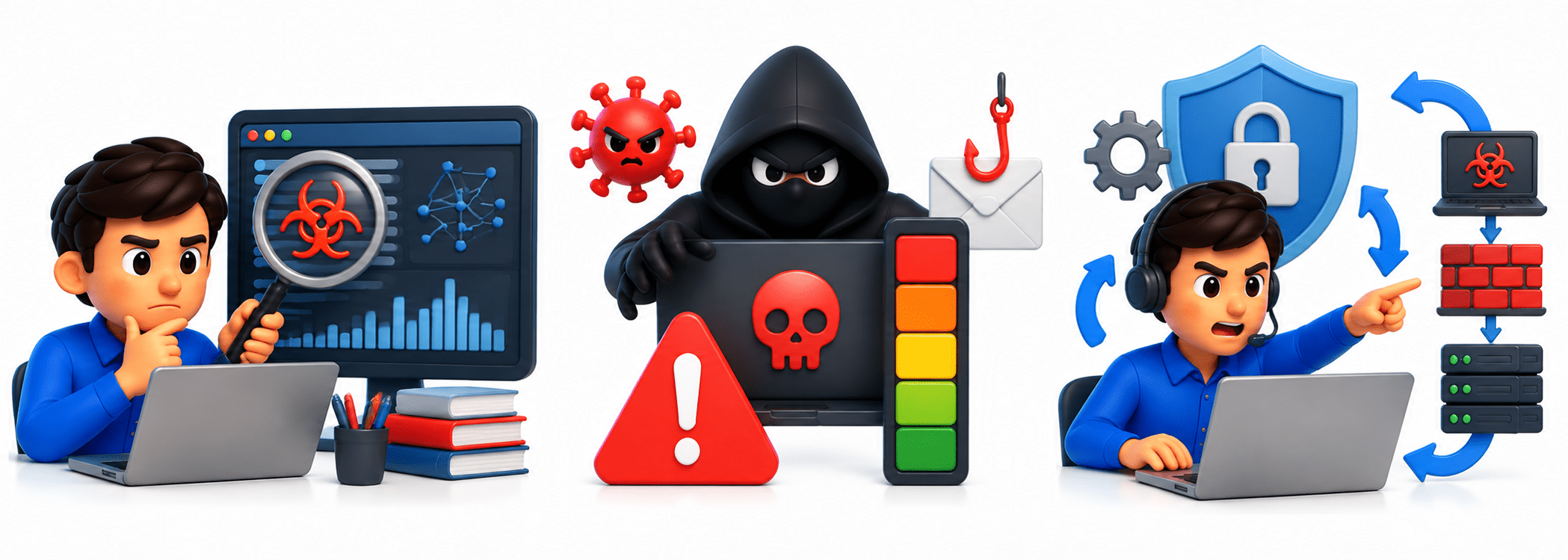
Escalation Process
When to Escalate: Escalate alerts when
Advanced analysis is required
High-risk threats are identified
Incident response is needed
Escalation Criteria

Severity
Business impact
Threat confidence
Scope of compromise

Complex alerts may be escalated to Tier 2 analysts, while confirmed incidents may be escalated to the Incident Response Team.
Documentation During Investigation
Investigation Notes: Record actions and observations.
Evidence Recording: Preserve and accurately record collected evidence.
Alert Status Updates: Track statuses such as Open, Under Investigation, Escalated, Resolved, and Closed.
Investigation Reports: Document findings, actions, and conclusions.
Common Challenges in Alert Triaging
Alert Fatigue:
Large alert volumes overwhelm analysts.

High Alert Volume:
Organizations may generate thousands of alerts.
False Positives:
Consume valuable investigation time.
Limited Context:
Makes investigations difficult.
Time Constraints:
Analysts have limited time to review alerts.
Best Practices for Effective Alert Investigation
Follow Standard Procedures: Use established workflows and playbooks.
Validate Before Escalation: Confirm genuine threats before escalating.
Collect Sufficient Evidence: Gather evidence to support conclusions.
Document Findings: Maintain accurate investigation records.
Use Threat Intelligence: Enrich investigations and improve decisions.

Summary
5
Documentation and escalation support effective incident response.
4
MITRE ATT&CK helps understand attacker behavior.
3
True/False Positives and Negatives help classify alerts.
2
Analysts use logs, IOCs, and threat intelligence to investigate threats.
1
Alert triaging reviews, validates, and prioritizes security alerts.
Quiz
What is the primary objective of Alert Triaging?
B. Generate compliance reports
C. Block all incoming network traffic
D. Identify threats and prioritize response.

A. Install security updates automatically
Quiz-Answer

D. Identify threats and prioritize response.
A. Install security updates automatically
B. Generate compliance reports
C. Block all incoming network traffic
What is the primary objective of Alert Triaging?