

































Content ITV PRO
This is Itvedant Content department
Validating Response Codes & Body
Learning Outcome
3
2
1
Understand the importance of API response validation
Verify HTTP status codes using Rest Assured
Validate response bodies using string matching and JSON Path
Apply assertions to ensure correct API behavior
4
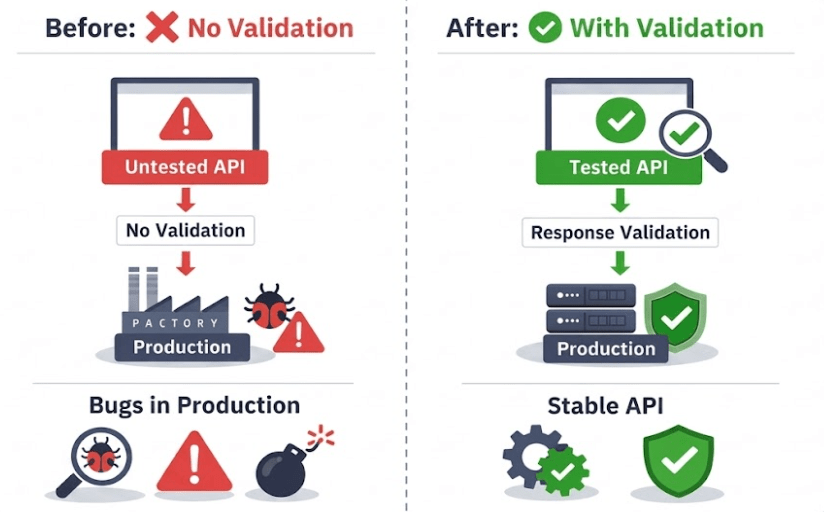
Without validation, tests are meaningless. Validation ensures correctness, reliability, and confidence in APIs.
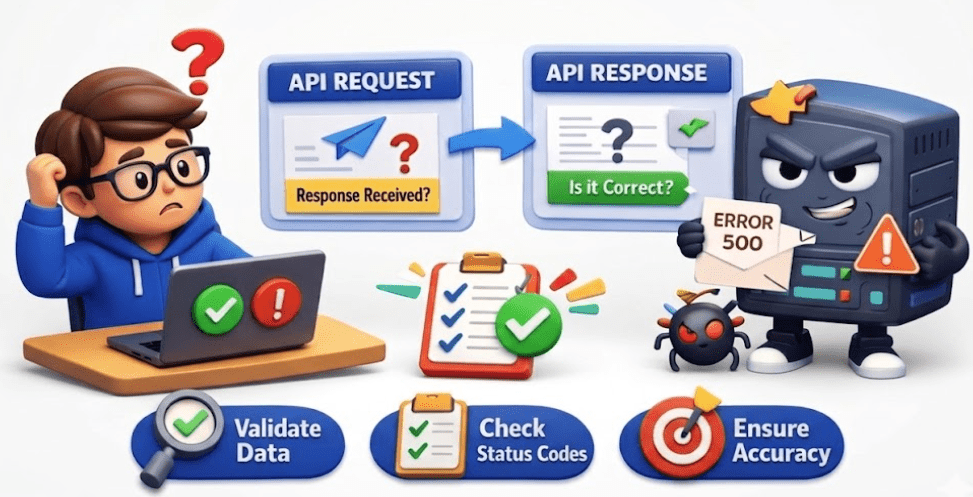
When an API request is executed, receiving a response from the server is not enough.
Testers must verify whether the response is correct, complete, and meets the expected requirements.
Without validation, tests are meaningless. Validation ensures correctness, reliability, and confidence in APIs.
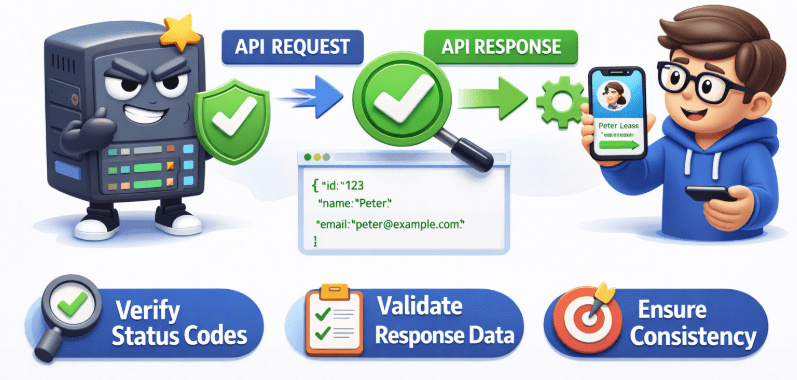
Response validation ensures that the API behaves as expected and returns accurate data to the client application.
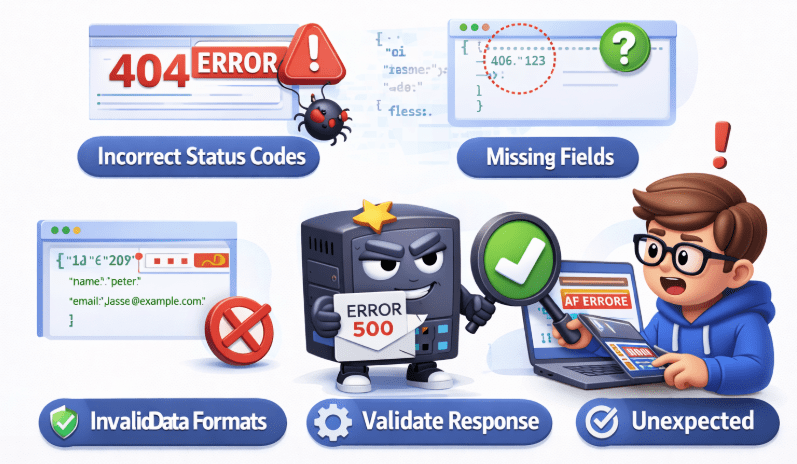
It helps detect issues such as incorrect status codes, missing fields, invalid data formats, or unexpected responses.
What Can Be Validated in Rest Assured
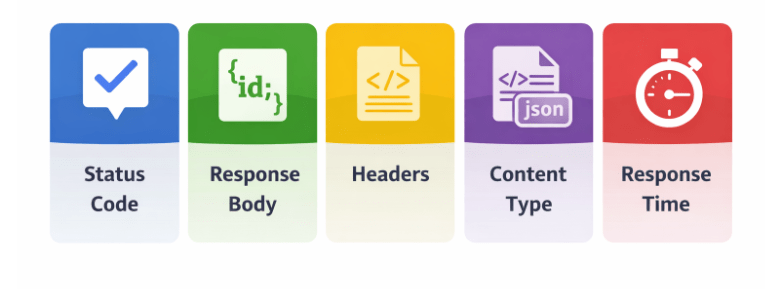
Rest Assured allows testers to validate different parts of the API response, such as:
Response Body – Verifies that the returned data contains expected values
Headers – Checks metadata information like authentication tokens or server details.
Content Type – Confirms the response format (e.g., JSON, XML).
Status code – Ensures the API request was processed successfully (e.g., 200, 201).
What to validate
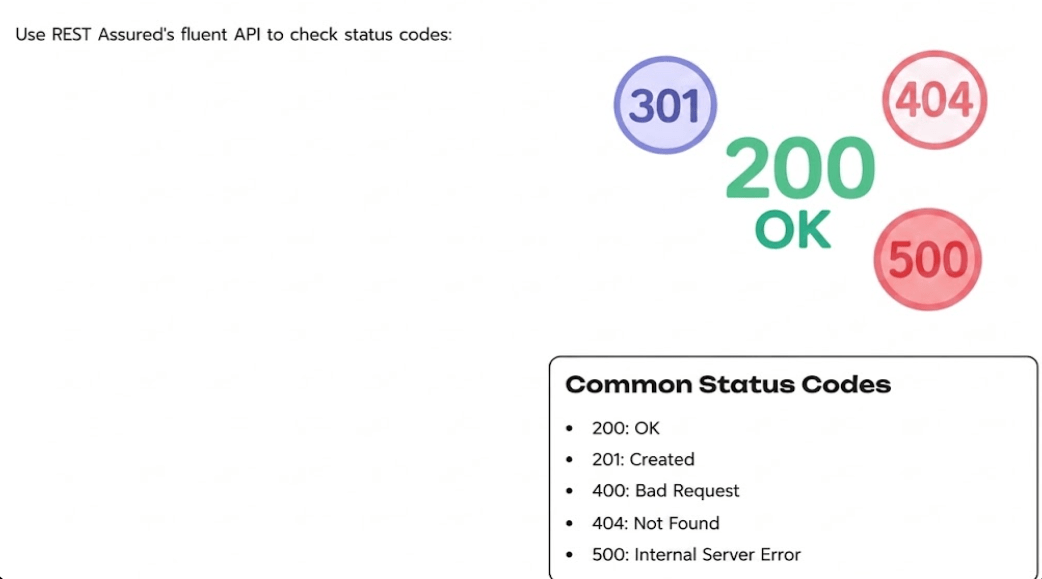
Status Code
Indicates the result of an API request
Confirms whether request was successful or failed
This is the first level of validation
Quickly tells if request succeeded or failed
Status code alone is not enough
Examples :
200 → Success
201 → Created
400 → Bad Request
404 → Not Found
500 → Server Error
Status Code
Status Code
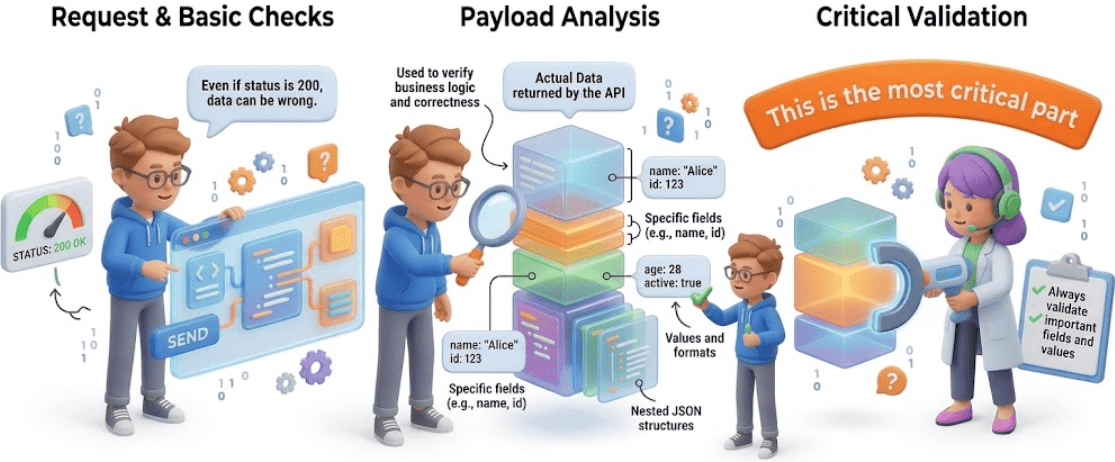
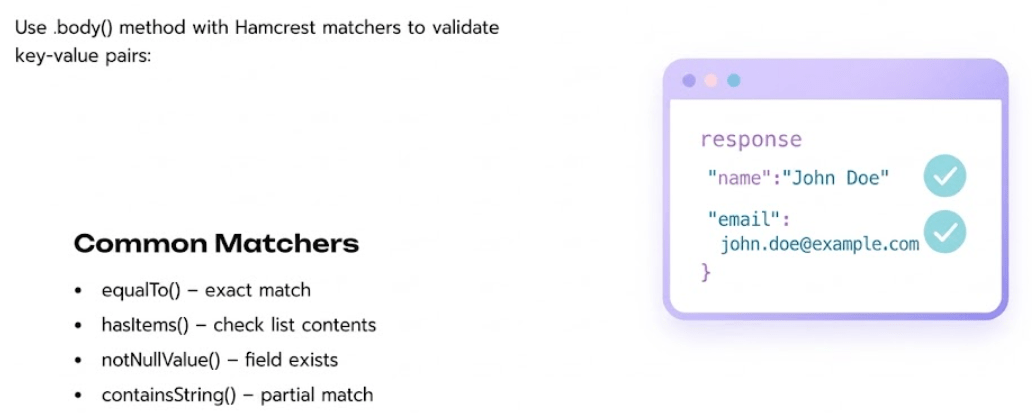
Contains actual data returned by the API
Used to verify business logic and correctness
Can validate:
Specific fields (e.g., name, id)
Values and formats
Nested JSON structures
This is the most critical part, Even if status is 200, data can be wrong
Always validate important fields and values
Headers
Provide metadata about the response
Used for validation of:
Authorization details
Caching information
Server and response behavior
These carry additional information
Useful in advanced scenarios like auth, caching
Content Type
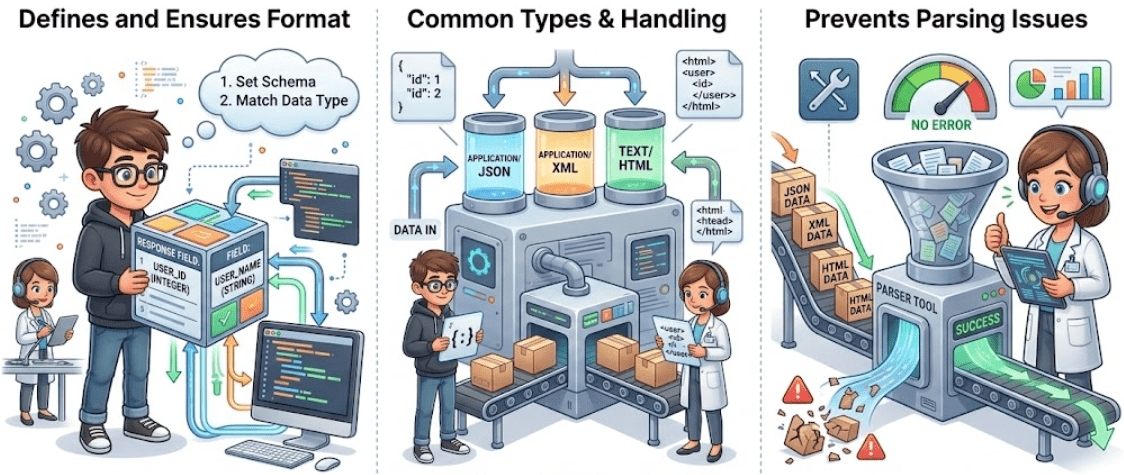
Defines the format of the response
Ensures API returns expected data type
Common types:
application/json
application/xml
text/html
Prevents issues when parsing response
Response Time
Measures how fast the API responds
Important for performance testing
Helps ensure API meets SLA requirements
Slow APIs can still be “correct” but not usable
Response Time
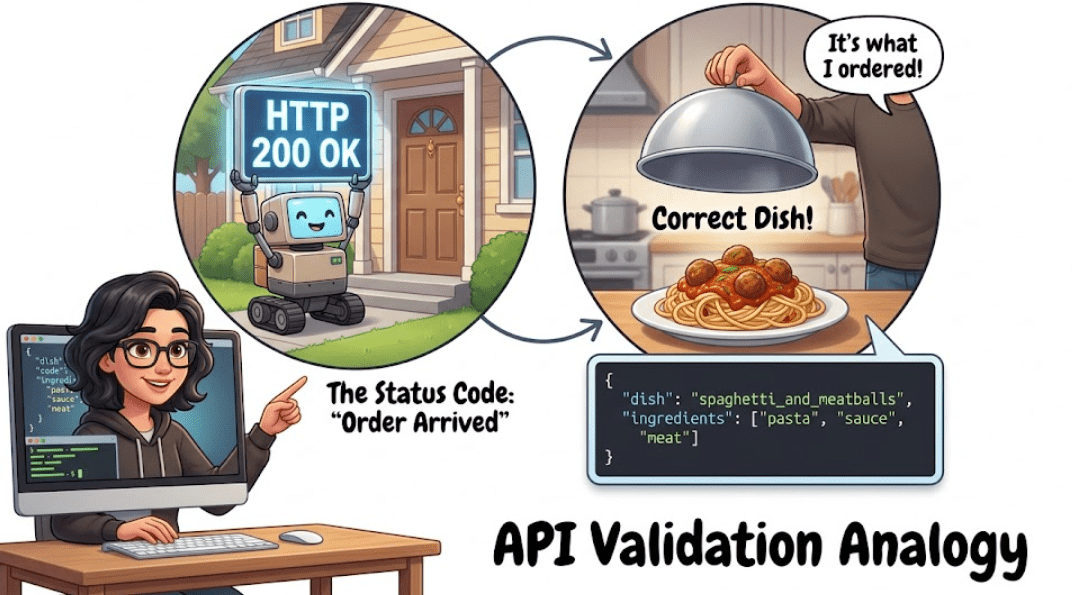
Think of API validation like ordering food —
Status code tells you the order arrived,
But response body tells you if it’s the correct dish.”
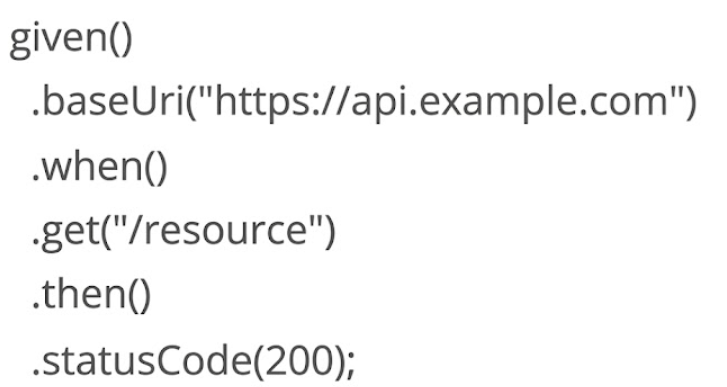
Asserting HTTP status code
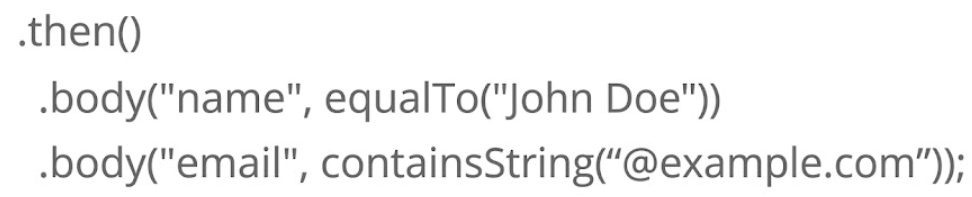
Validating simple JSON Response
Validation using jsonPath()
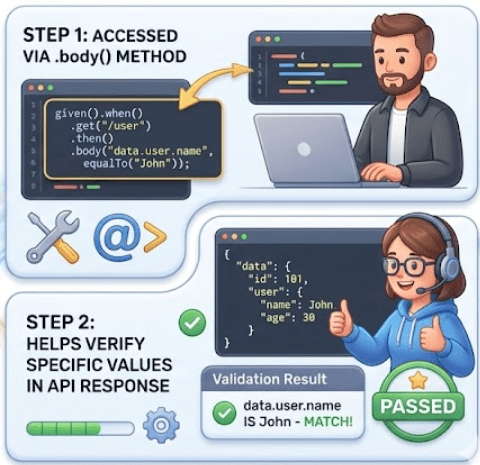
JSON Path is a syntax used to navigate and extract data from a JSON response
It helps access specific fields, values, and nested elements easily
Accessing Values Using JSON Pathg
data.id → 101
data.user.name → John
data.user.age → 30
JSON Path is like addressing system for JSON data
Very useful when working with complex API responses
It allows us to go directly to the required field
(Public API)
How JSON Path is Used in Validation
Used inside .body() method to validate response fields
Helps verify specific values in API response
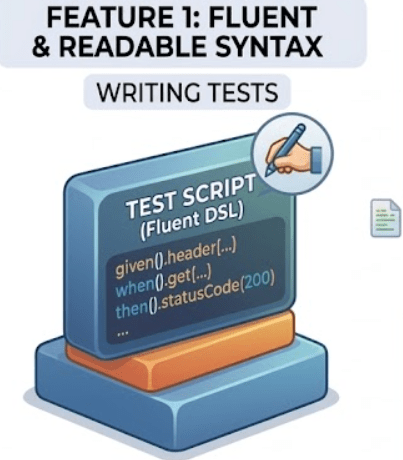
Write tests that are easy to understand and maintain.
Validate response data in various formats with ease
Versatile framework for multiple testing scenarios
Why Use REST Assured?
Java Developer Friendly
BDD-Style Syntax
Easy to learn with a familiar syntax for Java developers.
Write tests that read like natural language specifications
Method Chaining
CI/CD Integration
Create readable test flows with intuitive method chains
Seamlessly works with continuous integration pipelines
Maven Project Setup
Prepare Tools
Install Java JDK 8+, Eclipse/IntelliJ IDEA, and Apache Maven
Create Project
Open IDE and create a new Maven project.
Maven Project Setup
Configure Details
Set Group ID and Artifact ID for your project.
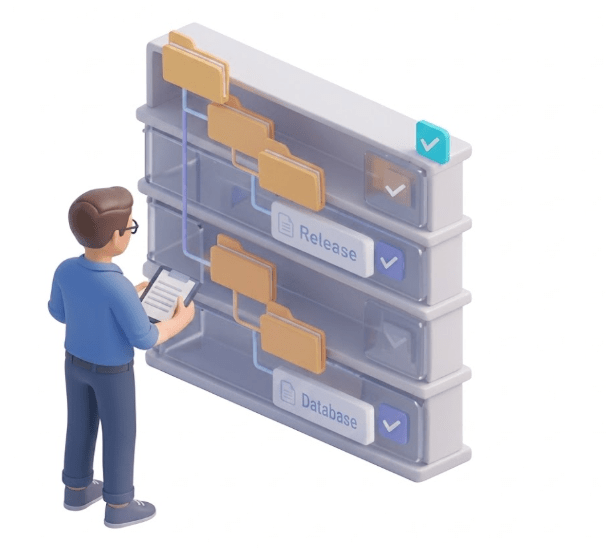
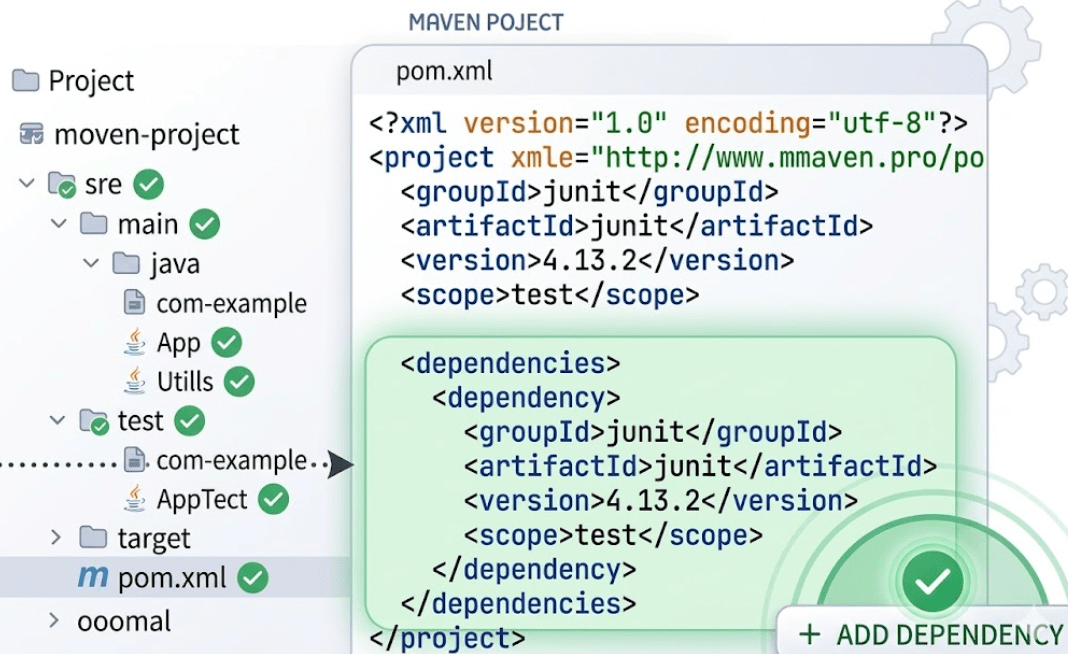
Structure Folders
Organize with src/main/java and src/test/java folders
Add Dependencies in pom.xml
Add these dependencies to your pom.xml file inside the dependencies block. Always use the latest stable versions from Maven Central.
Setup and Configuration for REST Assured
Build and Validate Project
Maven will automatically download dependencies.
Check External/Referenced Libraries in your IDE
Setup and Configuration for REST Assured
Build and Validate Project
Execute a simple test to confirm proper setup.
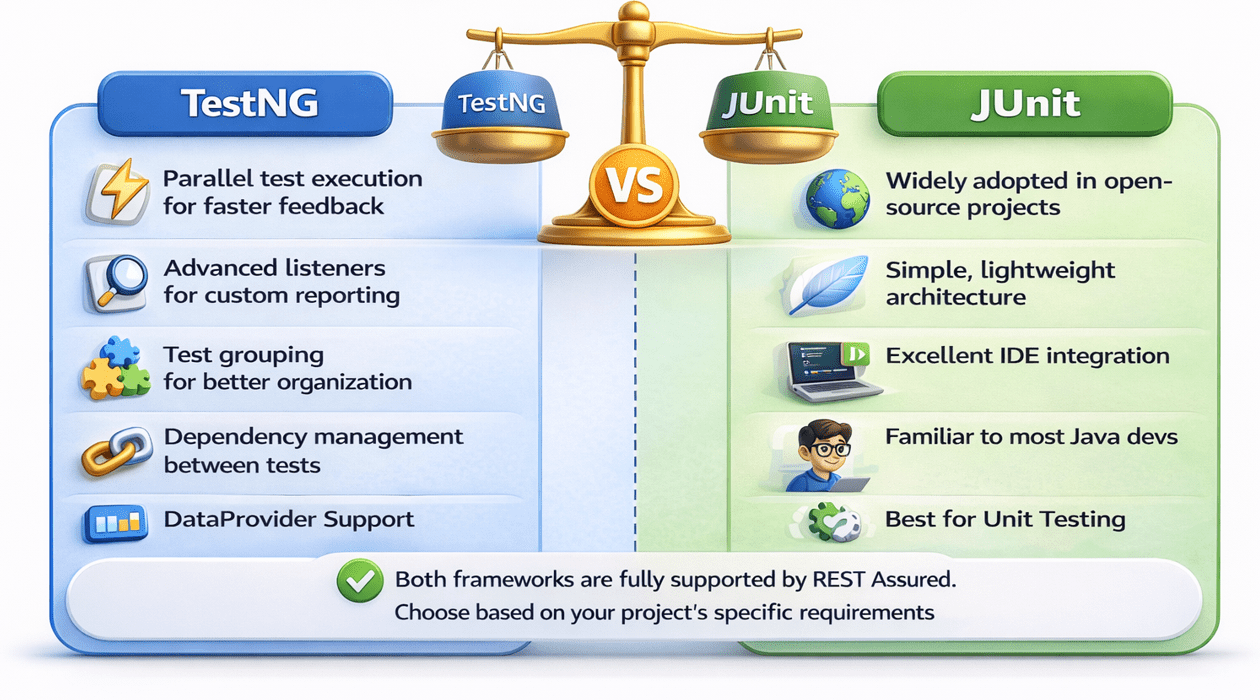
Choosing Between TestNG and JUnit
Recommended Project Structure
Contains actual test classes with API verifications.
Shared setup and configuration classes.
Recommended Project Structure
Helper classes for JSON parsing and token generation.
Best Practices for Setup
Base Configuration
public class BaseClass {

    private URI uri;
    private HttpHeaders headers;

    public void setUri(URI uri) {
        this.uri = uri;
    }

    public void setHeaders(HttpHeaders headers) {
        this.headers = headers;
    }
}{{auth_token}}
Keep base URI and common headers in a shared base class. This centralizes common settings.
Best Practices for Setup
Environment Properties
# API testing configuration
# Environment variables
# Base URL
# timeout = $TIMEOUT

base_url = ${BASE_URL}
api_key  = ${API_KEY}
timeout  = ${TIMEOUT}
Use properties files for environment-specific configs. Enables easy switching between test environments.
Best Practices for Setup
Modular Design
public class ModularTestSteps {

    WebDriver driver = new ChromeDriver();

    public void test() {
        driver.get("https://example.com");
        assertThat(driver.getTitle(), equalTo("Example Domain"));
    }
}
Create reusable test components. Use Hamcrest for readable assertions.
Summary
4
Manual testing is useful for quick checks,automation suits large-scale testing
3
Tools like Rest Assured simplify and enhance API test automation
2
API Automation ensures faster and reliable testing
1
API testing validates system communication and data accuracy
Quiz
Which of the following is a benefit of API automation?
A. Slower execution
B. Requires more manual effort
C. Faster and repeatable testing
D. Only used for UI testing
Quiz-Answer
Which of the following is a benefit of API automation?
A. Slower execution
B. Requires more manual effort
D. Only used for UI testing
C. Faster and repeatable testing
By Content ITV