Unlocking Table and Form Secrets in HTML


The Art Of Designing A Form
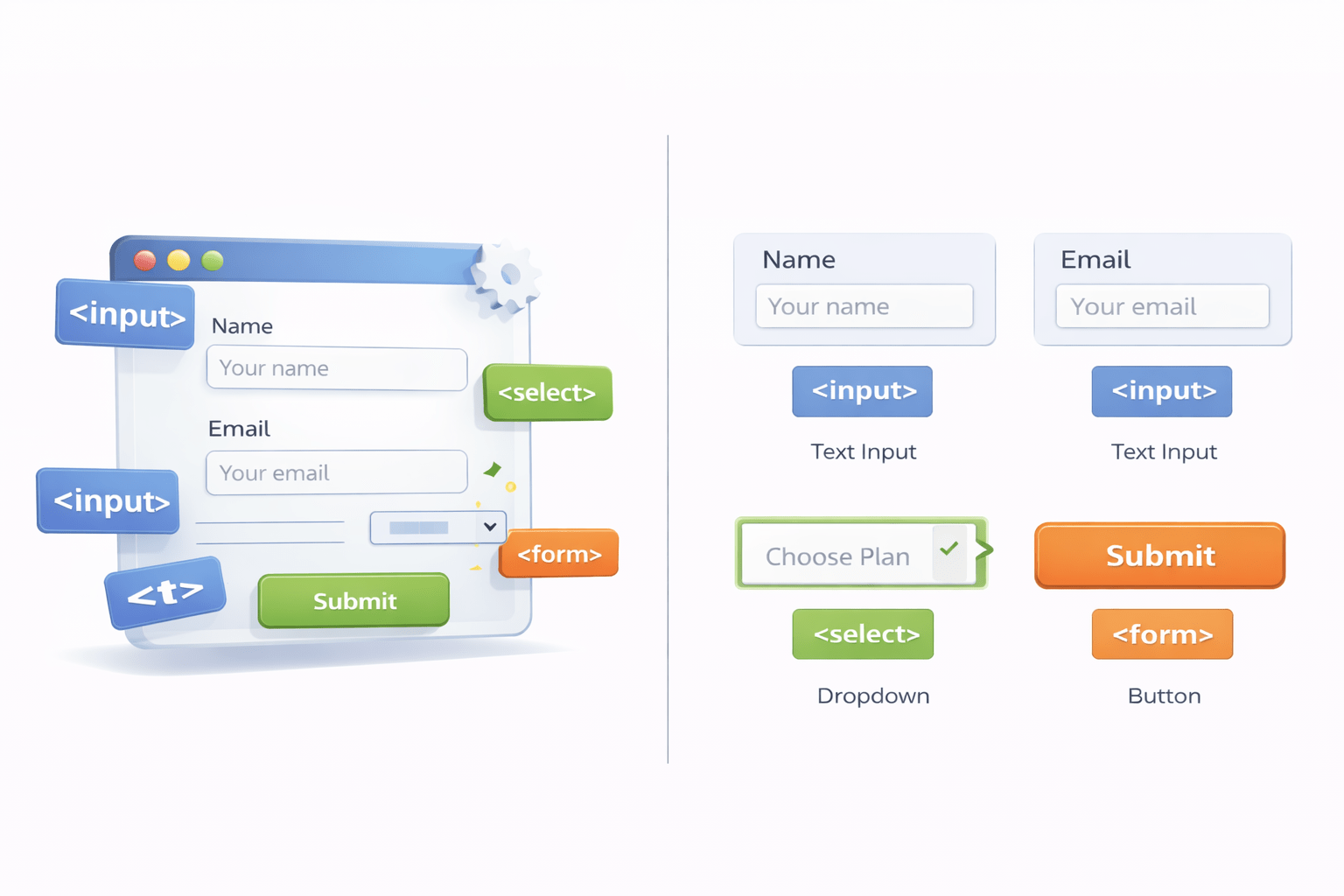

As A Student You Must Have Come Across Filling Forms Online

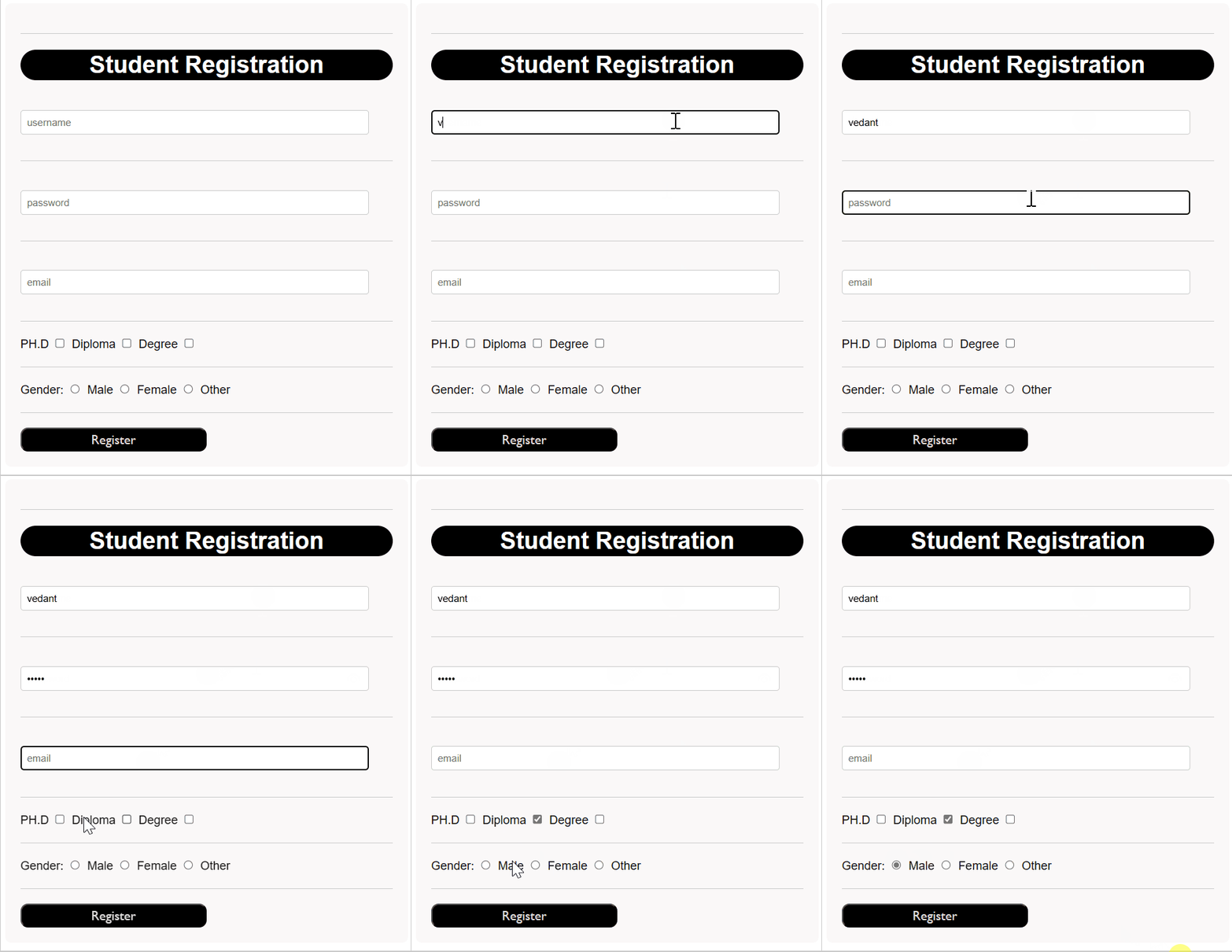
Similarly We Are Going To Create A Student Registration Form

Creating A Form In HTML
To create a form in HTML, you use the <form> tag
<form>
</form>
Its like a container having various form elements

But What Exactly Is A Form?
A form is an HTML document that allows to take data from users and submit it to a server for processing
Data taken can be in the form of:


User information

Credentials

Surveys

Reviews

Online quizes

File uploads
Which HTML Element Allow Users To Enter Data Into A Web Form?
The <input> element allows users to enter data into a web form using 'type' attribute
Input field defined using <input>
Input field defined using <input>
What Is 'type' Attribute?
The 'type' attribute specifies the role of the input field
Some common input fields are:
<input type="text" >

<input type="password" >

<input type="email" >

<input type="checkbox" >

<input type="radio" >
Vedant
********
Vedant98@mail.com


Attributes For The Input Field
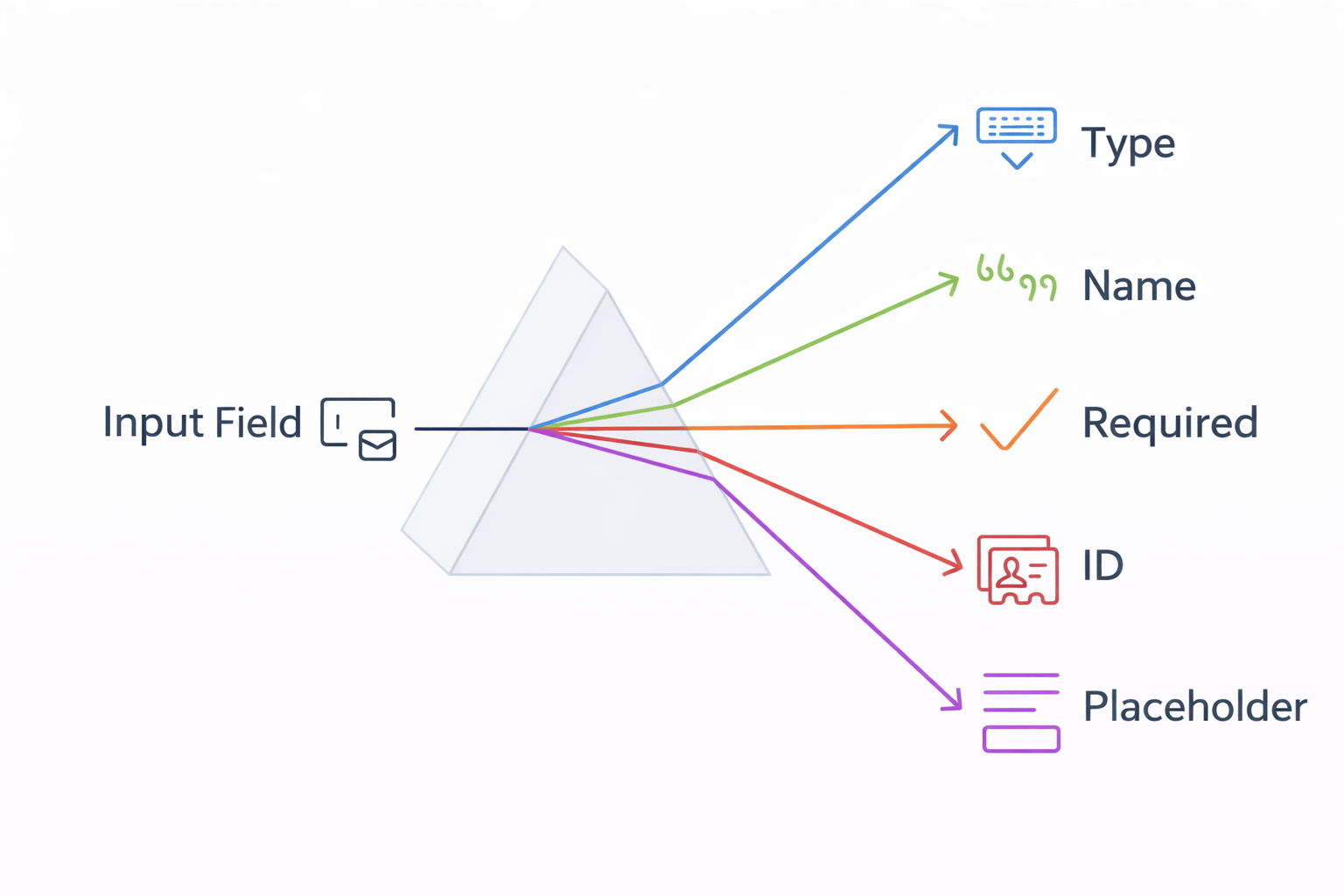
What If You Have Multiple Input Fields On A Form?
Naming them becomes necessary by using the "name" attribute
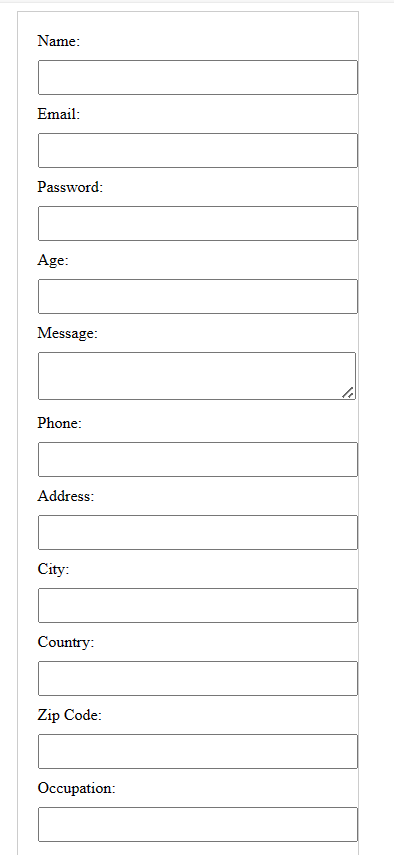
Each name given to the input field acts like a unique identifier & can be used for referencing to databases
<input type="text" 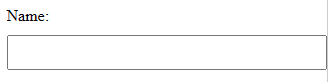
uname
Vedant
name="uname">How Do We Ensure Users Fill Out All Necessary Details Forms?

By using the 'required' attribute in HTML forms
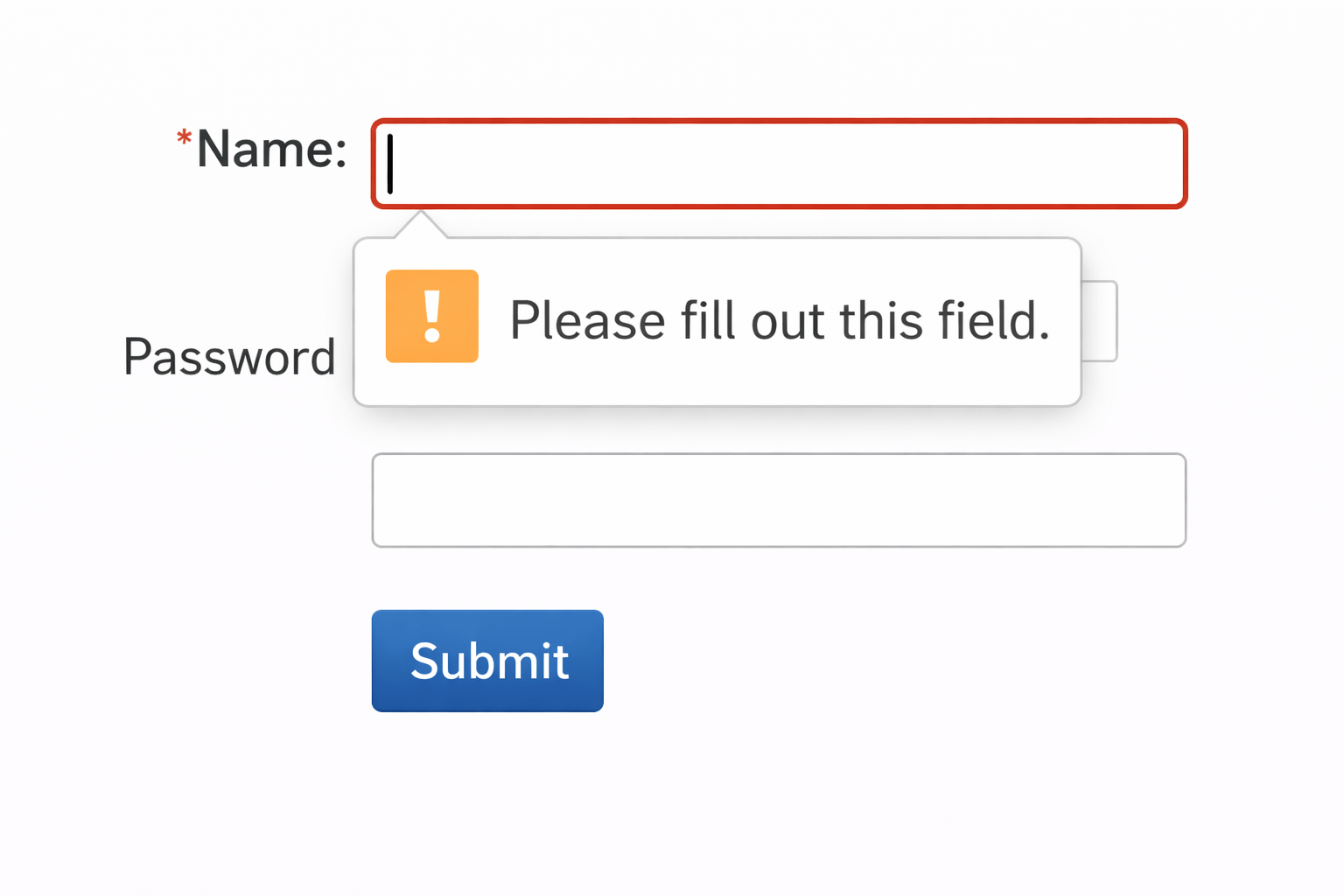
Which Attribute Can Add A Helpful Touch For Users When Filling Forms?
HTML provides hints to users through the 'placeholder' attribute
<input type="Email" 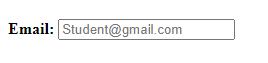
placeholder="Student@gmail.com">Student@gmail.com
This helps users know what information to put
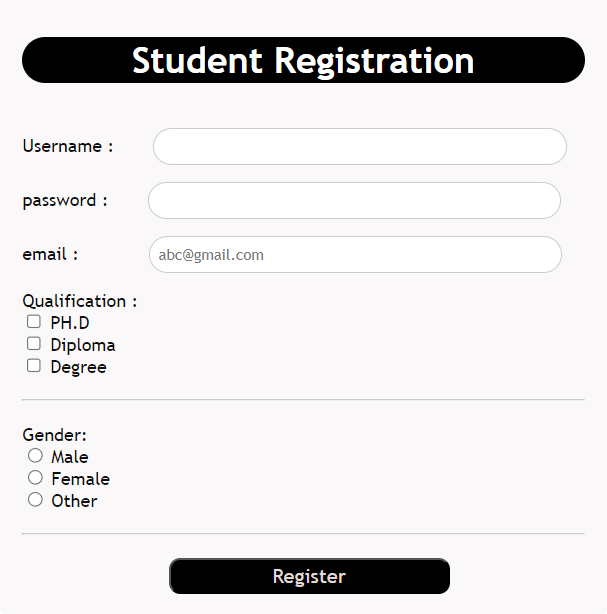
Let's See It On Our Student Registration Form
Let's Uncover Other Essentials Elements Of A Form

What Is <label> Tag?
<label> tag provides a text description for form elements
username:
password:
email:
Qualification:
PH.D
Diploma
Degree
Student Registration
Gender:
Male
Female
Other
What's The Final Step After Completing A Form?
You click "Submit"

How Submit Works?How Submit Works?
By adding a submit button inside the form which triggers submission of the form

Button
Click
Submit
Reset



<button type="submit"></button>