















Content ITV PRO
This is Itvedant Content department
EC2 Mastery: Fundamentals to Pricing
Learning Outcome
5
Choose cost-effective deployment options
4
Explain Auto Scaling Group capacity settings
3
Compare EC2 pricing models
2
Identify types & instance families
1
Understand what Amazon EC2 is
Earlier, we learned that
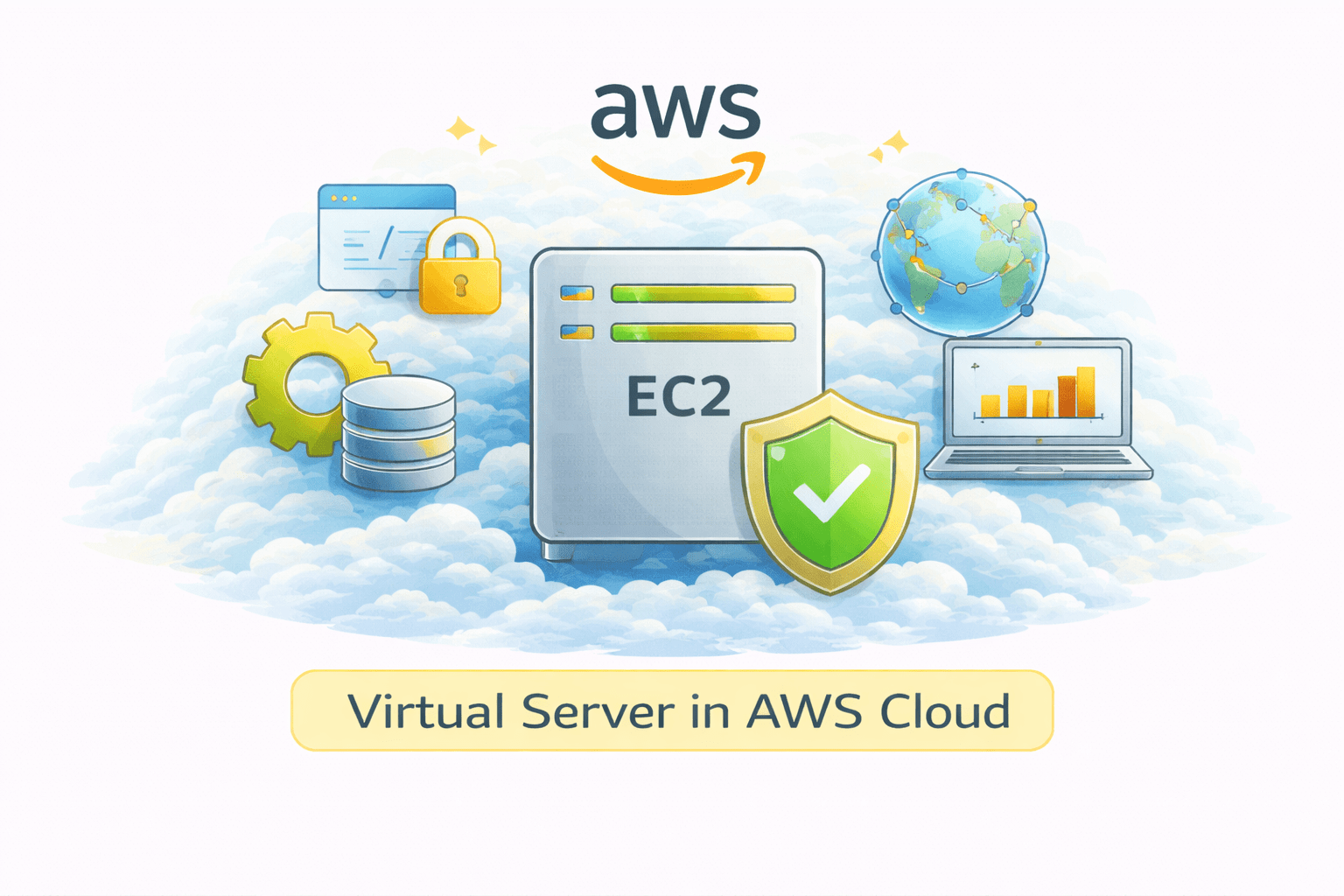
Introduction to Amazon EC2
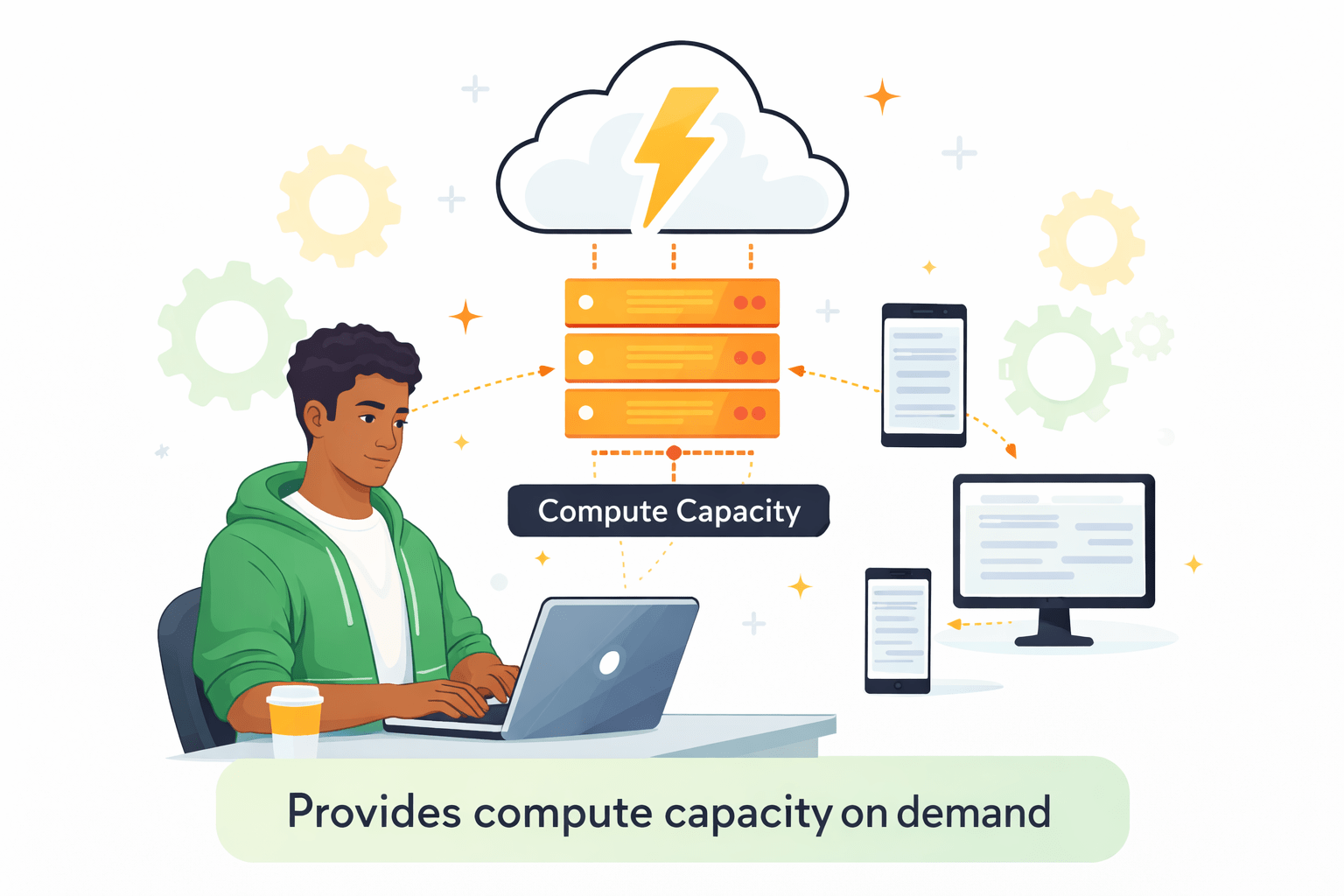
Virtual server in AWS cloud
Provides compute capacity on demand
Supports scaling, security
General Purpose
Compute Optimized
Memory Optimized
Storage Optimized
Accelerated Computing
Instance Families
Explain families like
T / M → Balanced
C → Compute heavy
R / X → Memory heavy
I / D → Storage heavy
P / G → GPU workloads
EC2 Pricing Models Overview
Reserved Instances (RI)
Up to 70% discount
Commitment: 1-year or 3-year
Best for steady workloads
Spot Instances
Up to 90% discount
Uses unused AWS capacity
Can lose instance anytime
Interruption notification (2-minute warning)
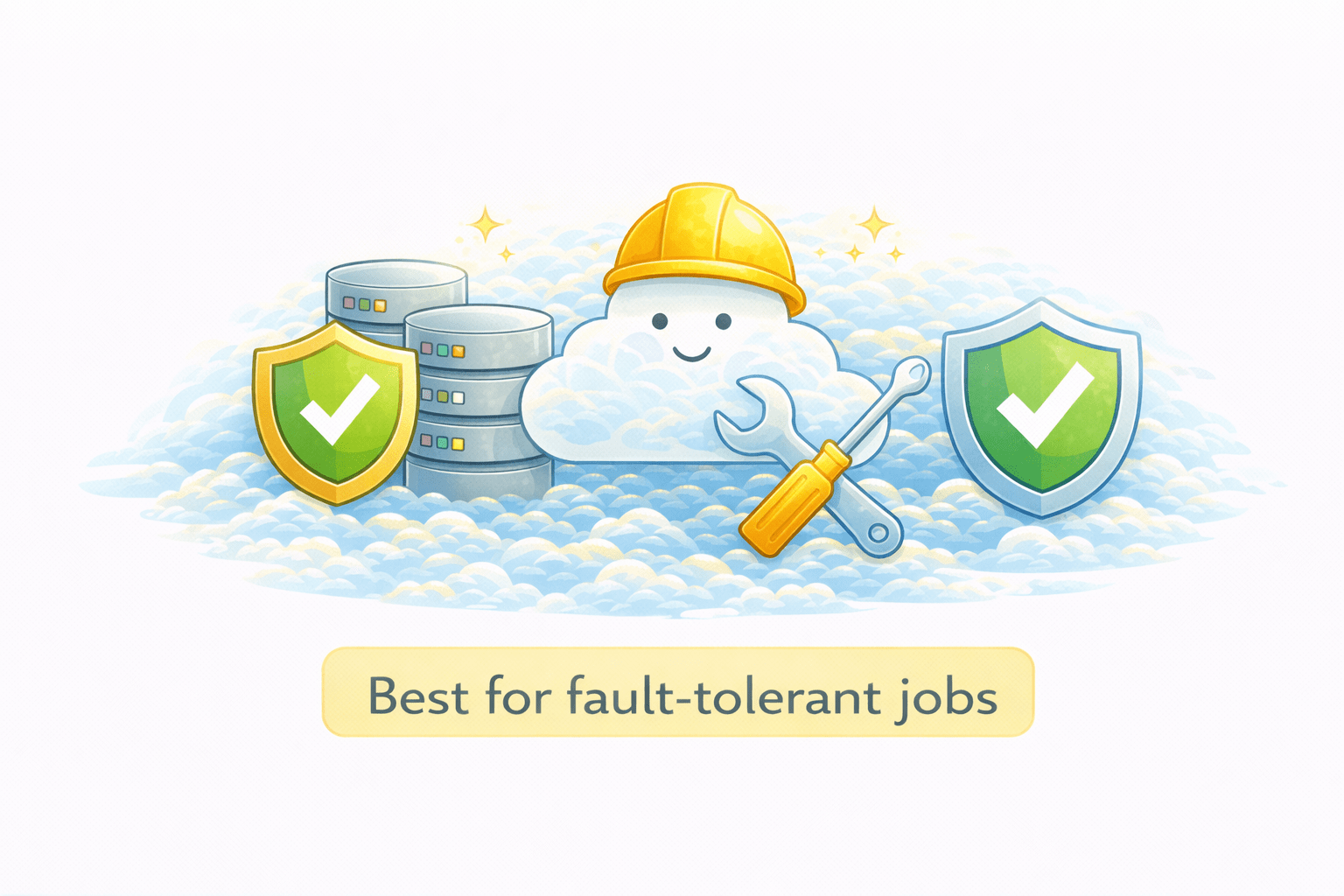
Best for fault-tolerant jobs
Dedicated Instances
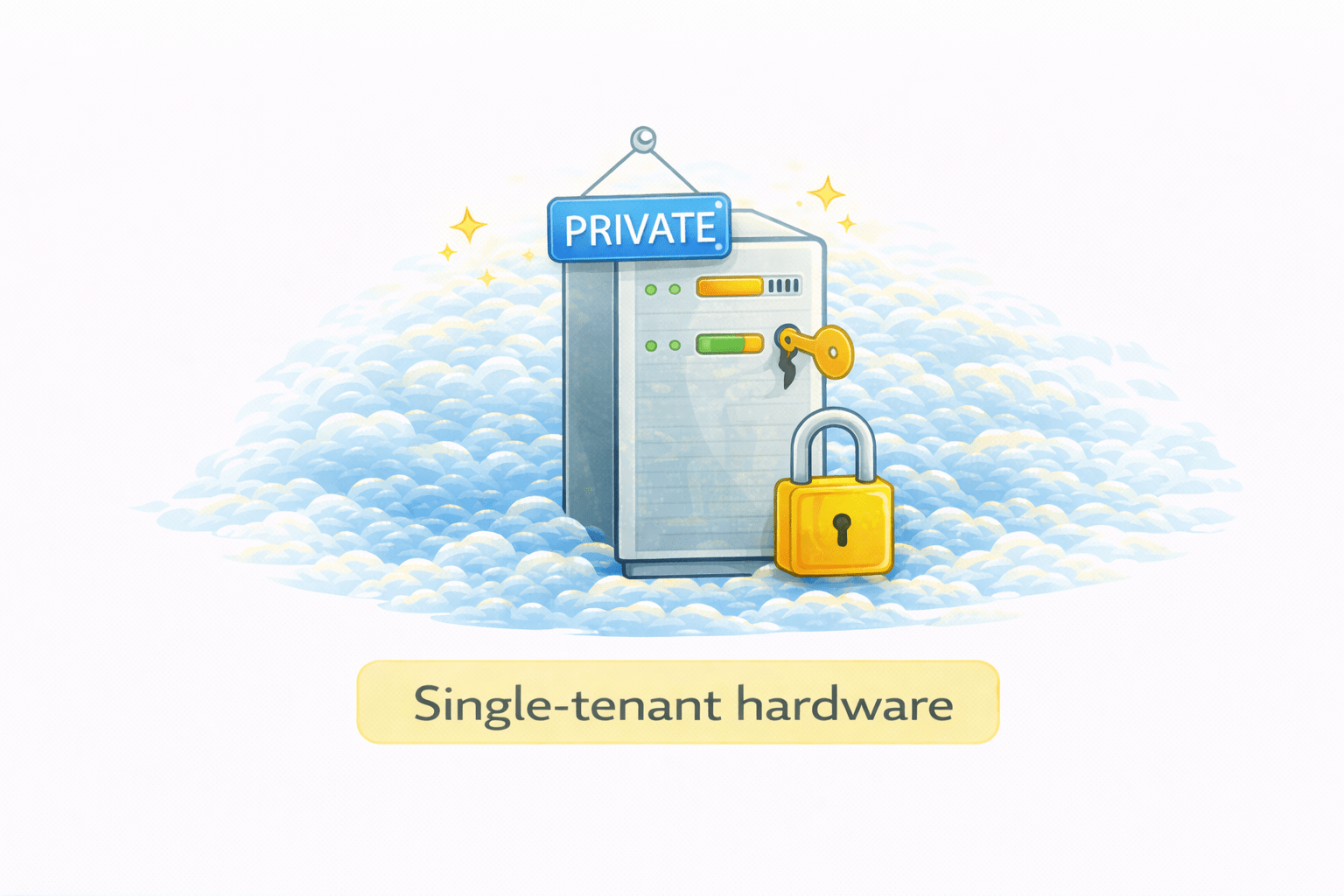
Single-tenant hardware
Used for compliance & licensing
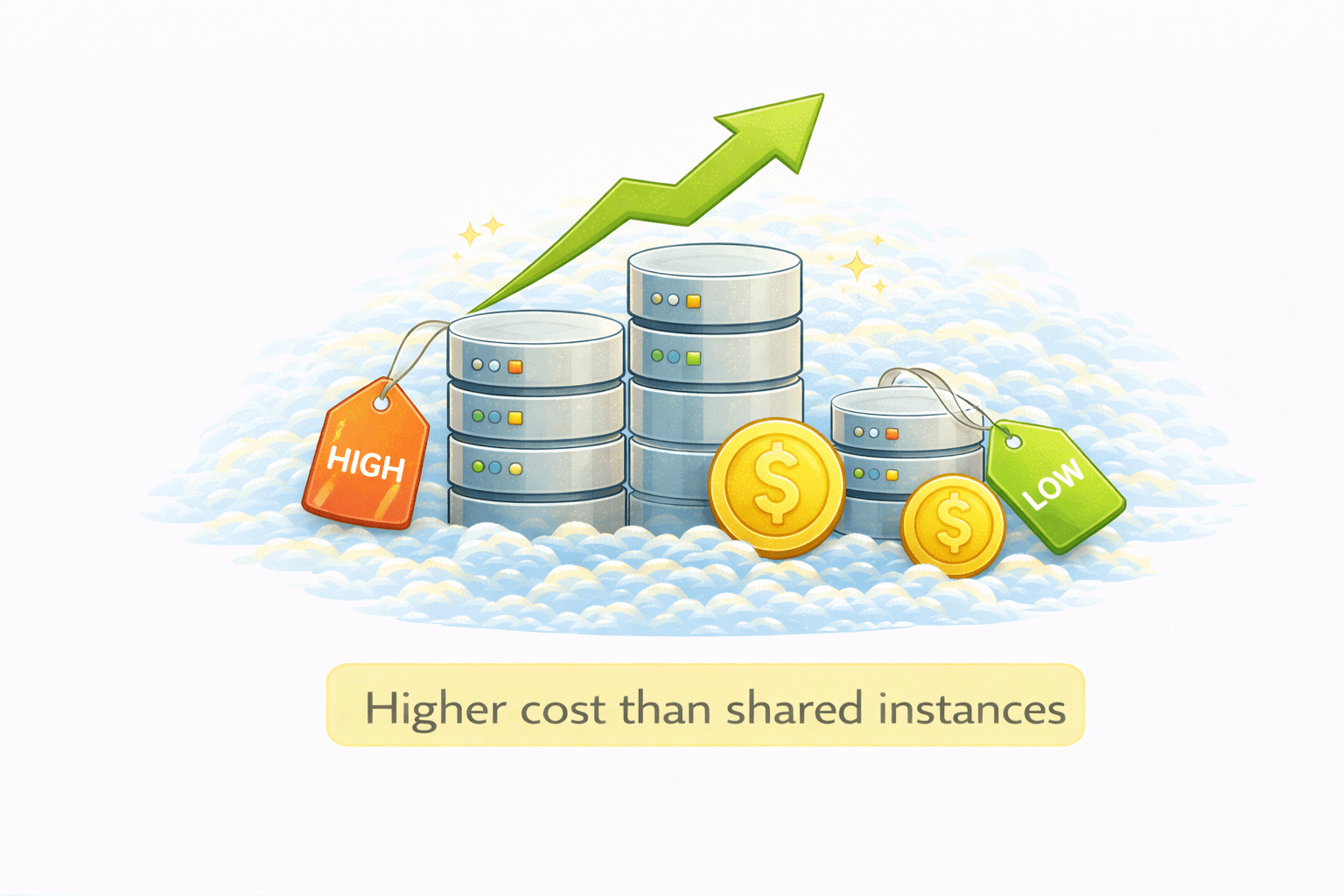
Higher cost than shared instances
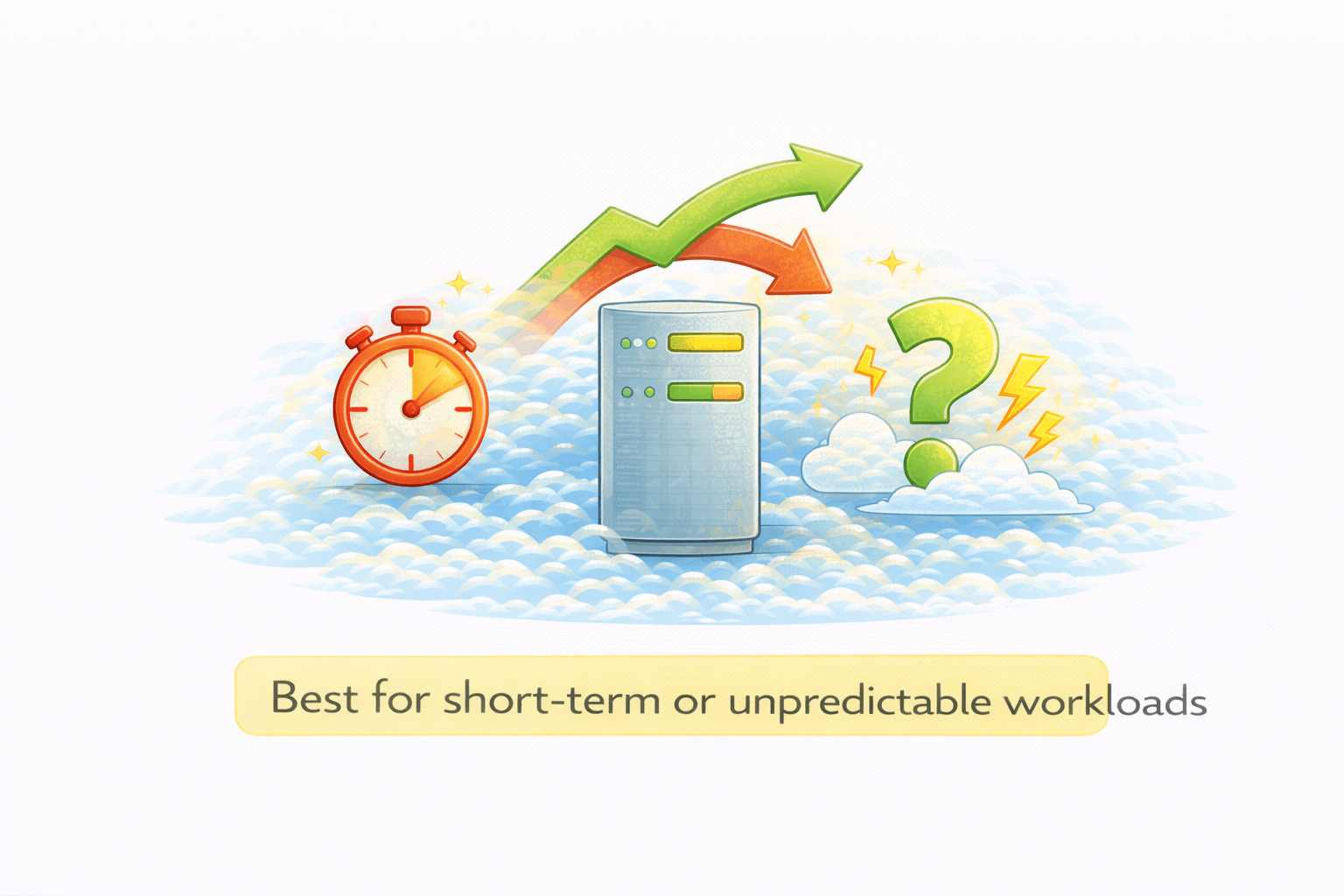
On Demand Instances
Pay-as-you-go pricing
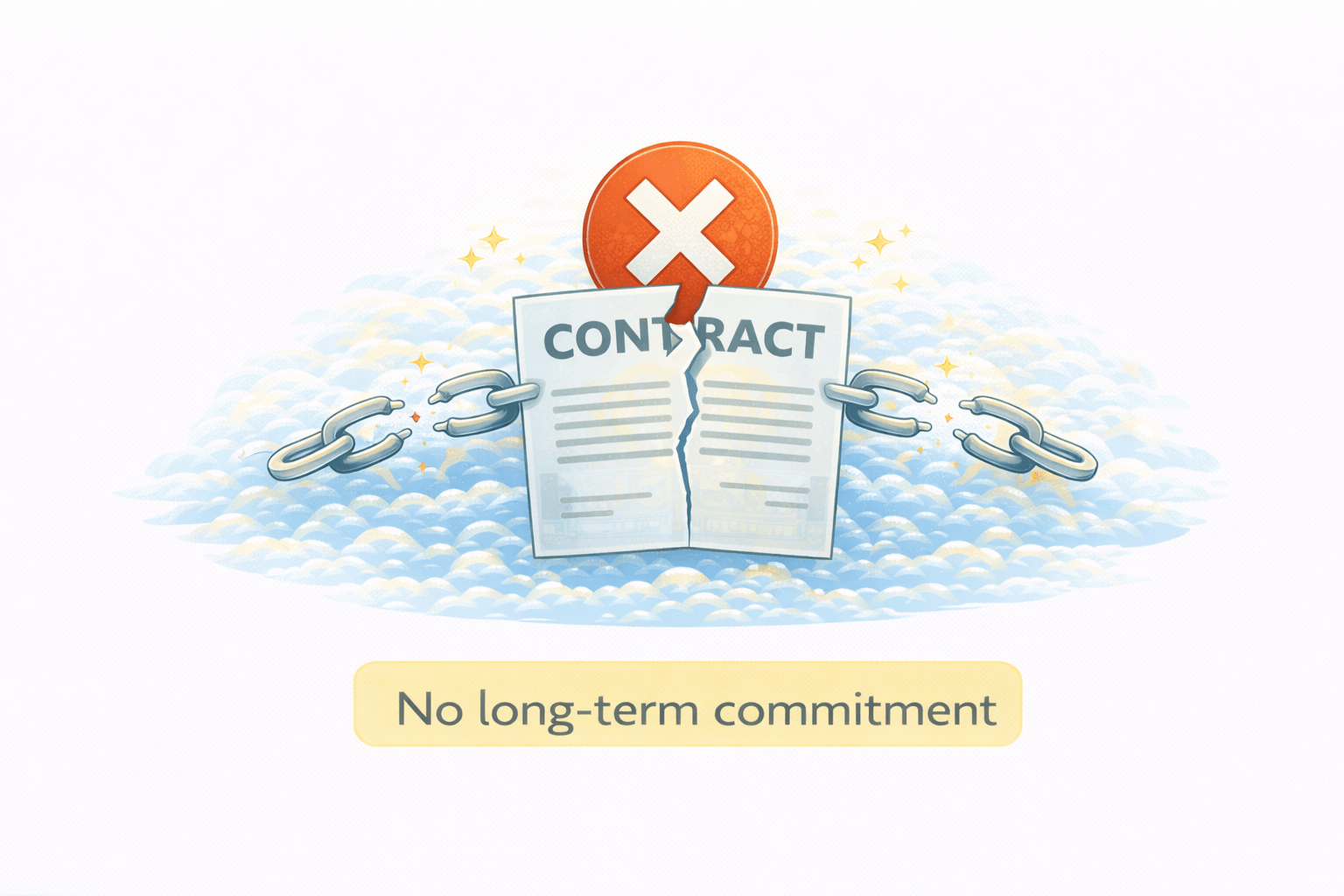
No long-term commitment
Best for short-term or unpredictable workloads
4
RI → commitment savings Spot → cheap but interruptible
3
Pricing models balance cost vs reliability
2
Multiple instance types & families
1
C2 provides scalable virtual servers
Quiz
Which EC2 instance type is best for balanced workloads?
A. Compute Optimized
B. T Memory Optimized
C. General Purpose
D.Storage Optimized
Quiz-Answer
Which EC2 instance type is best for balanced workloads?
A. Compute Optimized
B. T Memory Optimized
C. General Purpose
D.Storage Optimized
By Content ITV