





























Content ITV PRO
This is Itvedant Content department
Learning Outcome
4
Understand project structure for automation frameworks
3
Configure build tools such as Maven or Gradle
2
Set up an IDE like Eclipse IDE or IntelliJ IDEA
1
Install and configure Java (JDK) for automation
5
Understand project structure for automation frameworks
Prerequisite
Basics of web browsers and how they interact with Selenium WebDriver
Basic knowledge of Java and object-oriented concepts
Installation and setup of JDK (Java Development Kit)
Familiarity with IDEs like Eclipse IDE or IntelliJ IDEA
Understanding of build tools like Maven
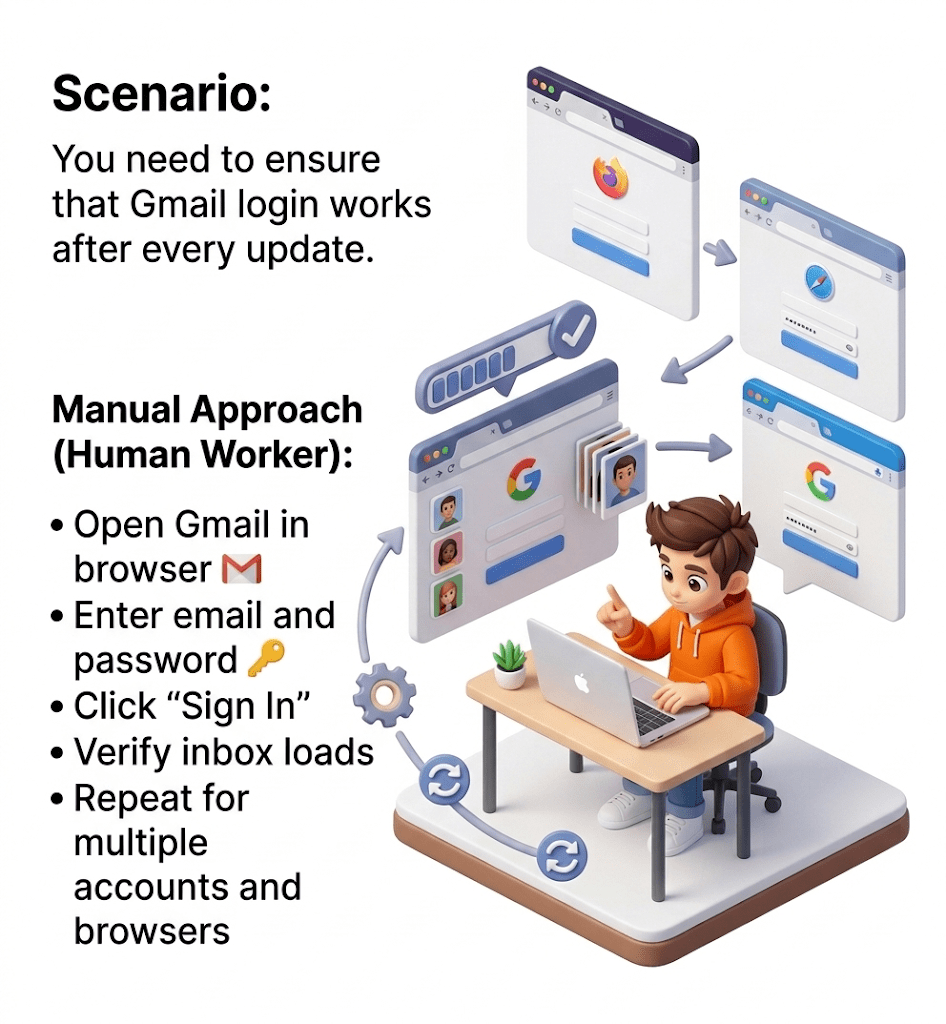
Human errors possible
Challenges:
Time-consuming
Repetitive work
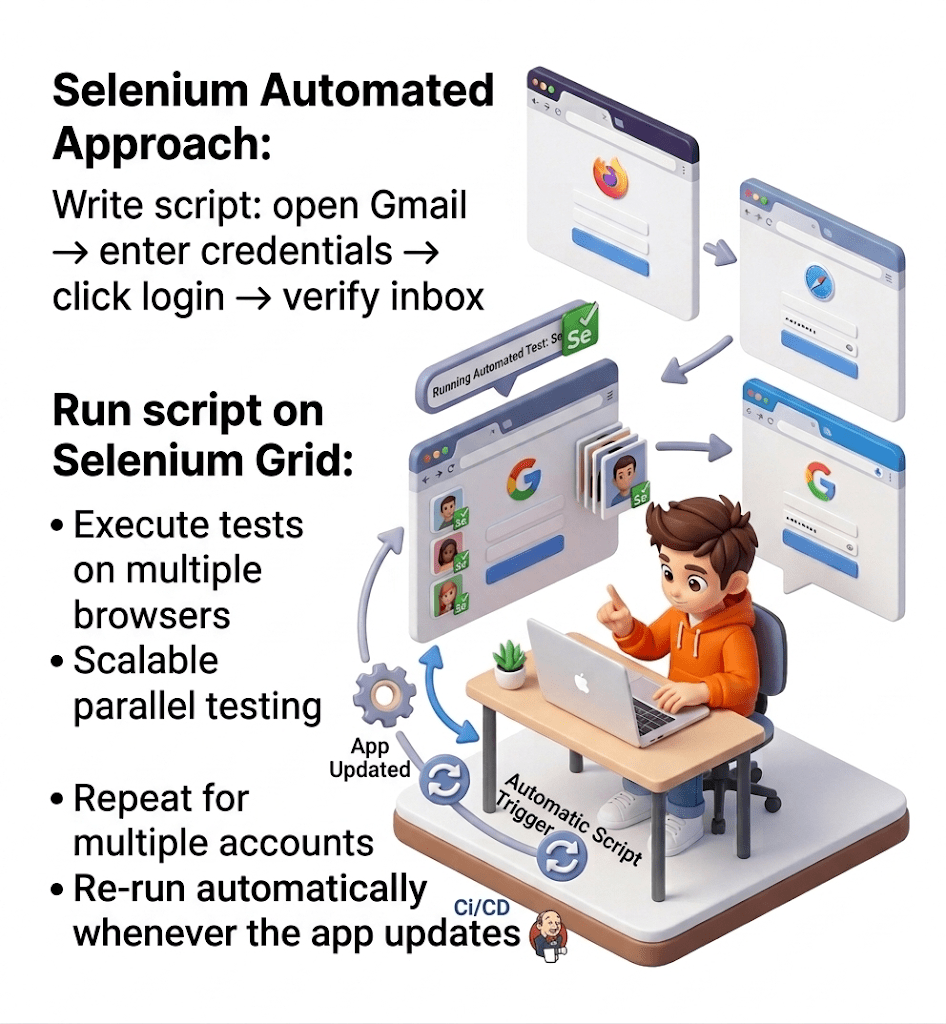
Open Gmail → enter credentials → click login → verify inbox
Automation Approach with Selenium (Robot Tester):
Write Selenium script:
Run script on multiple browsers using Selenium Grid
Re-run automatically whenever the app updates
Faster testing
Consistent and accurate results
Tester can focus on more complex tasks like usability or exploratory testing
Outcome:
Why Automation Testing?
Reduces human errors in repetitive testing.
Ensures web apps work on different browsers and devices
Integrates with CI/CD pipelines for faster release cycles.
Saves effort and resources over multiple testing cycles.
Automates repetitive tasks, running tests much faster than humans.
Test scripts can be reused across multiple test cycles.
Handles hundreds or thousands of test cases easily.
Why Selenium?
Free and Open Source
No licensing costs, widely supported by the community.
Free and Open Source
Supports Multiple Browsers
Chrome, Firefox, Edge, Safari, etc.
Free and Open Source
Free and Open Source
Cross-Platform
Works on Windows, macOS, and Linux.
Supports Multiple Languages
Java, Python, C#, Ruby, JavaScript, etc.
Free and Open Source
Cross-Platform
Why Selenium?
Flexible & Extensible
Integrates with frameworks like TestNG, JUnit, and CI/CD tools.
Free and Open Source
Handles Dynamic Web Elements
Can interact with modern, dynamic web applications.
Free and Open Source
Free and Open Source
Selenium Suite Options
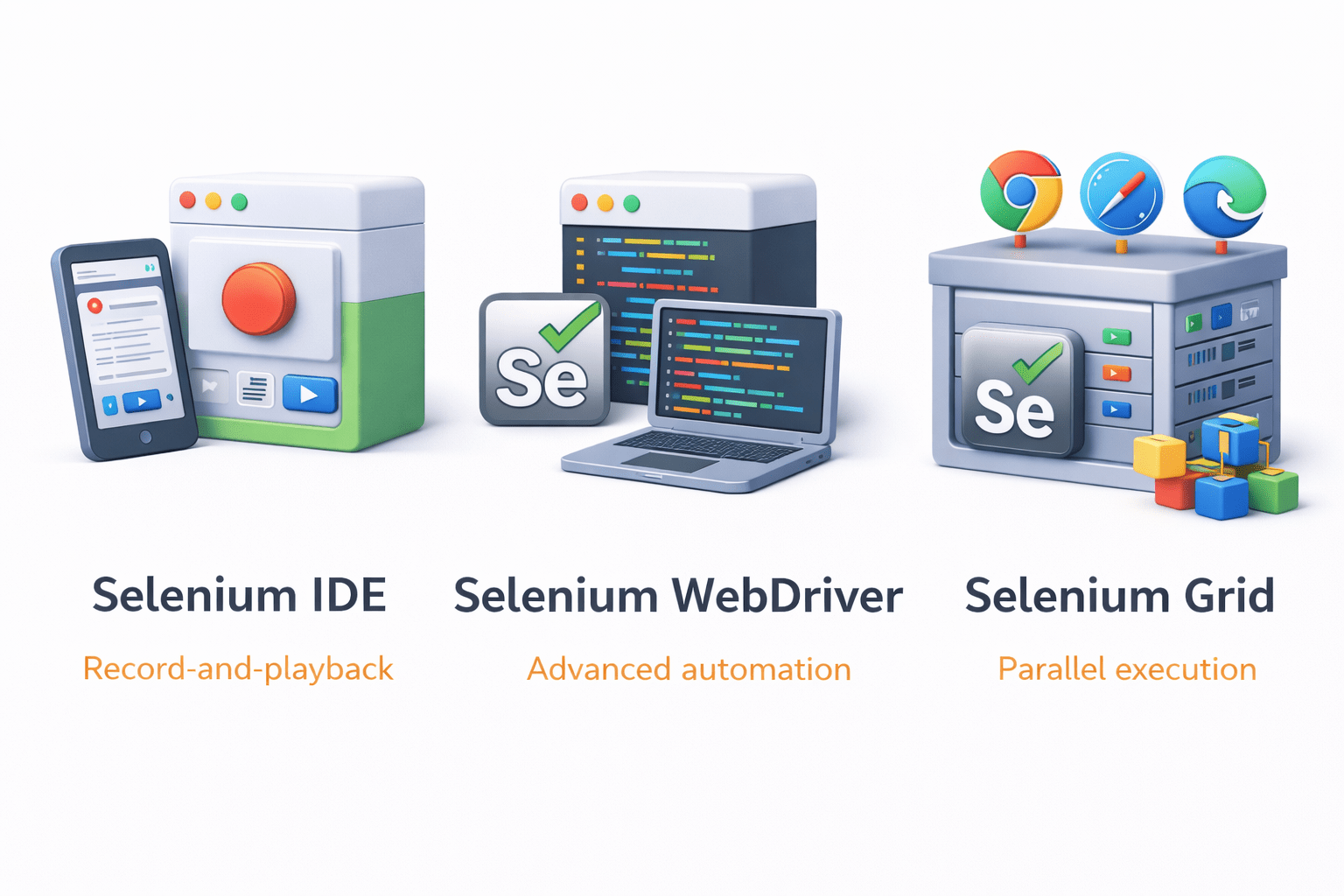
IDE for beginners, WebDriver for advanced automation, Grid for parallel execution.
Free and Open Source
Selenium
Selenium is a free, open-source automation tool used for testing web applications.
It allows testers to simulate user actions on web browsers like clicking, typing, and navigating automatically and accurately.
consists of three main components:
Selenium IDE (Integrated Development Environment)
A browser extension (mainly for Chrome/Firefox) used for recording and playing back tests.
Record user actions (clicks, typing, navigation)
Playback tests without coding
Export tests into programming languages (Java, Python, etc.)
Beginner-friendly
Key features:
Not suitable for complex logic or dynamic applications
Limited scalability and flexibility
Limitations:
Selenium WebDriver
A programming interface (API) that allows you to write code to control browsers.
Supports multiple languages (Java, Python, C#, JavaScript, etc.)
Interacts with browsers at a low level (real user simulation)
Supports advanced operations (loops, conditions, frameworks)
Works with major browsers (Chrome, Firefox, Edge, Safari)
Key features:
Highly flexible and powerful
Industry standard for automation testing
Advantages:
Selenium Grid
A tool for running tests in parallel across multiple machines and browsers.
Executes tests on different systems (Windows, Linux, macOS)
Supports multiple browsers simultaneously
Parallel execution reduces test time
Uses a Hub–Node architecture
Key features:
Faster execution (parallel runs)
Better test coverage
Advantages:
Hub: Central server that distributes tests
Nodes: Machines where tests actually run
Summary
4
Successfully running a basic test confirms setup
3
Organized project structure supports maintainability
2
Selenium WebDriver and browser drivers enable automation
1
Java, IDE, and build tools are prerequisites
Quiz
What is the main purpose of using Environments in Postman?
A.Create API request
B.Store variable values that may change across setups
C.Run automated UI tests
D.Design API documentation
What is the main purpose of using Environments in Postman?
A.Create API request
B.Store variable values that may change across setups
C.Run automated UI tests
D.Design API documentation
Quiz-Answer
By Content ITV