























Content ITV PRO
This is Itvedant Content department
Use this slide if there is no Heading
Note - Create Content inside Red Layout
[Delete Red Outline After creating slide]
Learning Outcome
3
Design test cases using ECP
2
Identify valid and invalid equivalence classes
1
Understand Equivalence Class Partitioning
Topic Name-Recall(Slide3)
Black box testing focuses on input and output
Equivalence Class Partitioning is one black box technique
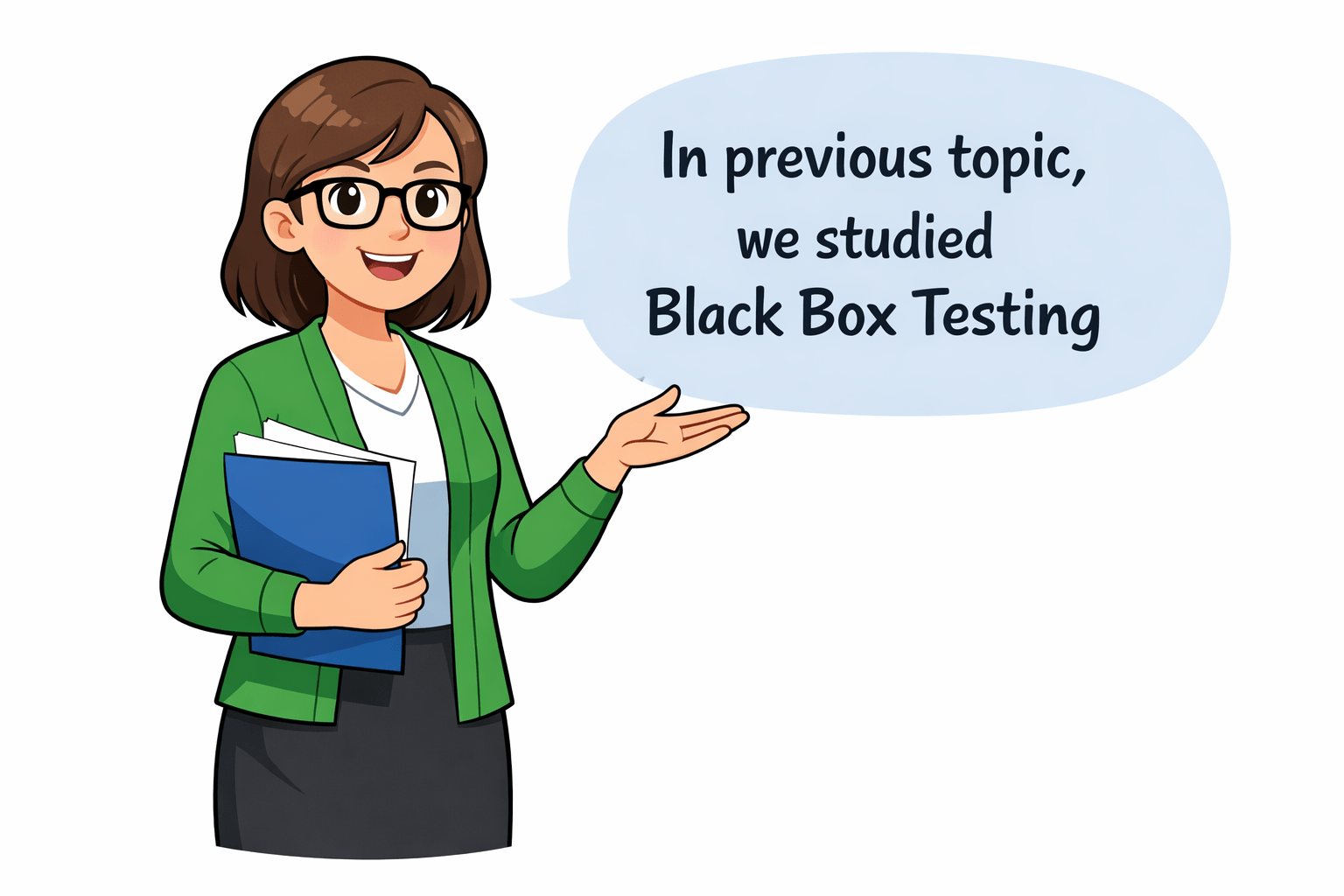
In previous topic, we studied Black Box Testing
Hook/Story/Analogy(Slide 4)
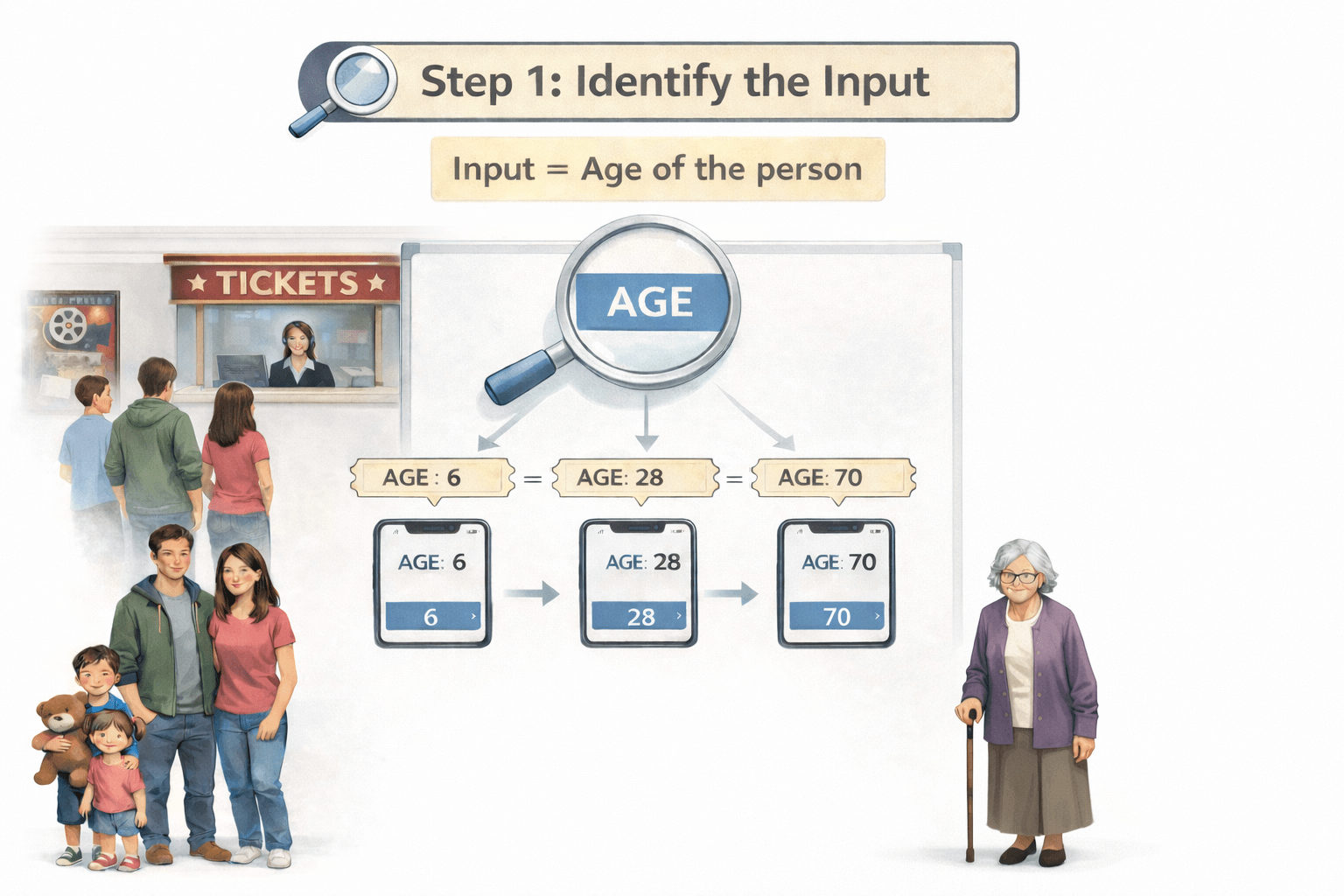
A movie theatre sells tickets based on age:
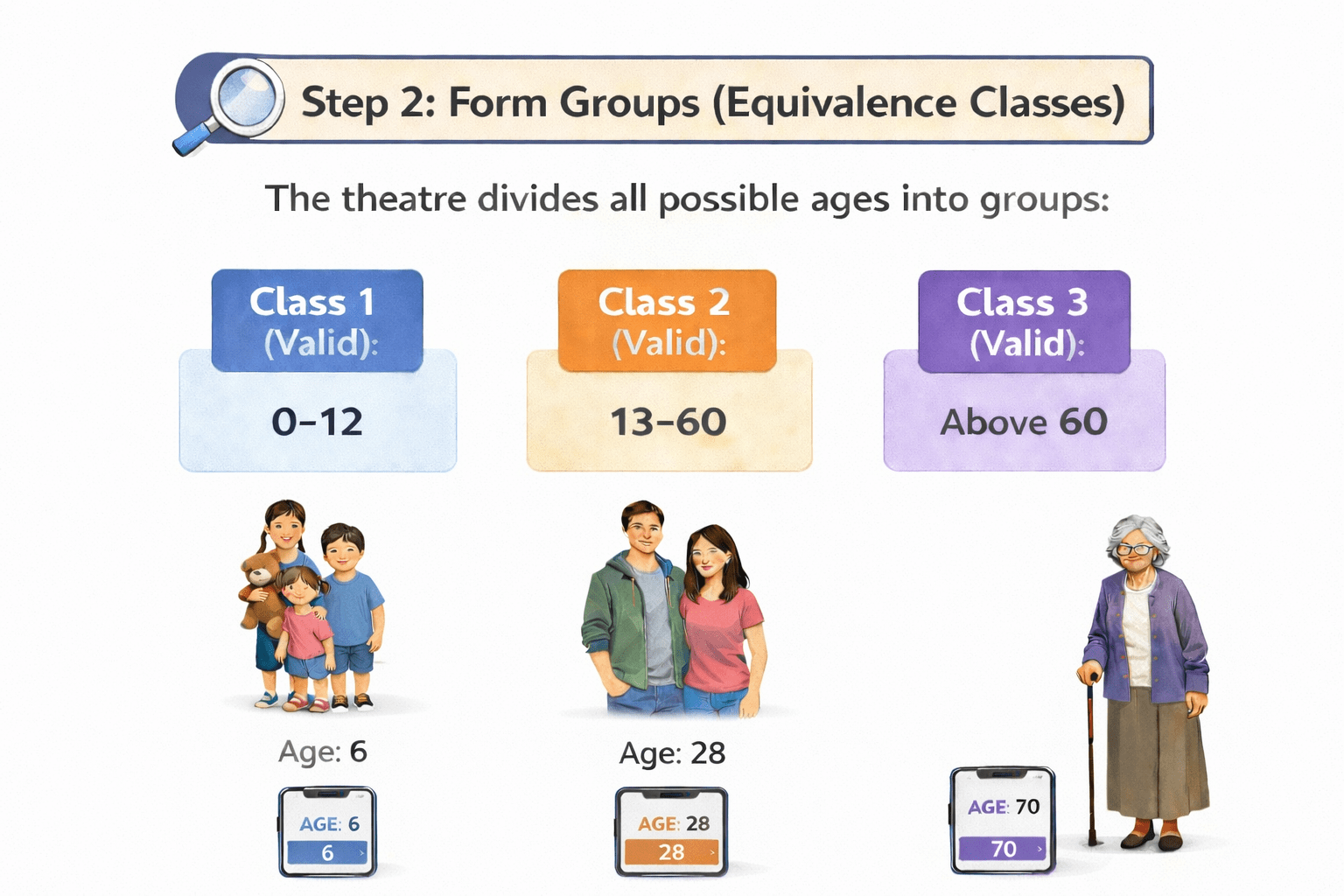
Children: 0–12 years
Seniors: Above 60 years
Adults: 13–60 years
The ticket price is the same within each group
Step 1: Identify the Input
Just like in software testing, age is the input value
Step 2: Form Groups (Equivalence Classes)
The theatre divides all possible ages into groups:
Each group is an equivalence class because:
Everyone in that group is treated the same
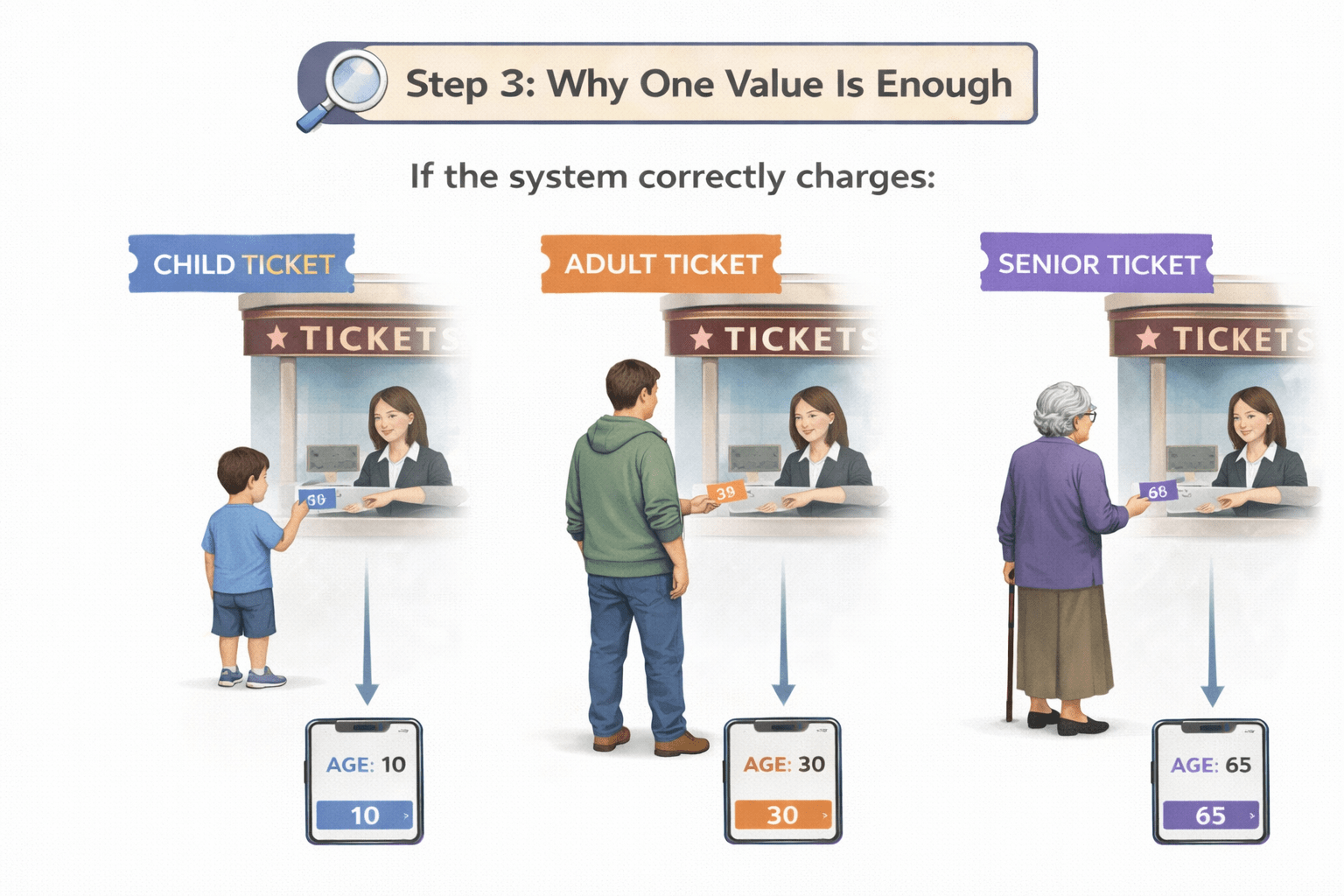
Step 3: Why One Value Is Enough
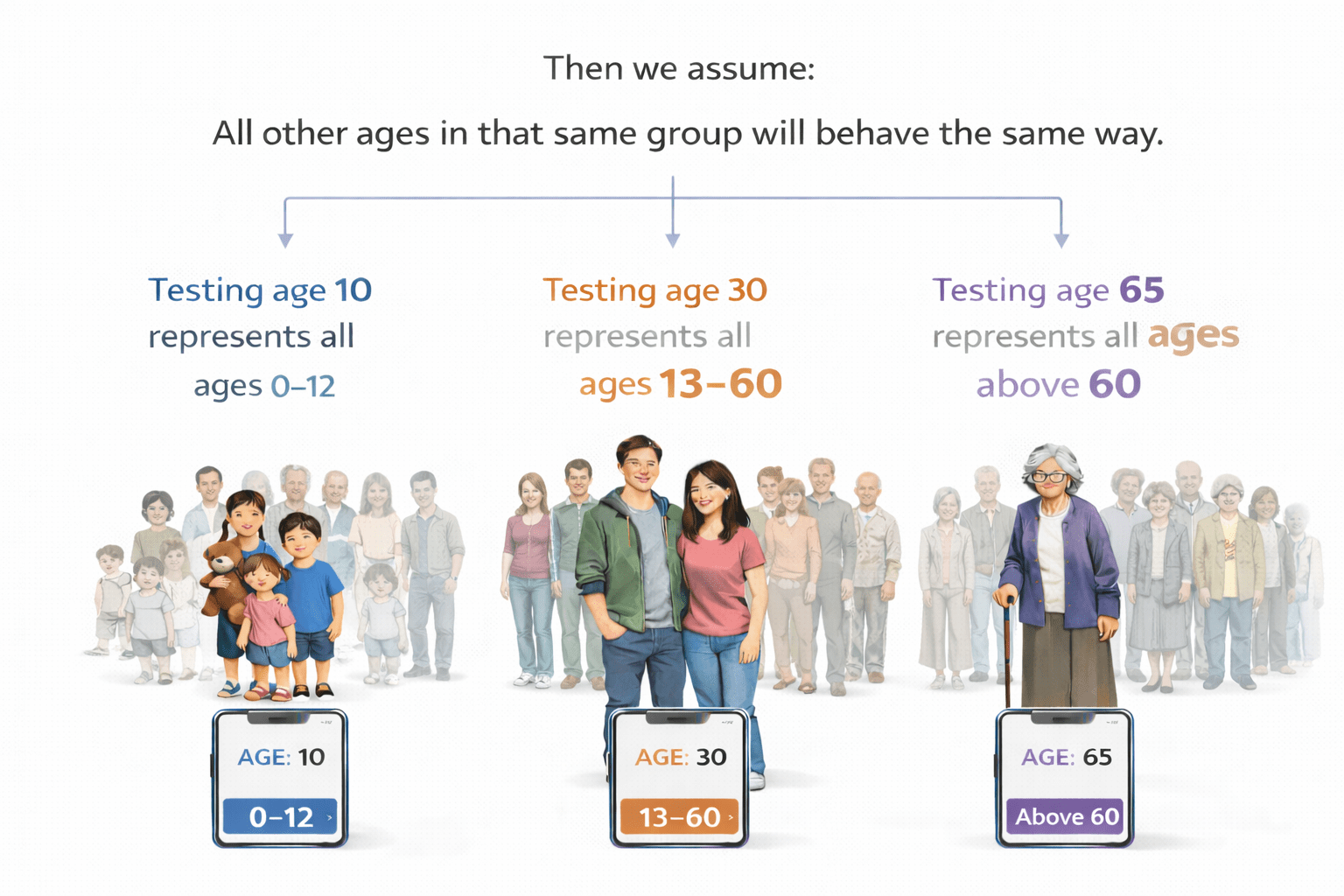
If the system correctly charges:
Age = 10 → Child ticket
Age = 30 → Adult ticket
Age = 65 → Senior ticket
Then we assume:
All other ages in that same group will behave the same way
So:
Testing age 10 represents all ages 0–12
Testing age 30 represents all ages 13–60
Transition from Analogy to Technical Concept(Slide 5)
Transition from Analogy to Technical Concept(Slide 5)
Why Black Box Techniques?
Source code knowledge is not required
Used during system and acceptance testing
Focuses on user requirements
Easy to apply in manual testing
Introduction to ECP
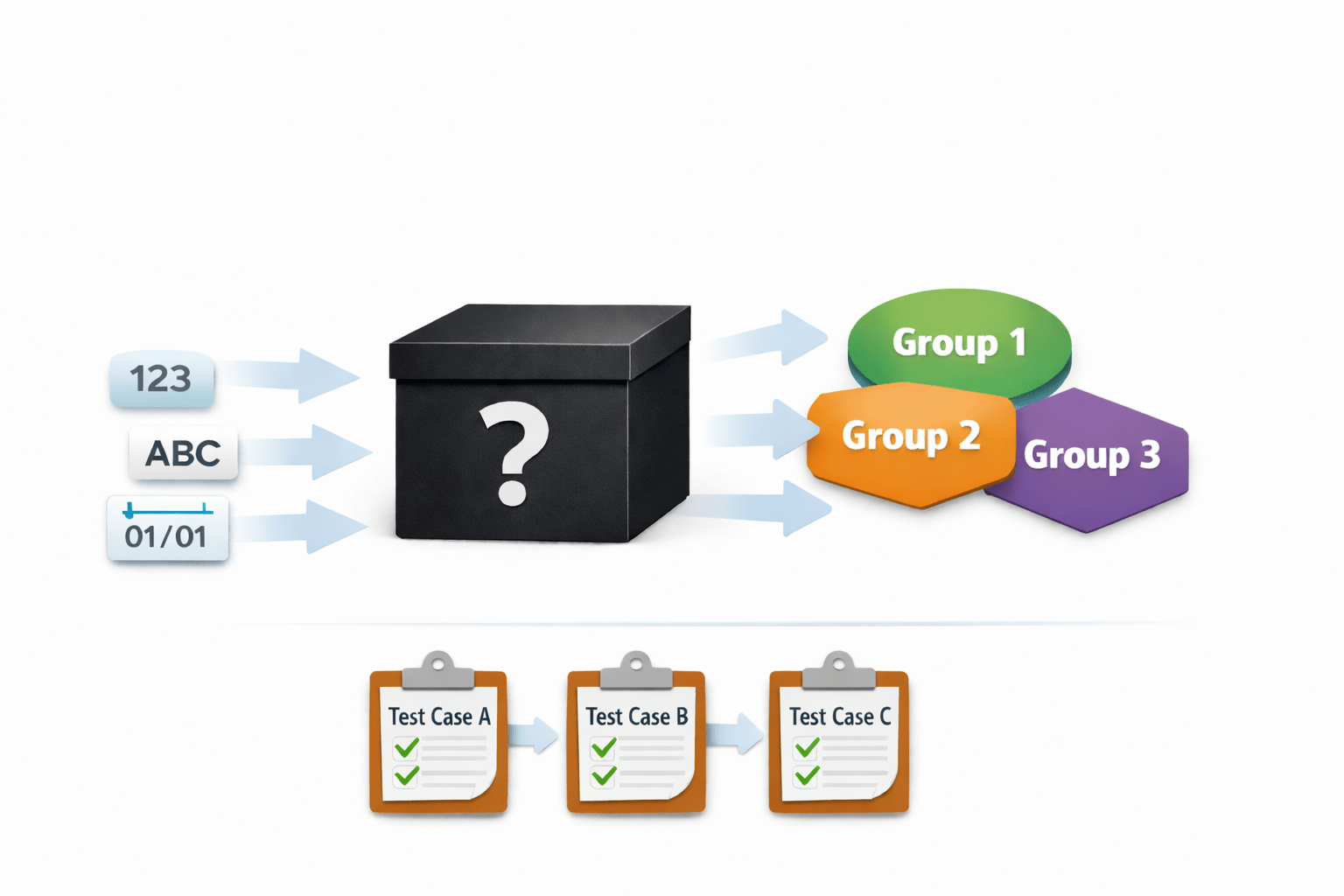
It divides input data into groups
Equivalence Class Partitioning is a Black Box Testing technique
Each group is treated as equivalent
Output
Input
Valid Equivalence class
Types of Equivalence Classes
Invalid Equivalence class
An equivalence class is a set of input values
One test case represents the entire class
System behaves the same for all values in the class
What is
Equivalence Class?
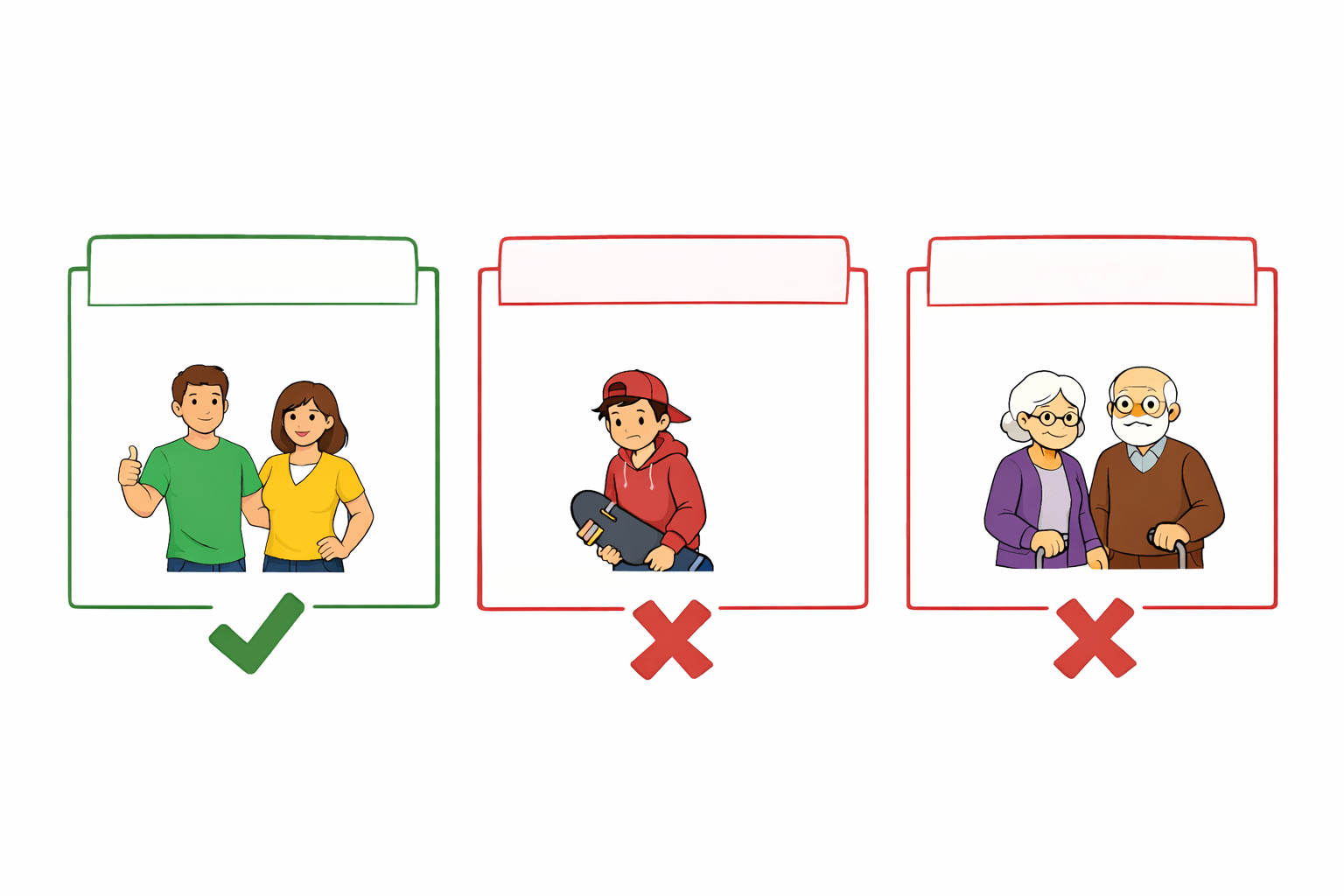
Valid Equivalence Class
Contains correct and acceptable input values
System should accept these values
Produces expected output
Invalid Equivalence Class
Contains incorrect or unacceptable input values
System should reject these values
Error message should be displayed
Steps to Apply ECP
1
4
3
2
Identify input conditions
Select one value from each class
Classify them as valid or invalid
Divide inputs into equivalence classes
Example
Condition:
Age must be between 18 and 60
Less than 18
18 to 60
Greater than 60
Valid Class
Invalid Class
Invalid Class
Test Case 1
Test Case 2
Test Case 3
Test Case Design Using ECP
Age = 15 → Rejected
Age = 65 → Rejected
Age = 25 → Accepted
Advantages and Limitations of ECP
Not suitable for complex logic
Advantages
Limitations
Summary
3
Ensures good coverage with fewer test cases
2
Helps in efficient manual testing
1
ECP is an important black box testing technique
Quiz
The main purpose of Equivalence Class Partitioning is to:
A. Increase number of test cases
B. Reduce test execution time
C. Reduce number of test cases
D. Test internal code
Quiz
The main purpose of Equivalence Class Partitioning is to:
A. Increase number of test cases
B. Reduce test execution time
C. Reduce number of test cases
D. Test internal code
By Content ITV