Reporting & Logging


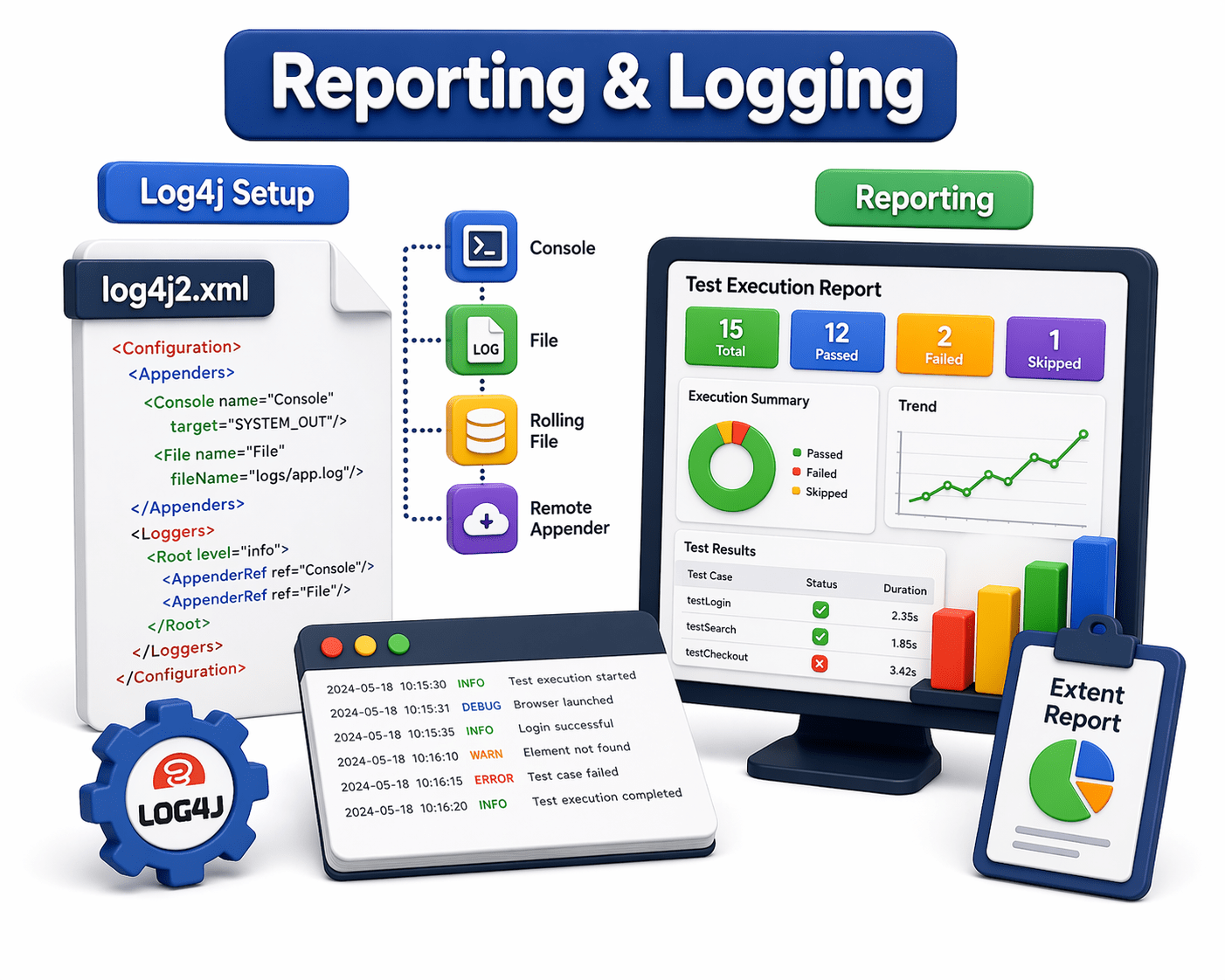
Log4j Setup

Learning Outcome
4
Integrate Log4j with Selenium tests
3
Use log levels (INFO, DEBUG, ERROR, WARN)
2
Configure Log4j in framework using properties/XML file
1
Understand purpose of Log4j in automation
5
Improve debugging and tracking of test execution
Recall


Basic Java programming (classes, objects, methods)
File handling in Java (reading configuration files)
Exception handling in Java and Selenium WebDriver basics (test execution flow)
Test automation framework structure (POM, TestNG/JUnit)
Configuration management (properties files, JSON)
Basic understanding of debugging and logging concepts
To learn Log4j Setup, revise the below concepts.

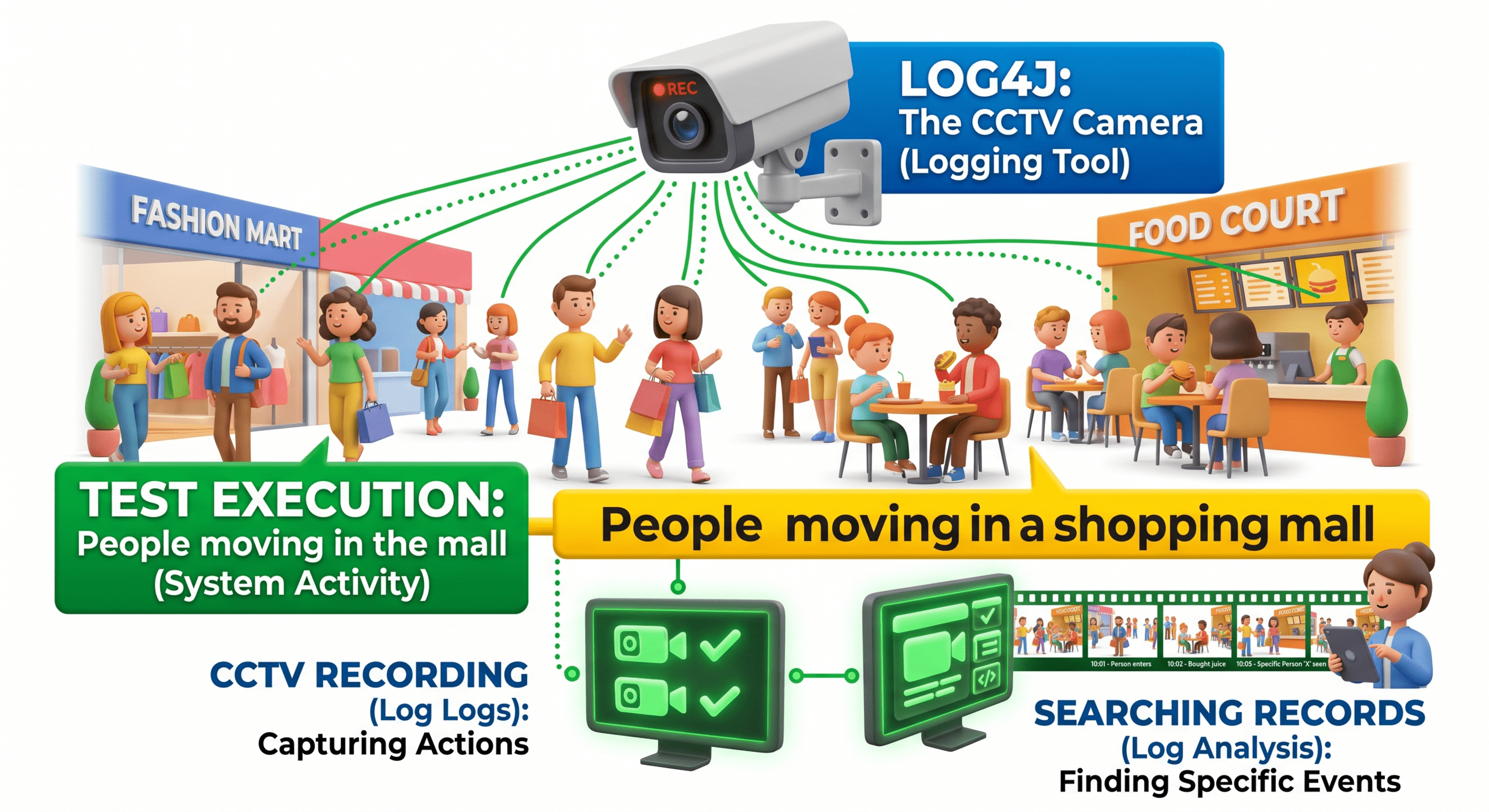
Think of Log4j like a CCTV camera in a shopping mall:

Why is Log4j used?

Log4j is used to record events during application or test execution
It helps in debugging by tracking step-by-step execution flow
It provides different log levels (INFO, DEBUG, WARN, ERROR) to control logging detail
It helps identify errors and failures quickly in automation scripts
It creates structured and readable logs instead of using print statements
It improves monitoring and maintenance of automation frameworks
It supports generating log files for future analysis and reporting framework

What is Log4j ?
Log4j (short for Apache Logging Services for Java) is a widely used logging framework developed by the Apache Software Foundation.
It helps Java applications record information about what they’re doing—especially useful for debugging, monitoring, and auditing.

Example
A Java developer might use Log4j to record:
-
When a user logs in
-
When an error occurs
-
Performance metrics (like response time)

Multiple log levels:
Such as DEBUG, INFO, WARN, ERROR, and FATAL
Flexible output:
Logs can go to console, files, databases, or remote servers
Custom formatting:
You can define how log messages look
Configuration options:
Controlled via XML, JSON, YAML, or properties files
Performance-focused:
Designed to minimize impact on application speed

Features of Log4j

In automation frameworks, especially UI testing, things often fail unpredictably timing issues, elements not found, environment problems, etc. Simply relying on test pass/fail is not enough.
Log4j helps by:

Recording step-by-step execution
Capturing errors with context
Tracking test flow and data
Helping diagnose flaky tests

Purpose of Log4j in Automation
Example scenario
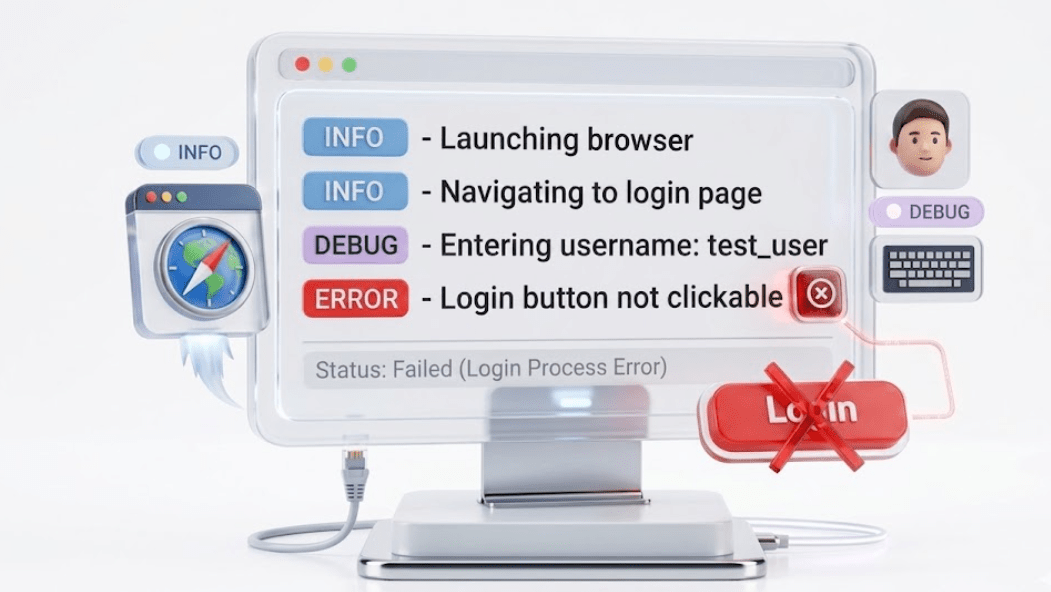
Instead of just:
Test failed: LoginTest
You get:
Configuring Log4j (Properties / XML)
Log4j behavior is controlled via configuration files. The two common formats are:
Properties File (log4j.properties)

Simpler and widely used.
# Root logger level
log4j.rootLogger=INFO, file, console
# Console appender
log4j.appender.console=org.apache.log4j.ConsoleAppender
log4j.appender.console.layout=org.apache.log4j.PatternLayout
log4j.appender.console.layout.ConversionPattern=%d [%t] %-5p %c - %m%n# File appender
log4j.appender.file=org.apache.log4j.FileAppender
log4j.appender.file.File=logs/test.log
log4j.appender.file.layout=org.apache.log4j.PatternLayout
log4j.appender.file.layout.ConversionPattern=%d %-5p %c - %m%n
XML Configuration (log4j.xml)
Key Concepts
-
Appender → Where logs go (file, console, etc.)
-
Layout → Format of log messages
-
Root Logger → Default logging behavior

<log4j:configuration>
   <appender name="FILE" class="org.apache.log4j.FileAppender">
       <param name="File" value="logs/test.log"/>
       <layout class="org.apache.log4j.PatternLayout">
           <param name="ConversionPattern" value="%d %-5p %c - %m%n"/>
       </layout>
   </appender>

   <root>
       <level value="INFO"/>
       <appender-ref ref="FILE"/>
   </root>
</log4j:configuration>
More structured and flexible.
Log Levels

Log levels control what gets printed.
|
DEBUG |
Detailed info for developers
|
INFO |
General execution steps
|
WARN |
Potential issues
|
ERROR |
Failures or exceptions
|
FATAL |
|
Critical system failure |
Example in code :
logger.info("Test started");
logger.debug("Entering username");
logger.warn("Slow response detected");
logger.error("Element not found");
If level is set to INFO, then:
-
INFO, WARN, ERROR → printed
-
DEBUG → ignored
Integrating Log4j with Selenium Tests
Step 1 : Add Dependency
<dependency>
 <groupId>log4j</groupId>
 <artifactId>log4j</artifactId>
 <version>1.2.17</version>
</dependency>
If using Maven:

Step 2 : Create Logger in Test Class
import org.apache.log4j.Logger;

public class LoginTest
{
     Logger logger = Logger.getLogger(LoginTest.class);

     public void testLogin()
     {
       logger.info("Starting login test");
     driver.get("https://example.com");
       logger.info("Navigated to URL");
       logger.debug("Entering credentials");

       // actions...
       logger.info("Login test completed");
   }
}
Step 3 : Add Config File
Place log4j.properties in:
src/test/resources
Step 4 : Run Tests
Logs will appear:
-
In console
-
In log file (e.g., /logs/test.log)
Improving Debugging & Test Tracking
This is where Log4j really shines.

Without logging
-
Only know: Test failed
-
Hard to reproduce
-
Time-consuming debugging
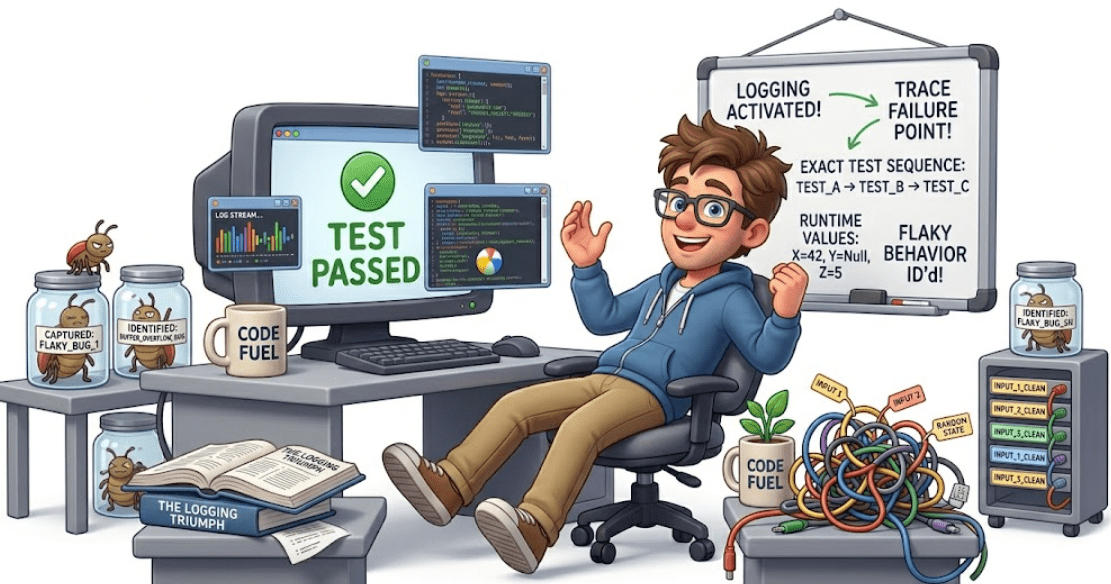
With logging
-
Trace exact failure point
-
Understand test sequence
-
Capture runtime values
- Identify flaky behavior
Best Practices
✔ Use INFO for high-level steps
✔ Use DEBUG for detailed internal actions
✔ Use ERROR inside catch blocks
✔ Add logs before & after important actions
logger.info("Opening browser");
logger.info("Navigating to login page");

logger.debug("Typing username: admin");
logger.debug("Typing password");

logger.info("Clicking login button");

try {
   driver.findElement(...).click();
} catch (Exception e) {
   logger.error("Login button not found", e);
}
Example (real-world Selenium flow)
Summary
4
3
2
1
WebElements represent HTML elements on a web page in Selenium.
5
Perform actions: click, type, clear, submit.
Log4j enables structured and organized logging in automation frameworks
Improves visibility of test execution and failure points
Supports flexible configuration using properties or XML files
Uses log levels to control and filter relevant information
Helps in faster debugging and enhances test reliability
Quiz
Which log level is used for detailed debugging information?
A. INFO
B. WARN
C. ERROR
D. DEBUG

Quiz - Answer
Which log level is used for detailed debugging information?
A. INFO
B. WARN
C. ERROR
D. DEBUG
