














Content ITV PRO
This is Itvedant Content department
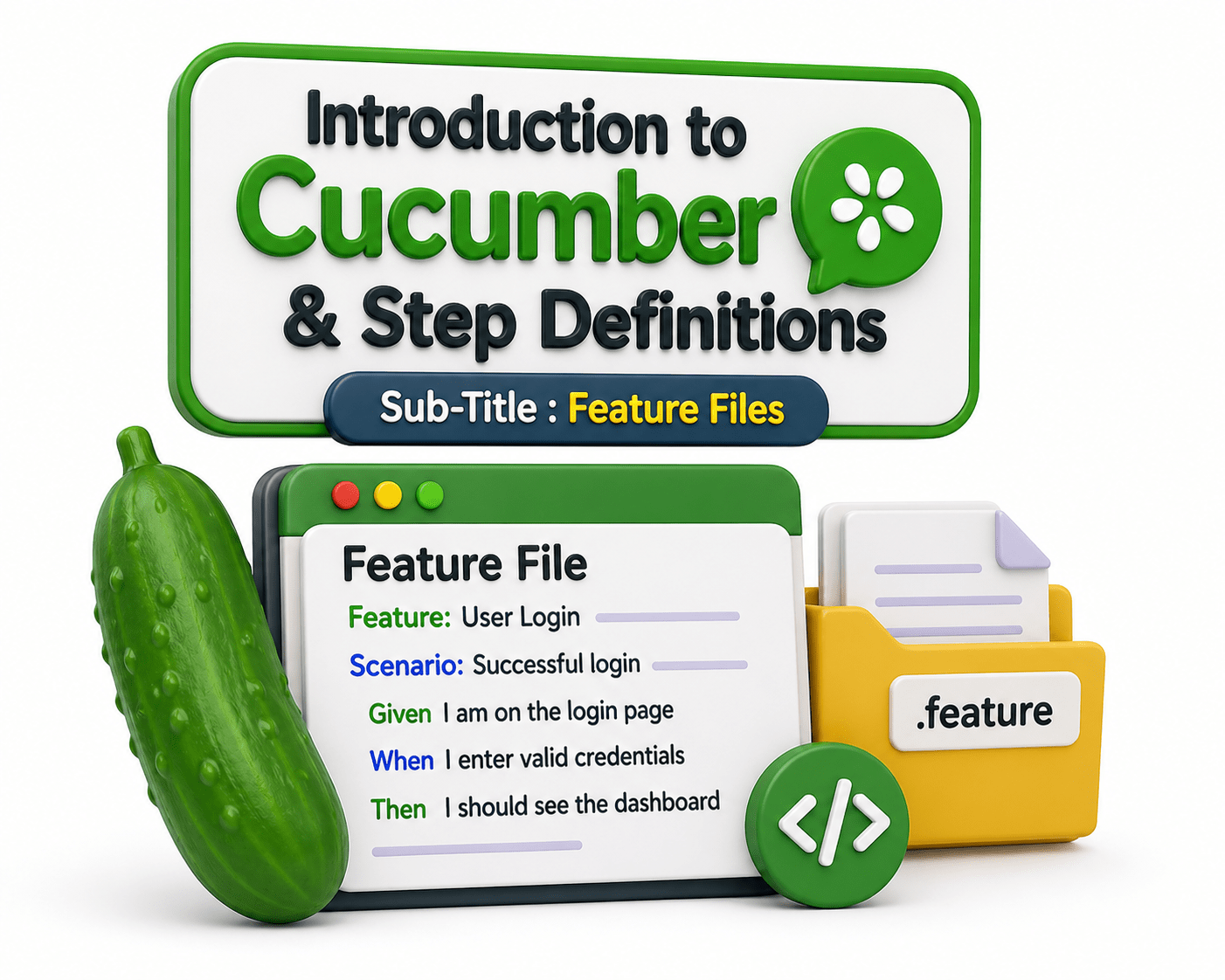
Feature Files
Learning Outcome
4
Make Feature Files clear and readable for teams
3
Write simple Feature Files using Gherkin syntax
2
Identify its basic structure (Feature, Scenario, Steps)
1
Understand the purpose of a Feature File in BDD
5
Use Feature Files with tools like Cucumber
Recall
Basics of Gherkin syntax keywords
Understanding of requirements or user stories
Knowledge of Behavior-Driven Development (BDD)
Understanding precondition, action, and expected outcome
Ability to write simple, clear English statements
Basics of software testing (test cases, expected vs actual result)
Awareness of automation tools like Cucumber
A Feature File is like an architect’s blueprint of a building.
It shows what will be built and how it should function before construction starts.
Engineers, builders, and clients all refer to the same plan to avoid confusion.
Similarly, a Feature File:
Clearly defines system behavior before development
Ensures developers, testers, and business teams are aligned
Reduces misunderstandings and rework
We use Feature Files in BDD to clearly describe and organize how a software system should behave.
It used to ,
Why do we use Feature File?
To describe system functionality in simple, readable language
To organize related test scenarios under one feature
To convert requirements into structured test cases
To improve communication between developers, testers, and business teams
To ensure a shared understanding of expected behavior
To support automation testing using tools like Cucumber
To make test cases easy to maintain and update
What is Feature File?
A Feature File is a text file used in Behavior-Driven Development (BDD) to describe the functionality of a software system in a simple, structured, and human-readable format using Gherkin syntax.
It describes a specific feature of an application (e.g., login, search, payment)
Written in plain English using Gherkin keywords
Contains scenarios that define system behavior
Helps both technical and non-technical teams understand requirements
Helps both technical and non-technical teams understand requirements
Can be used for automation testing with tools like Cucumber
Feature File Structure
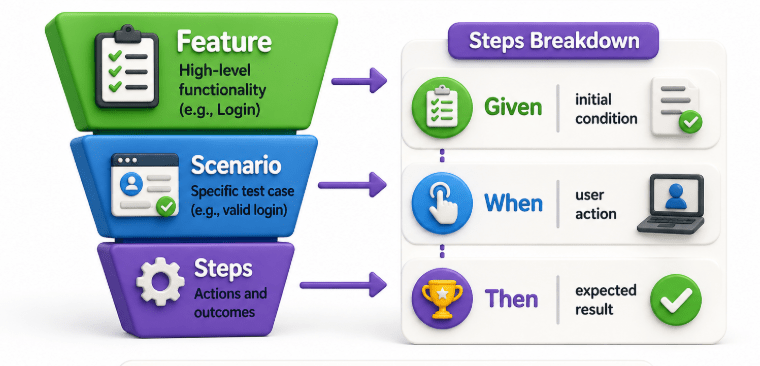
A Feature File follows a fixed structure using Gherkin syntax:
Feature File Structure
Example : Feature: Login functionality
Scenario: Successful login
Given user is on login page
When user enters valid credentials
Then user is redirected to dashboard
Group related scenarios under one feature
Feature Files help in organizing testing logically:
One Feature File = One functionality
Multiple scenarios = different behaviors of that feature
Example
Feature: Login Functionality
Scenario 1: Valid login
Scenario 2: Invalid login
Scenario 3: Forgot password
This helps in better organization and easier maintenance.
Summary
4
3
Groups related test scenarios under one feature
2
Structure: Feature → Scenario → Given–When–Then
1
Describes software behavior in BDD and Written using Gherkin syntax
5
Makes requirements clear and readable for all teams
Used for automation testing with Cucumber
Quiz
What is a Feature File used for?
A. Writing programming code
B. Describing software behavior in BDD
C. Designing databases
D. Creating UI designs
Quiz-Answer
What is a Feature File used for?
A. Writing programming code
B. Describing software behavior in BDD
C. Designing databases
D. Creating UI designs
By Content ITV