




















Content ITV PRO
This is Itvedant Content department
Learning Outcome
4
Use parameters and expressions in steps
3
Write basic step definition methods and Organize and reuse step code
2
Map Gherkin steps (Given/When/Then) to code
1
Understand purpose of step definitions in Cucumber
5
Integrate with frameworks like JUnit / TestNG
Recall
Basic understanding of Cucumber and BDD concepts
Knowledge of Gherkin syntax (Given, When, Then)
Fundamentals of a programming language (e.g., Java, Python, JavaScript)
Basics of OOP (classes, methods, variables)
Understanding of unit testing frameworks like JUnit or TestNG
Familiarity with IDEs (e.g., Eclipse IDE, IntelliJ IDEA)
Basic knowledge of automation testing concepts
Using Cucumber is like using Google Maps:
Gherkin steps (Given/When/Then) = The route you see (what should happen)
Step definitions = the actual driving instructions (how it happens)
Parameters = different destinations you enter each time
Reusable steps = common roads used again and again
JUnit / TestNG = the system that starts and monitors your journey
Gherkin shows the path, step definitions make the journey happen.
What is the purpose of step definitions in Cucumber
Step code is necessary to turn human-readable test scenarios into working automated tests.
Convert plain English into executable code
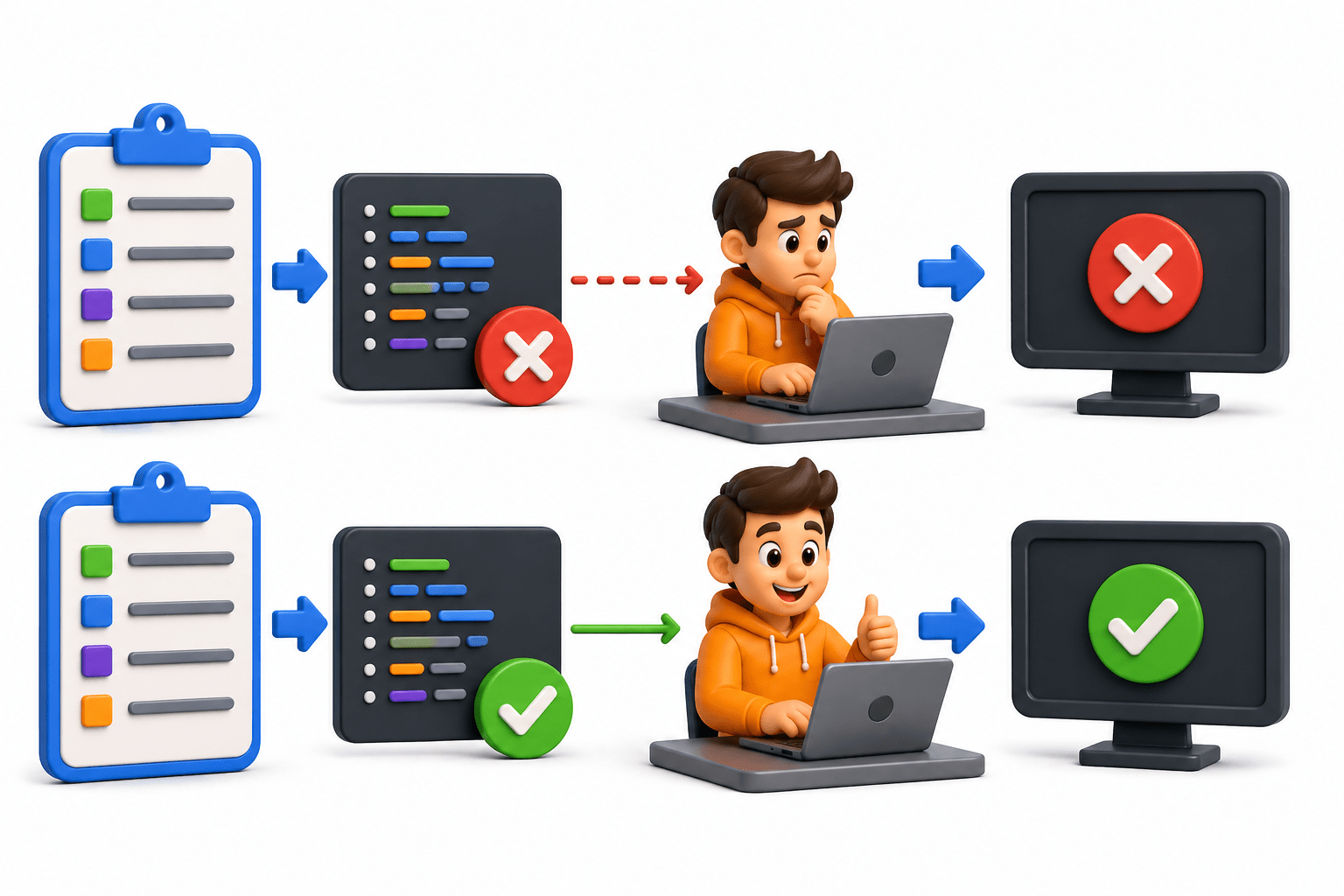
Steps written in Gherkin cannot run without step definitions
Bridge between feature files and automation logic
Connects “what to test” with “how to test”
Enable test execution
Without step code, scenarios cannot run
Support dynamic and reusable tests
Allows use of parameters and reusable logic
Improve maintainability
Centralizes automation logic for easy updates
Enable integration with tools
Works with JUnit / TestNG for execution and reporting
What is step definition?
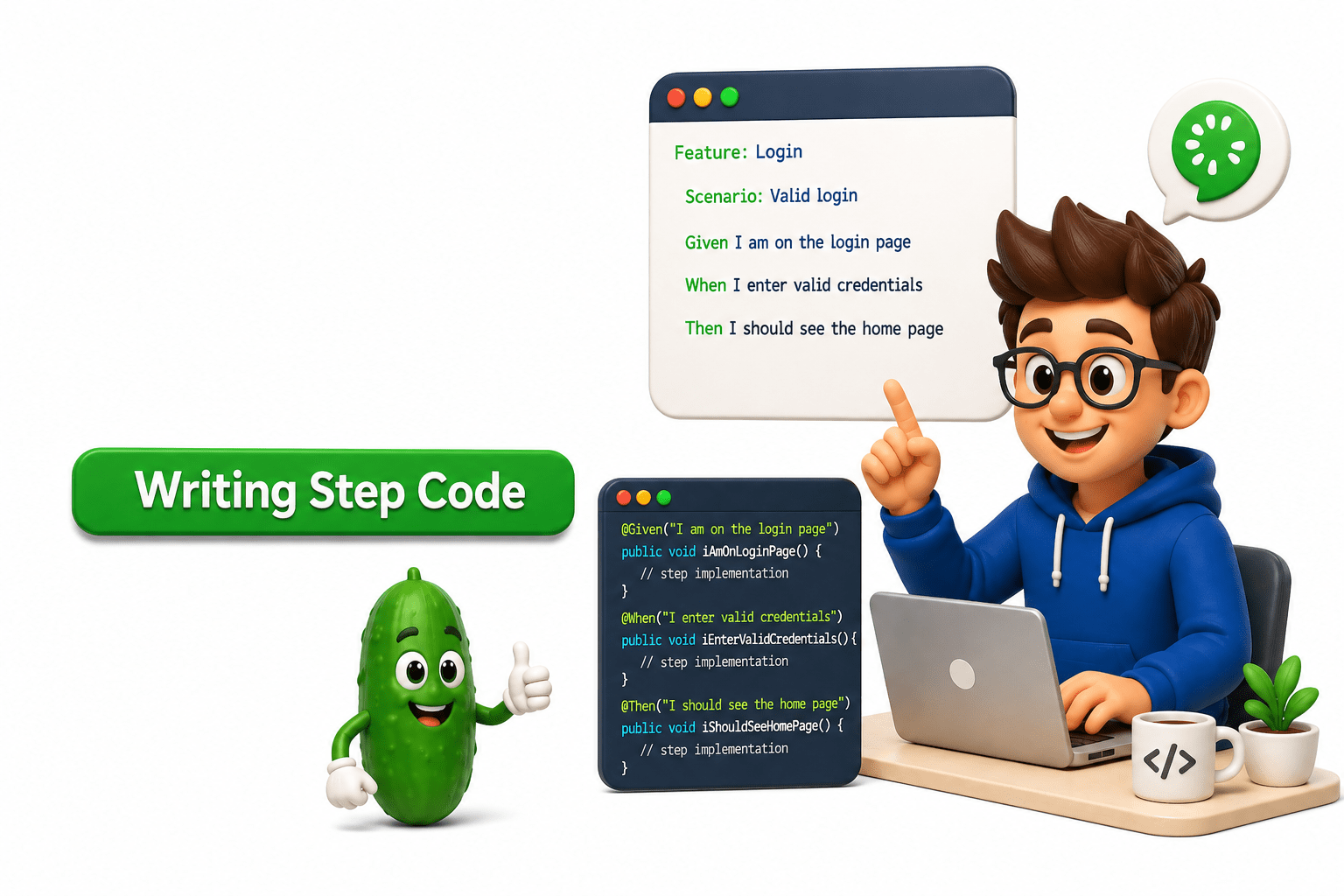
A step definition in Cucumber is the core implementation layer that binds human-readable test scenarios written in Gherkin to executable automation code.
A step definition:
Matches a Gherkin step using annotations like @Given, @When, @Then
Executes automation code when the step is triggered
Sends input/output between feature file and system under test
It acts like a translator + executor
How Mapping Works
Example Gherkin:
Given user is on login page
Mapped step definition:
@Given("user is on login page")
public void user_is_on_login_page()
{
   driver.get("https://example.com/login");
}
Matching happens using:
Exact text match
Cucumber Expressions
Regular Expressions
Workflow of Step Definitions
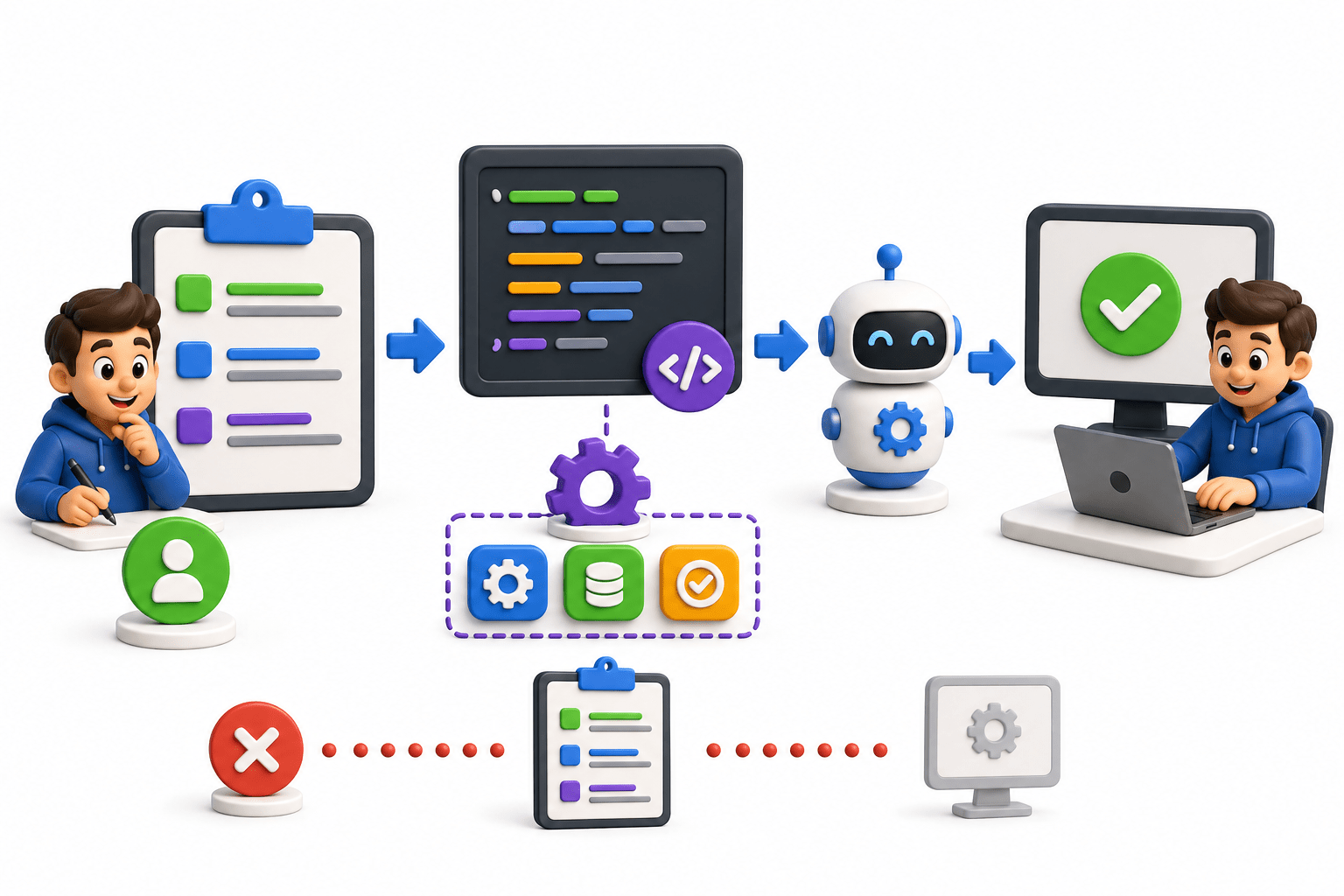
1. Write Feature File (Gherkin)
You first write test scenarios in plain English using Gherkin.
Feature: Login Functionality
Scenario: Valid login
Given user is on login page
When user enters valid credentials
Then user should be logged in
This defines what to test (not how)
2. Create Step Definition Class
You create a Java class to implement step definitions.
3. Map Gherkin Steps to Methods
Each step in the feature file is connected to a method using annotations.
@Given("user is on login page")
public void openLoginPage()
{
   // open browser and navigate
}
@When("user enters valid credentials")
public void enterCredentials()
{
   // enter username/password
}
@Then("user should be logged in")
public void verifyLogin()
{
   // validate login success
}
This is the core role of step definitions
4. Add Automation Logic
Inside each step method:
Selenium actions (UI automation)
API calls (if backend testing)
Assertions for validation
Example:
driver.get("https://app.com/login");
5. Create Test Runner (JUnit/TestNG)
You configure execution using JUnit or TestNG.
@RunWith(Cucumber.class)
@CucumberOptions(
features = "src/test/resources/features",
glue = "stepDefinitions"
)
6. Execution Flow Starts
When you run the test:
Runner starts execution
Cucumber reads feature file
Finds matching step definitions
Executes methods one by one
Performs automation actions
Validates results
7. Result Generation
After execution:
Pass/Fail status is shown
Reports are generated
Logs help debugging
Parameters and expressions in steps
Parameters and expressions allow step definitions to accept dynamic values from Gherkin steps instead of hardcoded data.
1. Parameters
Parameters are input values passed from feature files into step definition methods.
Example:
When user enters "admin" and "1234"
Step definition:
@When("user enters {string} and {string}")
public void enterCredentials(String username, String password)
{
   System.out.println(username);
   System.out.println(password);
}
"admin" → username
"1234" → password
2. Expressions
Expressions define how Cucumber identifies and captures values from steps.
Cucumber Expressions
|
Expression |
|
|
|
|
{float}
|
|
Text Values |
|
|
Example:
@When("user adds {int} and {int}")
public void add(int a, int b)
{
   System.out.println(a + b);
}
Integrating Cucumber with JUnit / TestNG
In Cucumber, step definitions alone cannot run. They must be executed through a test runner framework like JUnit or TestNG.
Write feature file in Gherkin
Create step definitions
Configure test runner (JUnit/TestNG)
Runner triggers Cucumber
Cucumber maps steps → step definitions
Execution happens
Report generated
Integration with JUnit
import org.junit.runner.RunWith;
import io.cucumber.junit.Cucumber;
import io.cucumber.junit.CucumberOptions;

@RunWith(Cucumber.class)
@CucumberOptions(
   features = "src/test/resources/features",
   glue = "stepDefinitions",
   plugin = {"pretty", "html:target/report.html"}
)
public class TestRunner {
}
Key Points :
@RunWith(Cucumber.class) → tells JUnit to run Cucumber
features → path of feature files
glue → step definition package
plugin → reporting
Integration with TestNG
import io.cucumber.testng.AbstractTestNGCucumberTests;
import io.cucumber.testng.CucumberOptions;

@CucumberOptions(
   features = "src/test/resources/features",
   glue = "stepDefinitions",
   plugin = {"pretty", "html:target/report.html"}
)
public class TestRunner extends AbstractTestNGCucumberTests {
}
Key Points :
Extends AbstractTestNGCucumberTests
No @RunWith needed
Better for parallel execution
Summary
4
3
Use annotations (@Given, @When, @Then) for step definitions
2
Map each step to corresponding Java methods
1
Link Gherkin steps (Given/When/Then) to automation code
5
Apply parameters & expressions for reusable steps
Integrate with JUnit/TestNG for execution and reporting
Quiz
What is the main purpose of step definitions in Cucumber?
A. To write test reports
B. To connect Gherkin steps to automation code
C. To run the browser
D. To create test data
Quiz-Answer
What is the main purpose of step definitions in Cucumber?
A. To write test reports
B. To connect Gherkin steps to automation code
C. To run the browser
D. To create test data
By Content ITV