
React Introduction
JSX & Virtual DOM

Learning Outcome
5
React Fragments
4
JSX in React and How It Works
3
Diffing Algorithm and Reconciliation
2
Virtual DOM & Real DOM
1
How React Updates UI Without Page Reload
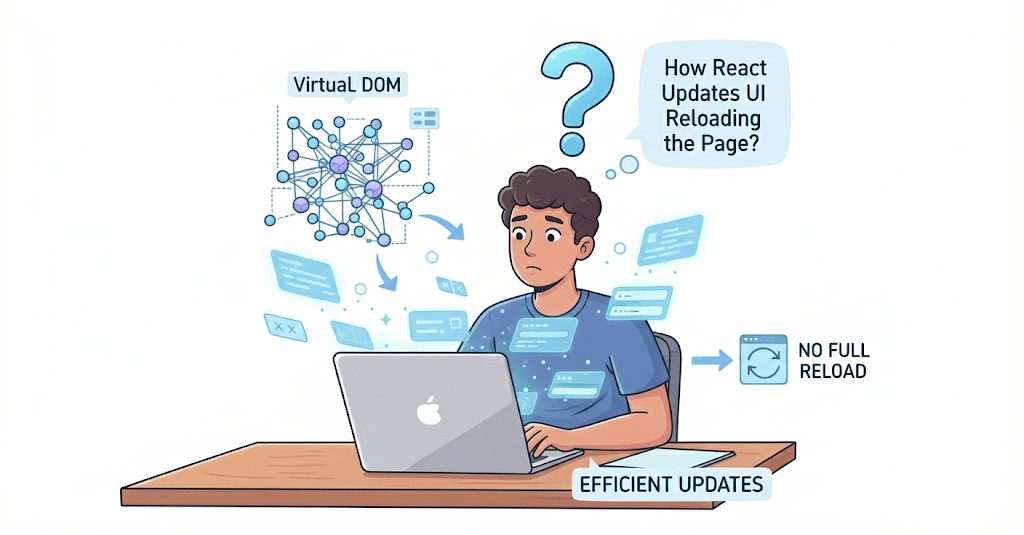
Ever Wonder How React Updates UI Without Reloading the Page?
-
UI updates feel instant
-
Pages don’t reload
In React:

Page reloads or heavy DOM updates happen frequently
In traditional web apps:
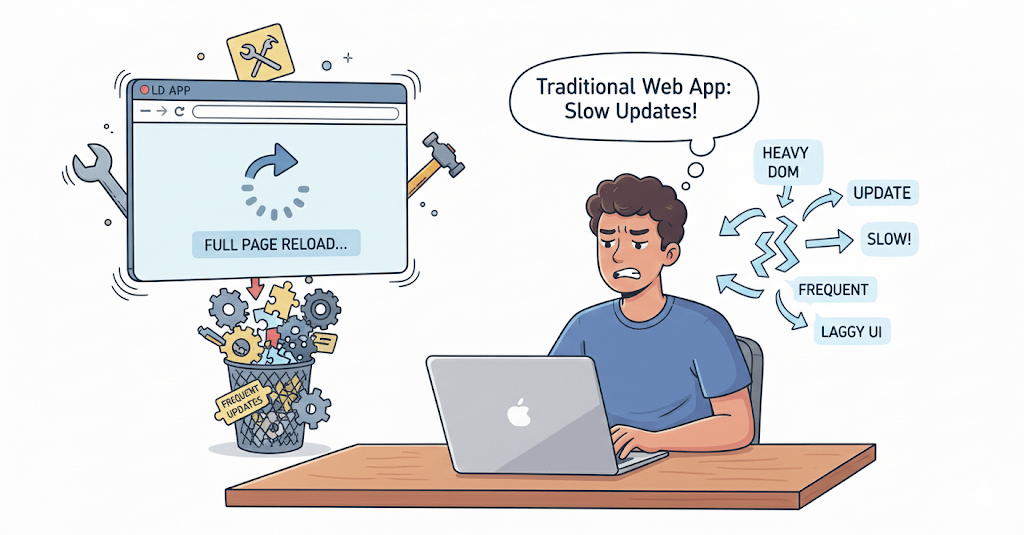
This is possible because of the Virtual DOM
Why Not Update the Real DOM Directly?
DOM manipulation is slow
Frequent updates reduce performance
Complex UI changes are hard to manage
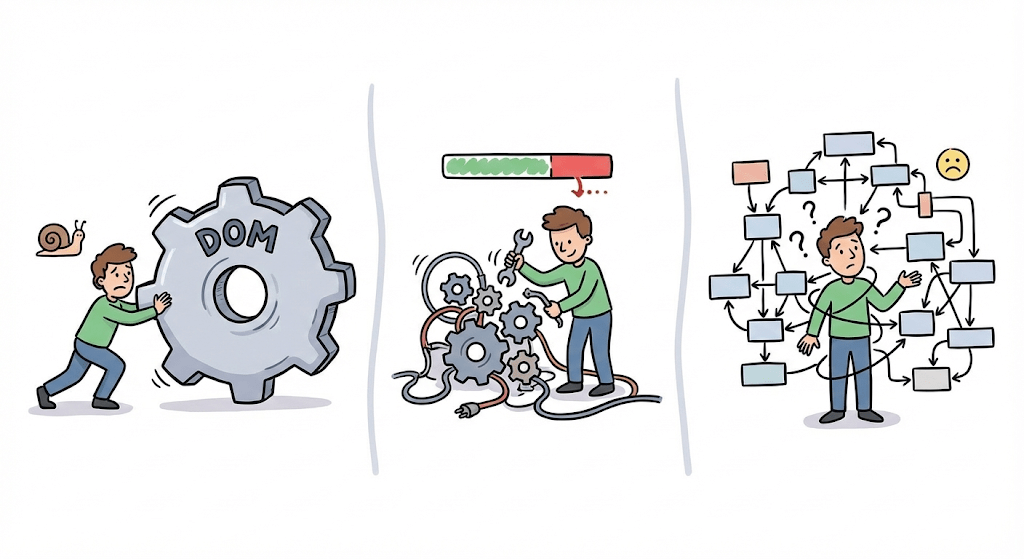
Problems with direct DOM updates
So React introduces:
Virtual DOM → Efficient updates
Controlled rendering process
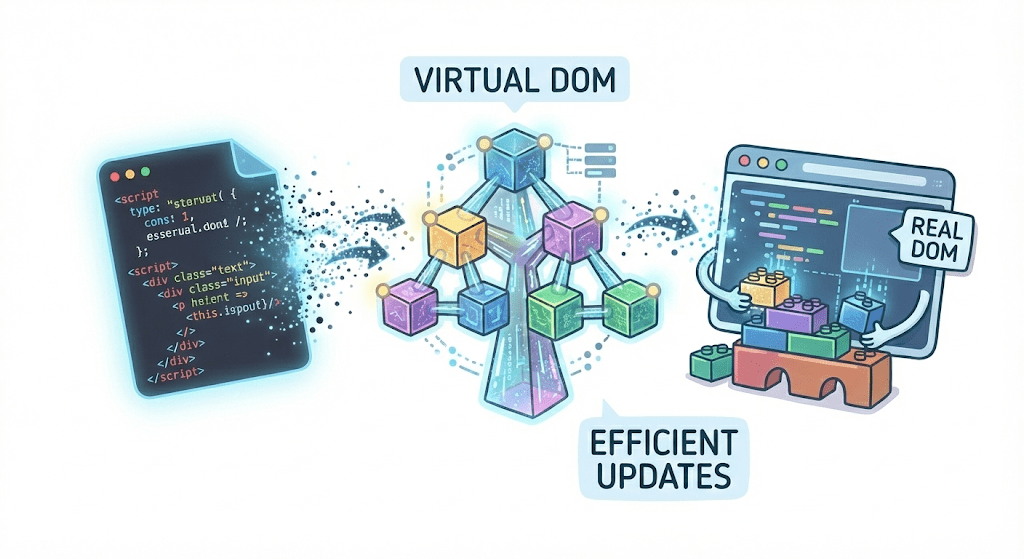
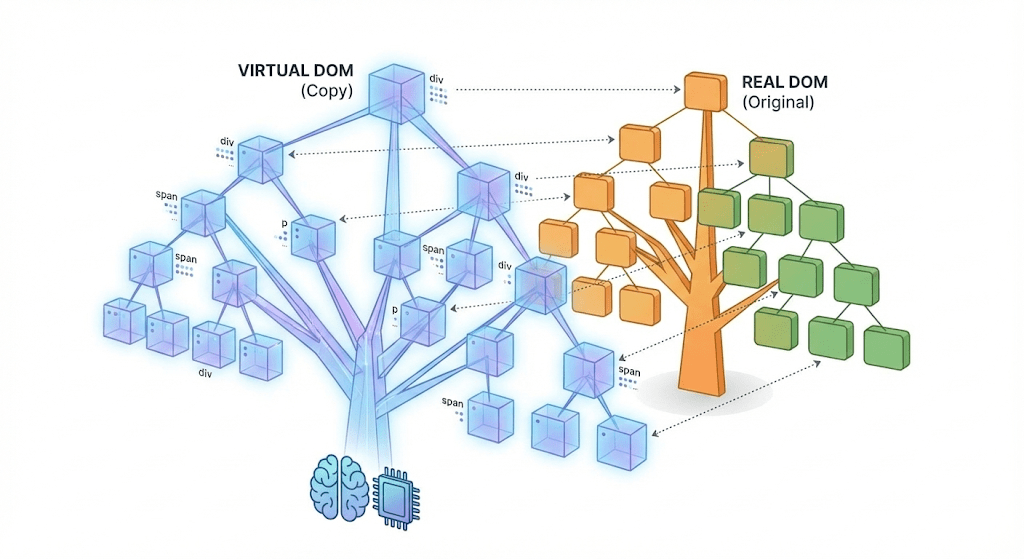
What is Virtual DOM?
How React Updates UI Efficiently
Steps:
React creates a new Virtual DOM
A lightweight JavaScript copy of the Real DOM
Stored in memory
- Faster to update than Real DOM
React never updates the Real DOM directly first.
This comparison is called Diffing Algorithm
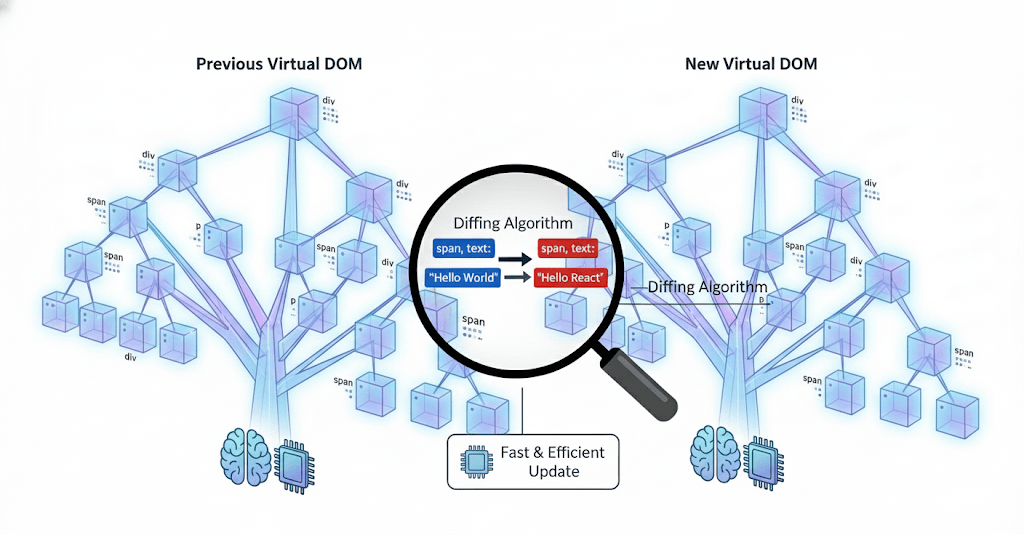
Compares it with the previous Virtual DOM
What is Virtual DOM?
React identifies what changed
How React Updates UI Efficiently.
Steps
React creates a new Virtual DOM.
Compares it with the previous Virtual DOM.
Compares it with the previous Virtual DOM.
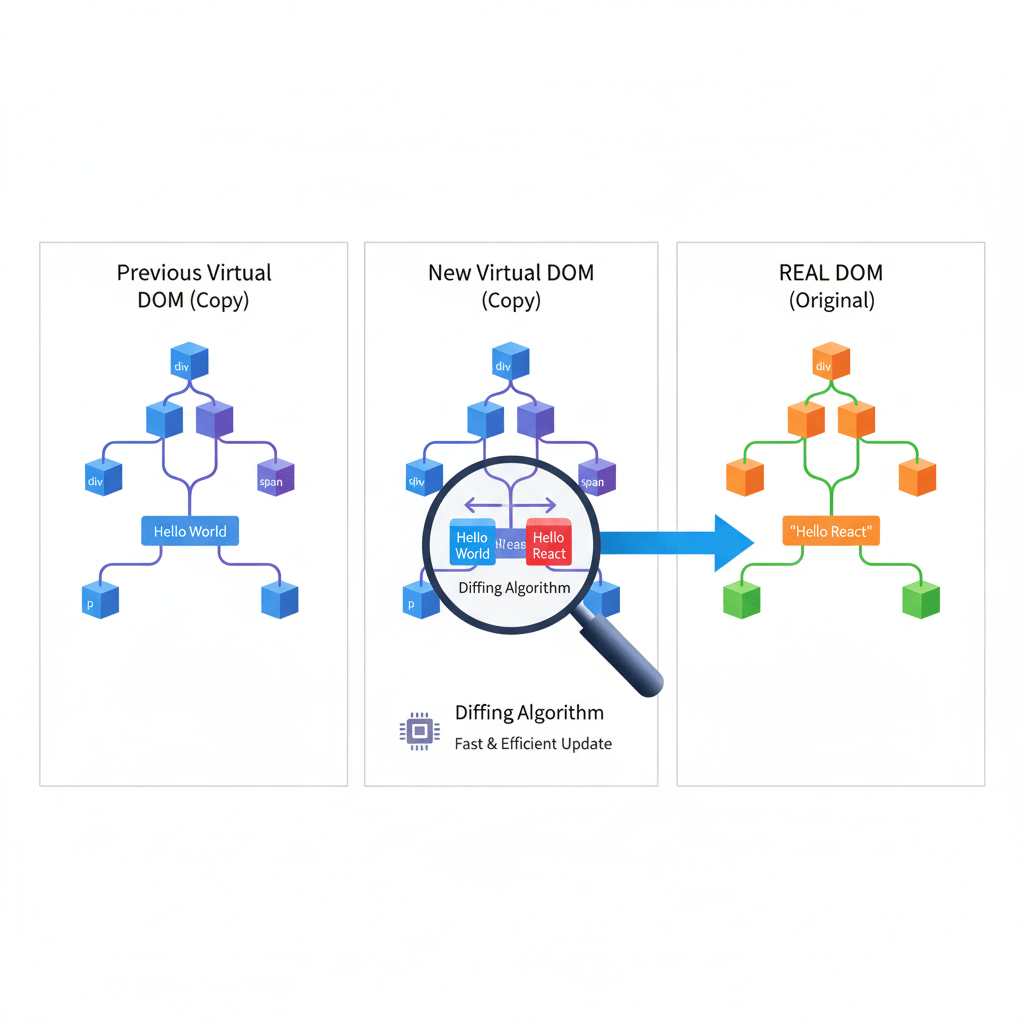
Updates only those parts in the Real DOM
This process is called Reconciliation
This comparison is called Diffing Algorithm.
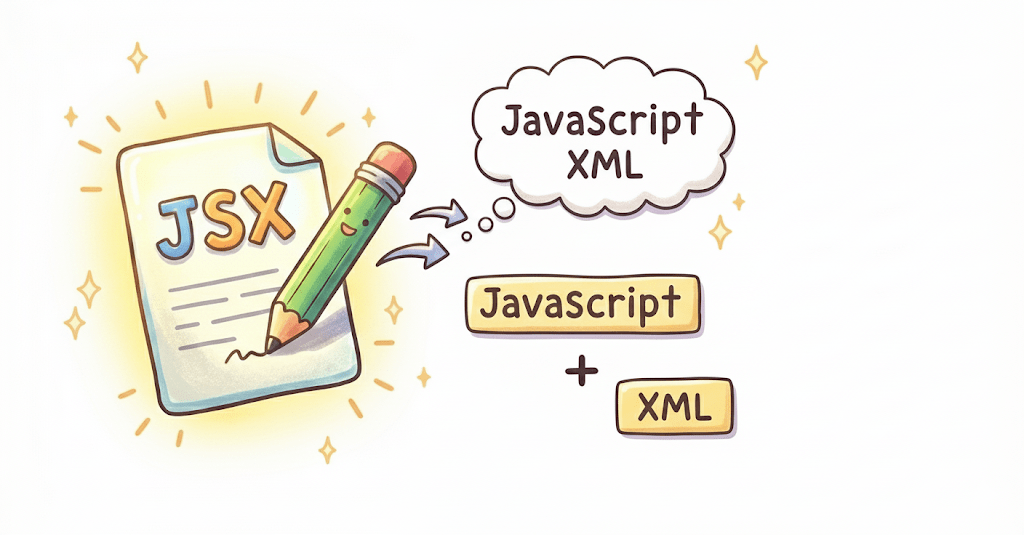
JSX in React?
JSX stands for JavaScript XML.
In simple terms, JSX lets you write HTML-like code inside JavaScript when building React apps
Example without JSX
const element = React.createElement(
  "h1",
  null,
  "Hello, World!"
);
This works, but it’s hard to read.
Same example with JSX
const element = <h1>Hello, World!</h1>;Much simpler and cleaner
JSX → Babel → JavaScript → Browser renders HTML
Babel converts JSX into JavaScript
React Fragment ?
A React Fragment lets you group multiple elements without adding an extra HTML element (like a <div>) to the page.
Solution 1: Using a <div> (not always ideal)
return (
  <div>
    <h1>Hello</h1>
    <p>Welcome</p>
  </div>
);
Works
Adds an extra <div> to the DOM


In React, a component must return only one parent element.
Why do we need it?
This causes an error:
return (
  <h1>Hello</h1>
  <p>Welcome</p>
);
Solution 2: Using React Fragment
return (
  <React.Fragment>
    <h1>Hello</h1>
    <p>Welcome</p>
  </React.Fragment>
);
No extra HTML element added
Short Syntax (Most Common)
return (
  <>
    <h1>Hello</h1>
    <p>Welcome</p>
  </>
);
Why React Fragment is Important
Avoids unnecessary <div>s
Keeps HTML clean
Helps with CSS & layout issues
Required for tables (<tr>, <td>)
Summary
4
JSX simplifies and cleans UI code
5
Fragments group elements without extra DOM
3
Diffing updates only changed elements
2
Virtual DOM makes UI updates faster
1
React updates UI without page reload
Quiz
Who converts JSX into JavaScript?
A. Browser
B. React
C. Babel
D. Node

Quiz-Answer
Who converts JSX into JavaScript?
A. Browser
B. React
C. Babel
D. Node
