CartForge Source Code Management using Git

Business Scenario
After setting up AWS and improving deployment with DevOps, development speeds up—but new issues arise:
- Code gets overwritten
- Changes are not tracked properly
- Version management becomes difficult
- Unclear who made which changes


The manager notices the issues and calls the Junior DevOps Engineer:
“Our development is growing, but we lack control over the code. We need a system to track changes and enable teamwork without conflicts.”
He introduces Git.

Now the engineer understands how developers can:
-
Save changes using commits
-
Work on different features
-
Manage versions efficiently

Pre-Lab Preparation
Lab Prerequisite
1) History of Git?
2) Why Git? Version Control Concepts Commands
Task 1: Installation of the Git
1
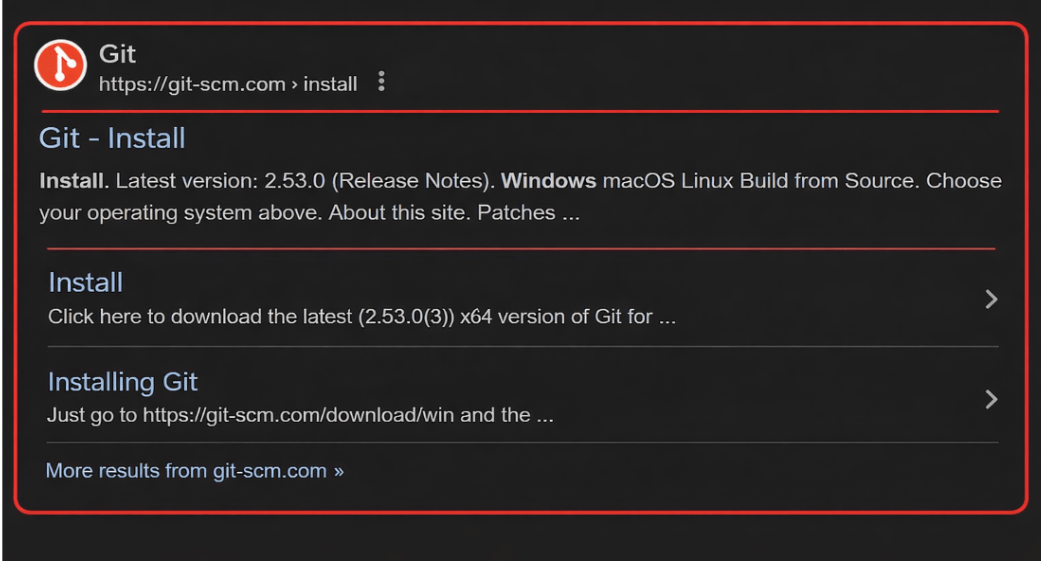
Search on google

2
Select the Git showed in the below image
3
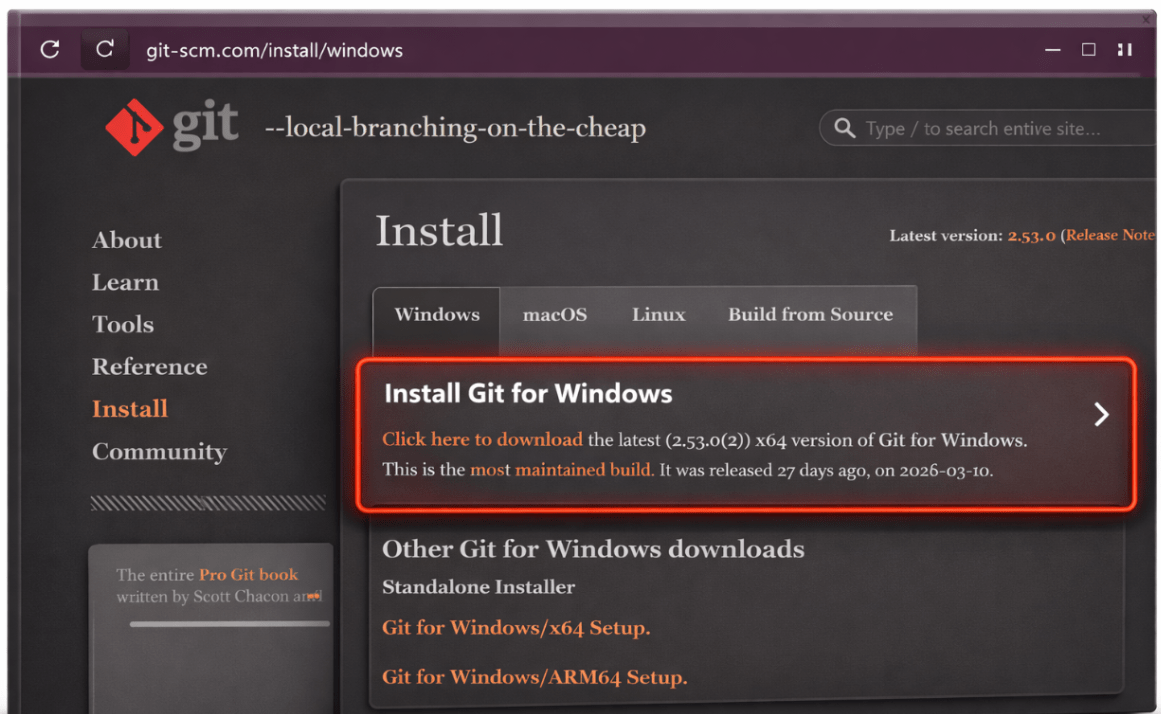
After click on that you see below image so click on the install for window
4
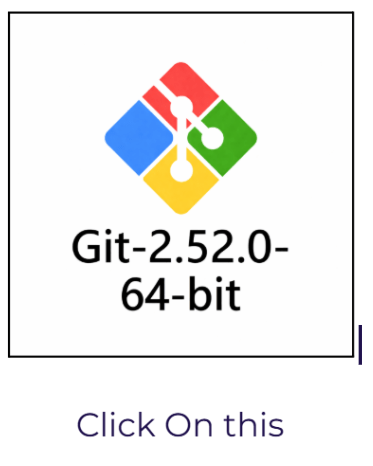
After Installing you can See Git on your Machine
5
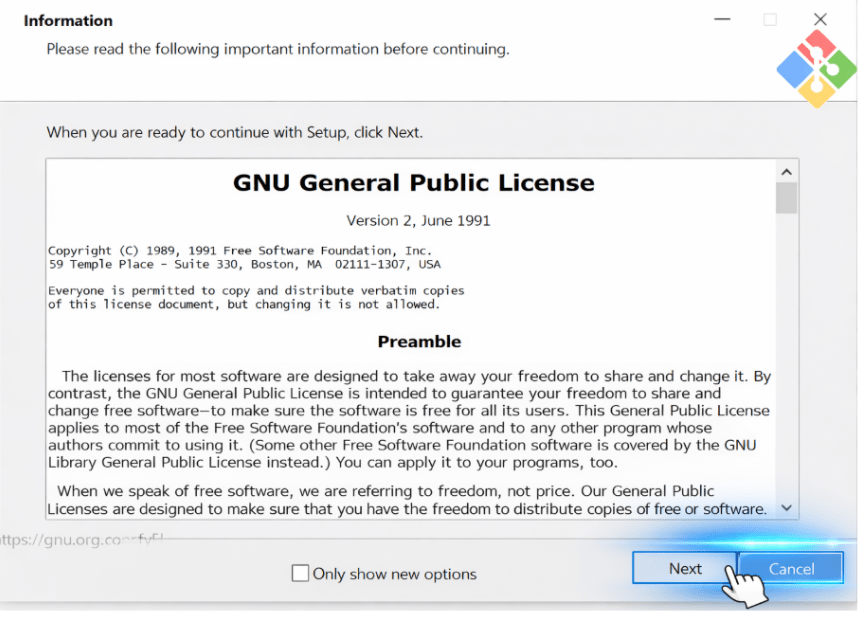
After clicking on that follow the instruction,Click on Next button
6
Click on install Button
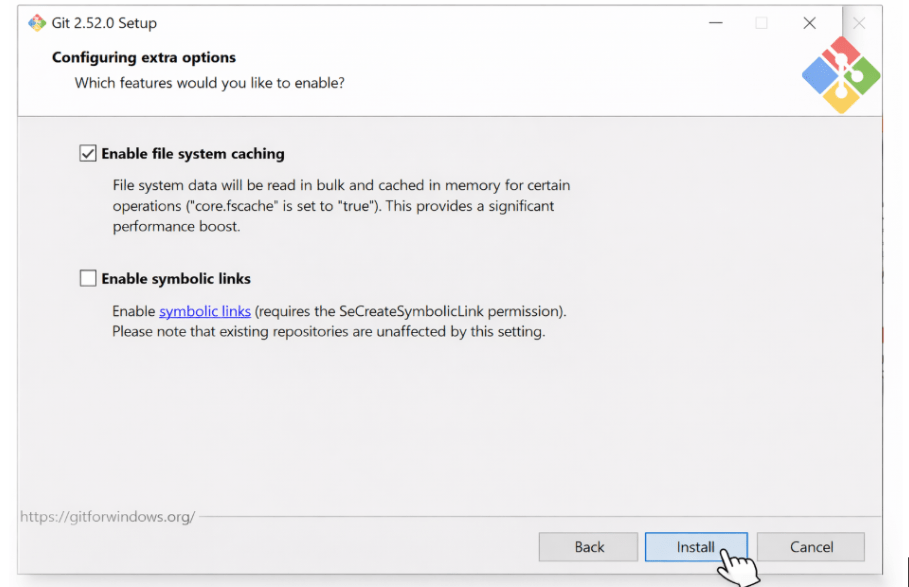
7
After Click on the Install you See Installation starts
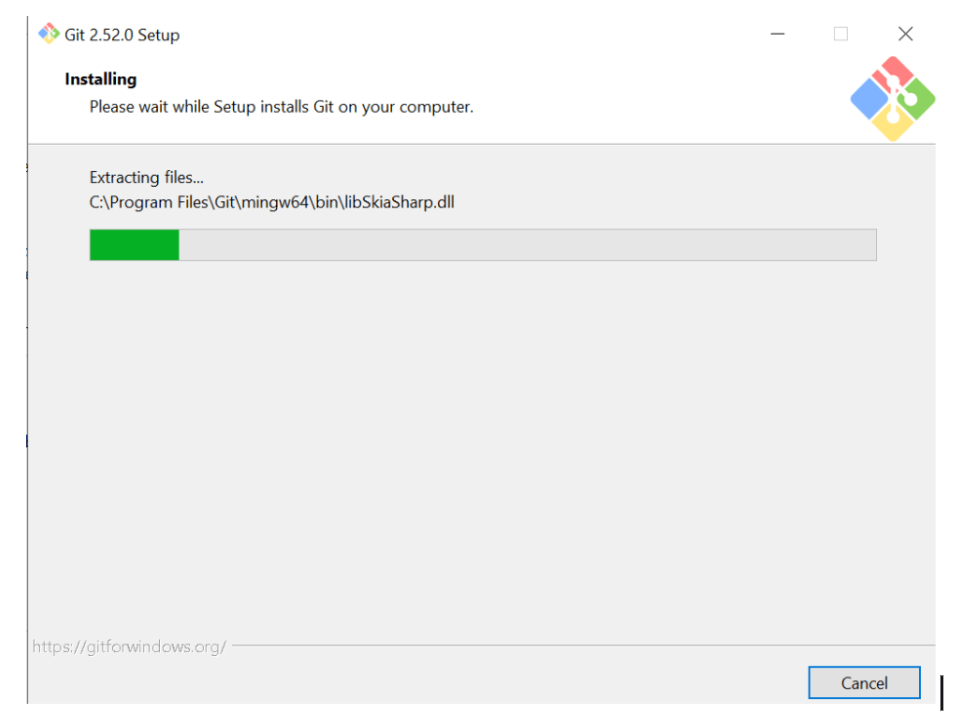
8
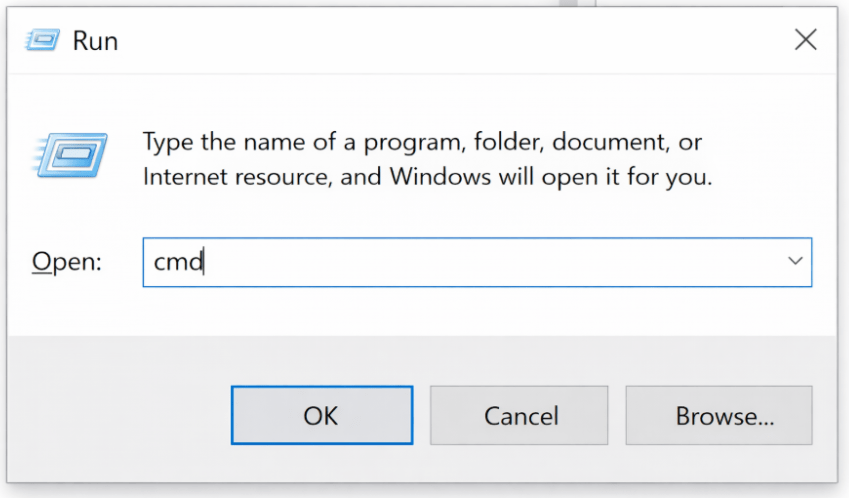
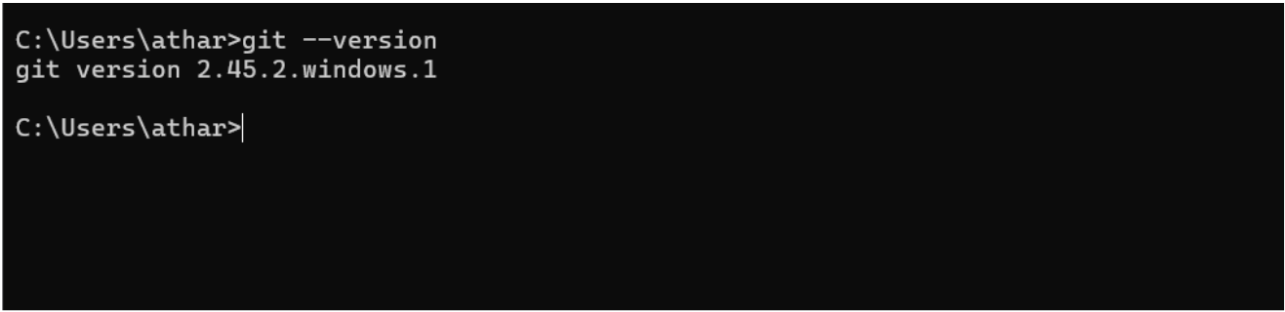
Open CMD And git - -version
Great job!
You have successfully completed your Git Setup Journey.
- Downloaded and installed Git on your system.
- Prepared your environment for version control and project collaboration.
- Ready to start tracking code changes and working with repositories
Checkpoint
Next-Lab Preparation
What is GitHub? Why GitHub?
GitHub Installation, Repository Setup, and Branching in GitHub