Information Management
Karl Ho
School of Economic, Political and Policy Sciences
University of Texas at Dallas
Introduction to Shiny
Overview
-
What is Shiny?
-
Components of Shiny
-
Structure of Shiny app
-
Publicizing Shiny app on GitHub
What is Shiny?
A Shiny app is a web page with user interface (UI) connected to a computer running a live R session (Server).
Users can design the UI, which provide interactive interface to visualize data (by running R code).
Shiny app = R + Interactivity + Web hosting
Presenting interactive data and charts
Shiny deployment
-
RStudio Shiny server (http://www.shinyapps.io )
-
Needs Shiny account (connect via GitHub/Google)
-
-
Pro Shiny account (commercial)
-
Install own Shiny server (https://github.com/rstudio/shiny-server)
- Linux server
- Free and open source
Shiny reference and resources
-
Shiny user guide online: (https://docs.rstudio.com/shinyapps.io/index.html)
- Shiny Cheatsheet (RStudio)
Components of Shiny
-
User Interface (ui.R) — The UI is the frontend that accepts user input values.
-
Server function (server.R) — The Server is the backend that processes these input values to produce the output results that are finally displayed on the website.
-
shinyApp function — The app itself that bundles the UI and server components together.
Layout and interface
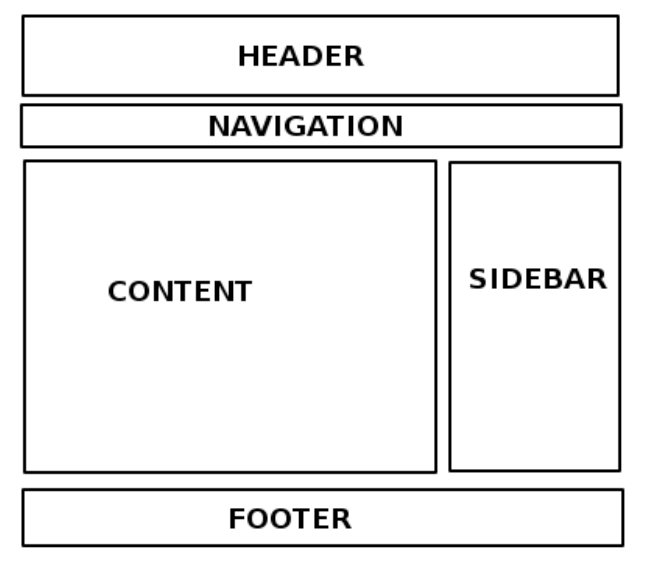
- Design & explore UI framework
- Inputs within the UI framework
- Outputs within the UI framework
- Assemble UI with HTML/CSS/... widgets
- Adjustment of the layout scheme
Structure of Shiny program
# install.packages("shiny")
# install.packages("shinythemes")

library(shiny)
library(shinythemes)
# Create User Interface
ui <− fluidPage ()

# Build R objects displayed in UI
server <− function(input , output){}

# Create Shiny app
shinyApp(ui = ui, server = server)
-
ui: Nested R functions that assemble an HTML user interface for the app (some HTML knowledge needed)
-
server: A function with instructions on how to build and rebuild the R objects displayed in the UI
-
shinyApp: Combines ui and server into a functioning app
ui.R
-
Nested R functions that assemble an HTML user interface for the app
- Example:
- ui = creates the user interface object
-
fluidPage() function create the layout page that includes:
- input
- output
-
fluidPage() function create the layout page that includes:
- ui = creates the user interface object
library(shiny)
ui = fluidPage(
  numericInput(inputId = "n", "Sample size", value = 50),
  plotOutput(outputId = "hist"))
server.R
-
Composed of R codes to process input and generate output:
- Example:
- Read in the data from input (from ui.R)
- Create the chart (i.e. histogram)
- Example:
server = function(input , output){ output$hist = renderPlot ({
    hist(rnorm(input$n)) })}
shinyApp()
-
Combine ur.R and server.R and execute
- Example:
- Output in plot window ready for publishing
- Example:
shinyApp(ui = ui , server = server)Reactivity
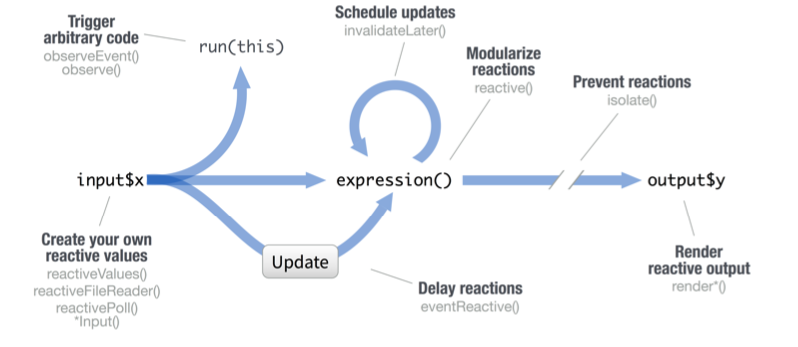
Reactive values work together with reactive functions. Call a reactive value from within the arguments of one of these functions to avoid the error
Operation not allowed without an active reactive context.
fileInput(inputId, label, multiple, accept)
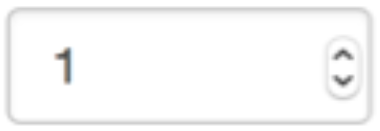
numericInput(inputId, label, value, min, max, step)
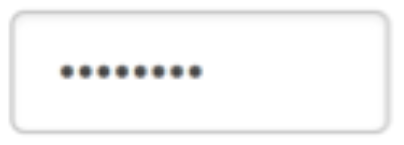
passwordInput(inputId, label, value)
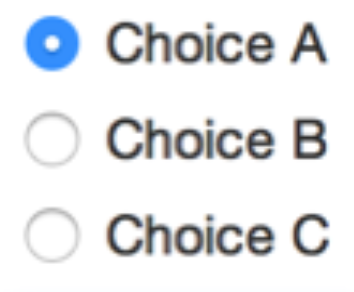
radioButtons(inputId, label, choices, selected, inline)
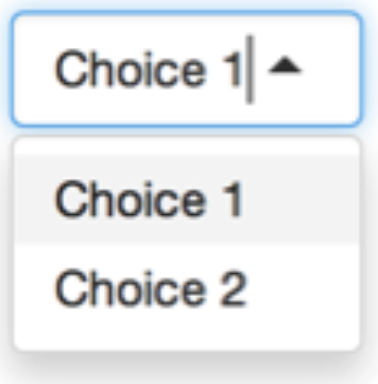
selectInput(inputId, label, choices,
selected, multiple, selectize, width, size) (also selectizeInput())
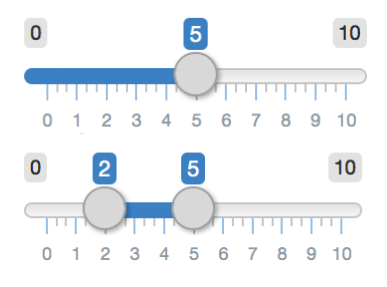
sliderInput(inputId, label, min, max, value, step, round, format, locale, ticks, animate, width, sep, pre, post)