




Content ITV PRO
This is Itvedant Content department
CartForge Source Code Management using Git
Business Scenario
After setting up AWS and improving deployment with DevOps, development speeds up—but new issues arise:
The manager notices the issues and calls the Junior DevOps Engineer:
“Our development is growing, but we lack control over the code. We need a system to track changes and enable teamwork without conflicts.”
He introduces Git.
Now the engineer understands how developers can:
Save changes using commits
Work on different features
Manage versions efficiently
Pre-Lab Preparation
Lab Prerequisite
1) History of Git?
2) Why Git? Version Control Concepts Commands
Task 1: Installation of the Git
1
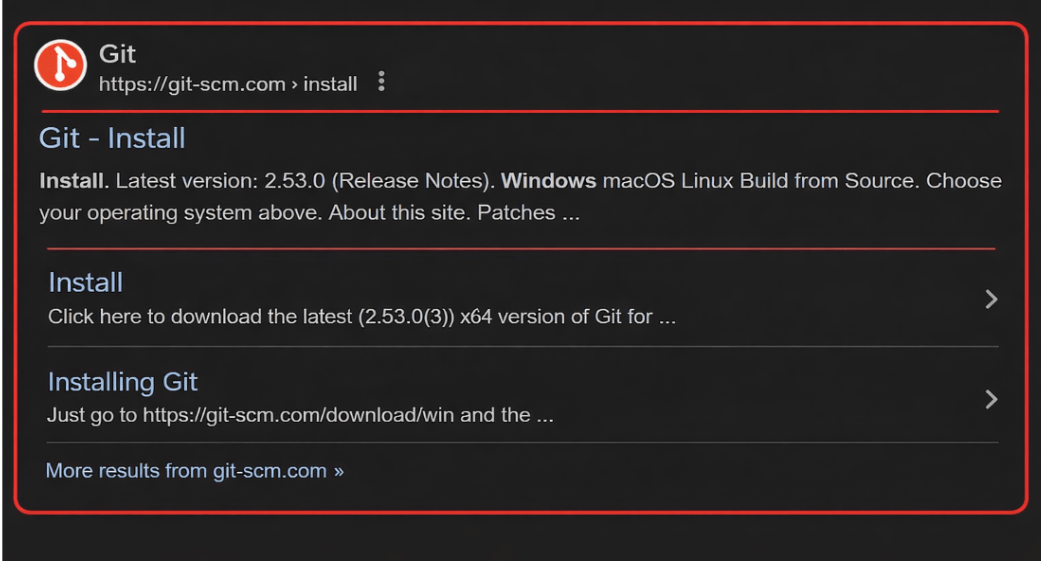
Search on google
2
Select the Git showed in the below image
3
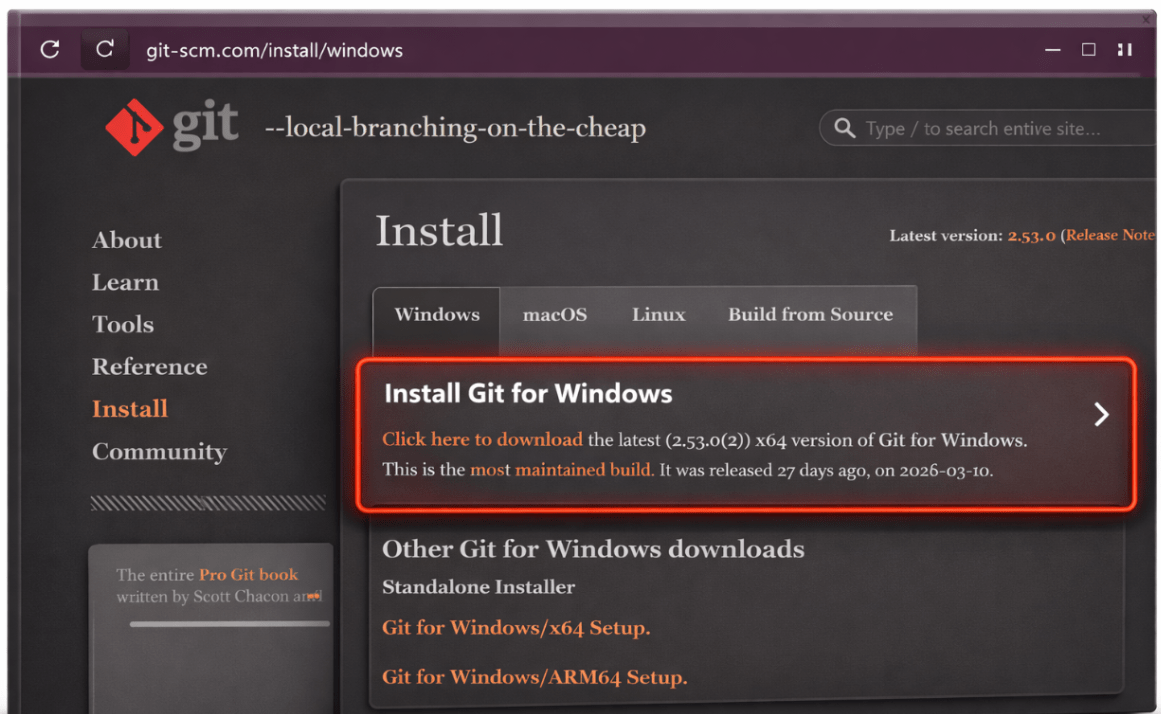
After click on that you see below image so click on the install for window
4
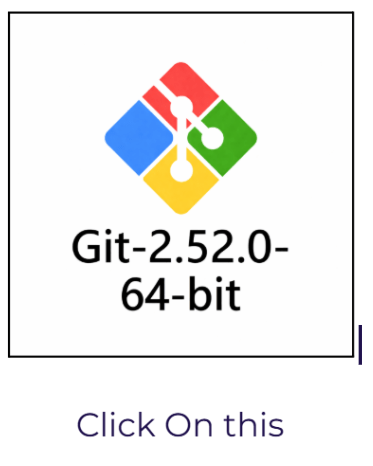
After Installing you can See Git on your Machine
5
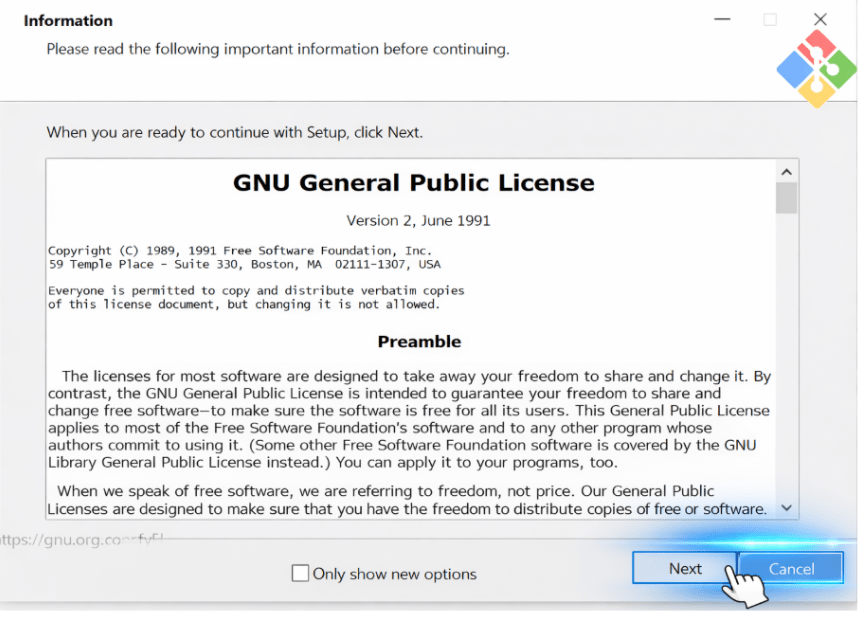
After clicking on that follow the instruction,Click on Next button
6
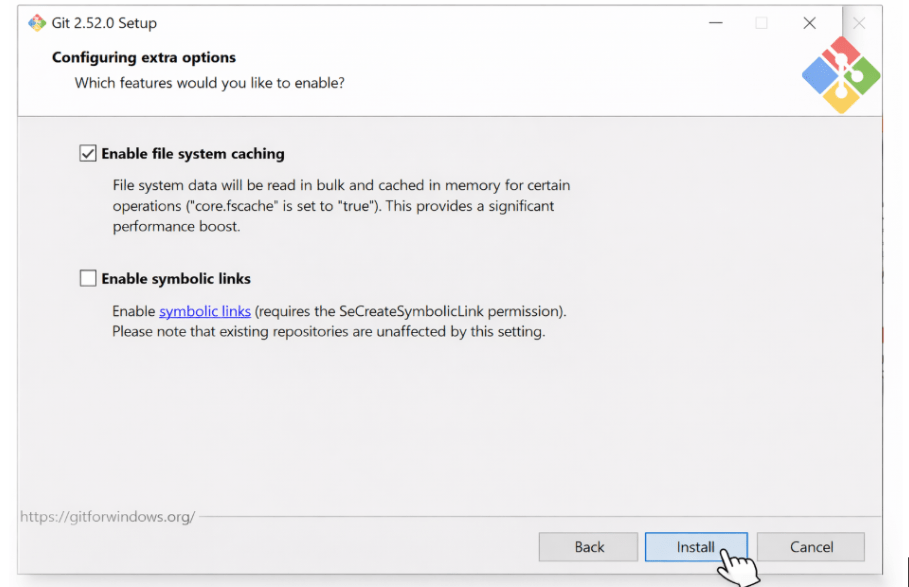
Click on install Button
7
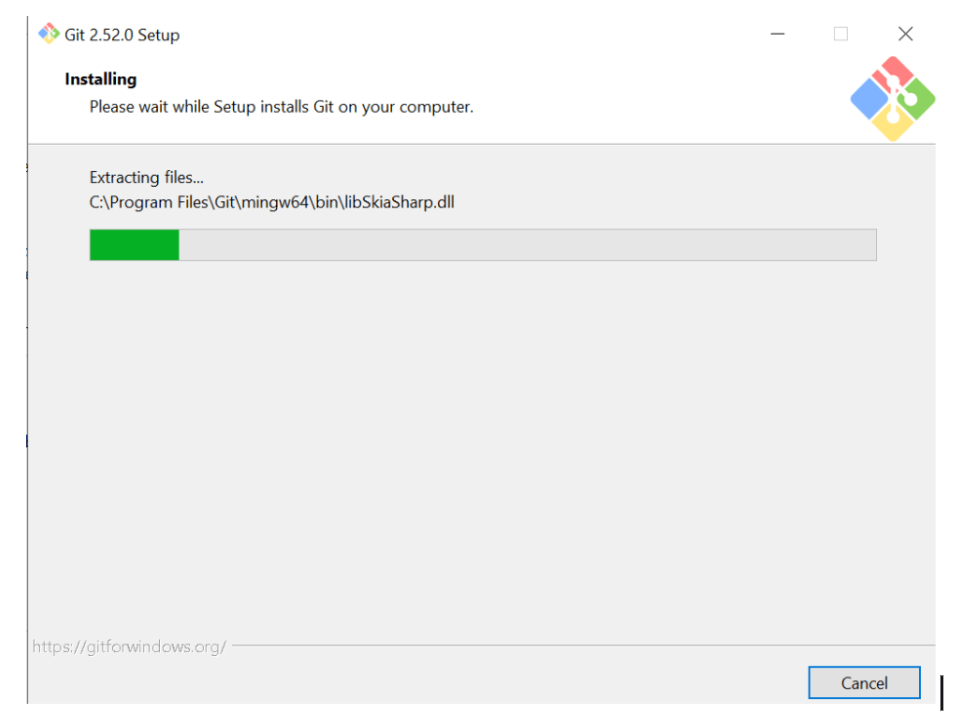
After Click on the Install you See Installation starts
8
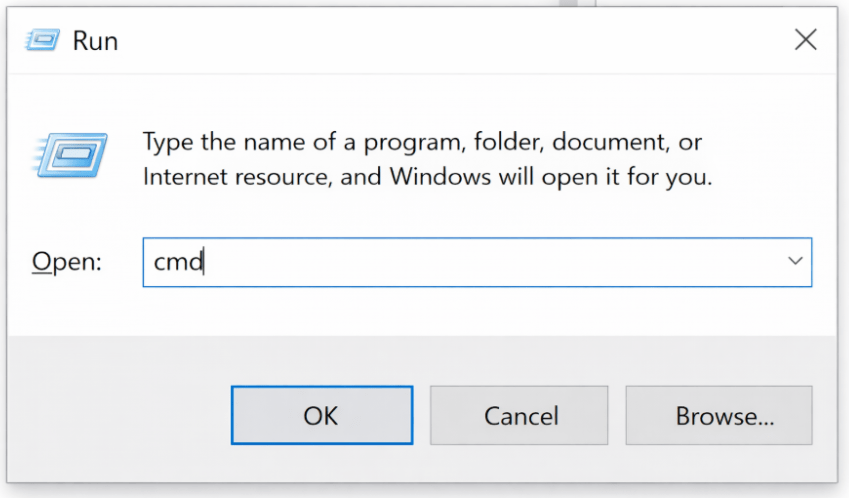
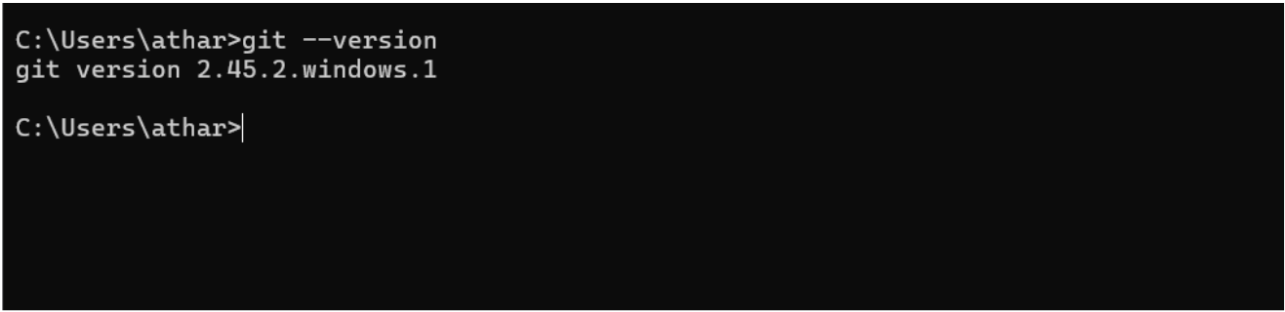
Open CMD And git - -version
Great job!
You have successfully completed your Git Setup Journey.
Checkpoint
Next-Lab Preparation
What is GitHub? Why GitHub?
GitHub Installation, Repository Setup, and Branching in GitHub
By Content ITV