



















Content ITV PRO
This is Itvedant Content department
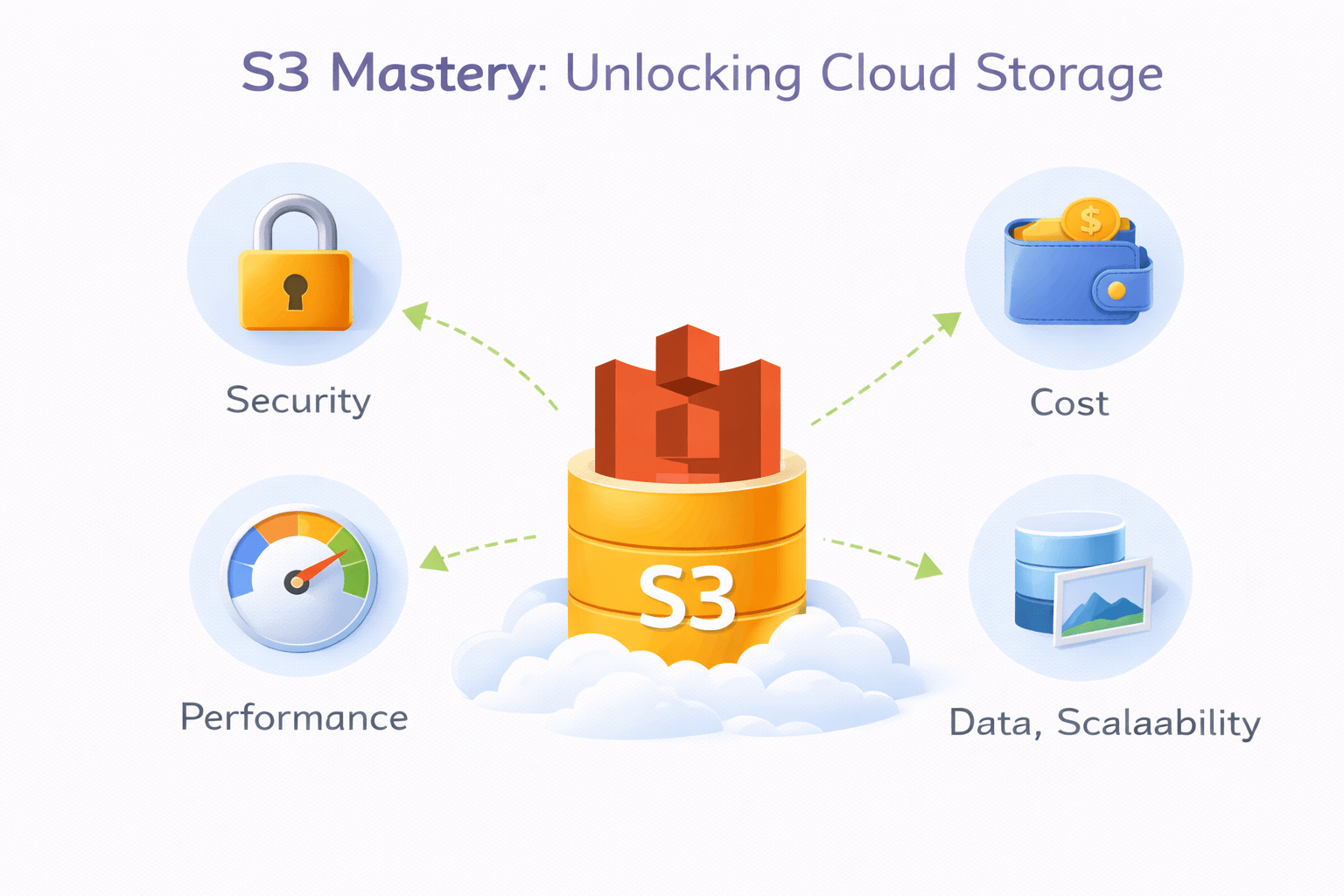
S3 Mastery: Unlocking Cloud Storage
Learning Outcome
5
Understand data encryption and Glacier
4
Identify S3 storage classes
3
Learn how buckets and objects work
2
Differentiate between Object, Block, and File storage
1
Understand what Amazon S3 is
Earlier, we learned that
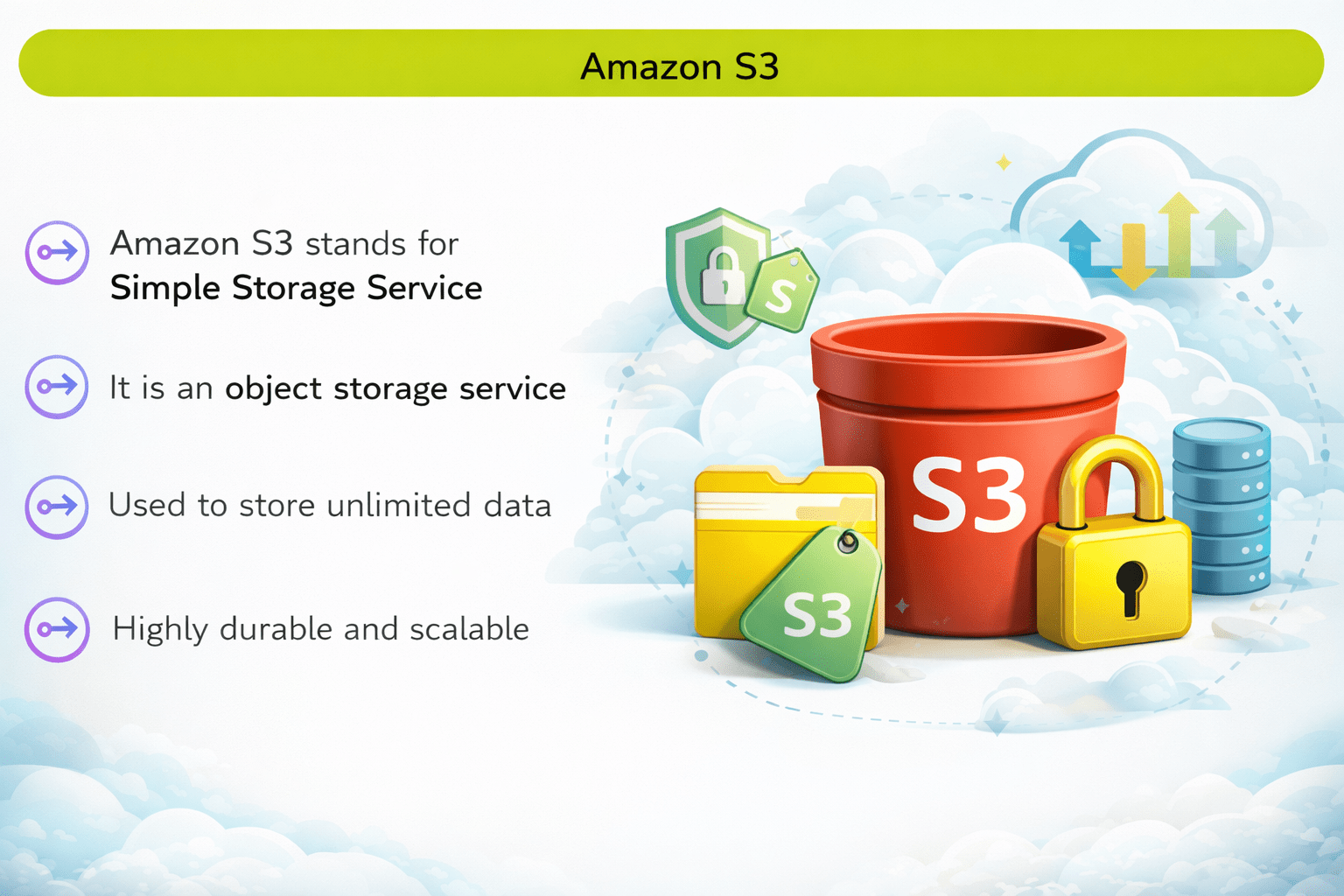
Amazon S3
Amazon S3 stands for Simple Storage Service
It is an object storage service
Used to store unlimited data
Highly durable and scalable
Amazon S3 Durability and Availability
Durability – 11 9’s (99.999999999%)
S3 is designed for extremely high durability, meaning data loss is highly unlikely.
Availability – 4 9’s (99.99%)
S3 ensures high availability, so data is accessible most of the time
Storage Types
AWS provides different storage types based on use case
Object Storage
Data stored as objects
Each object has
Data
Metadata
Unique ID
Example
Amazon S3
Block Level Storage
Data stored in blocks
Used with servers
Requires operating system
Example
Amazon EBS(Elastic block store)
File Storage
Data stored in folder structure
Shared access
Works like traditional file systems
Example
Amazon EFS (Elastic File System)
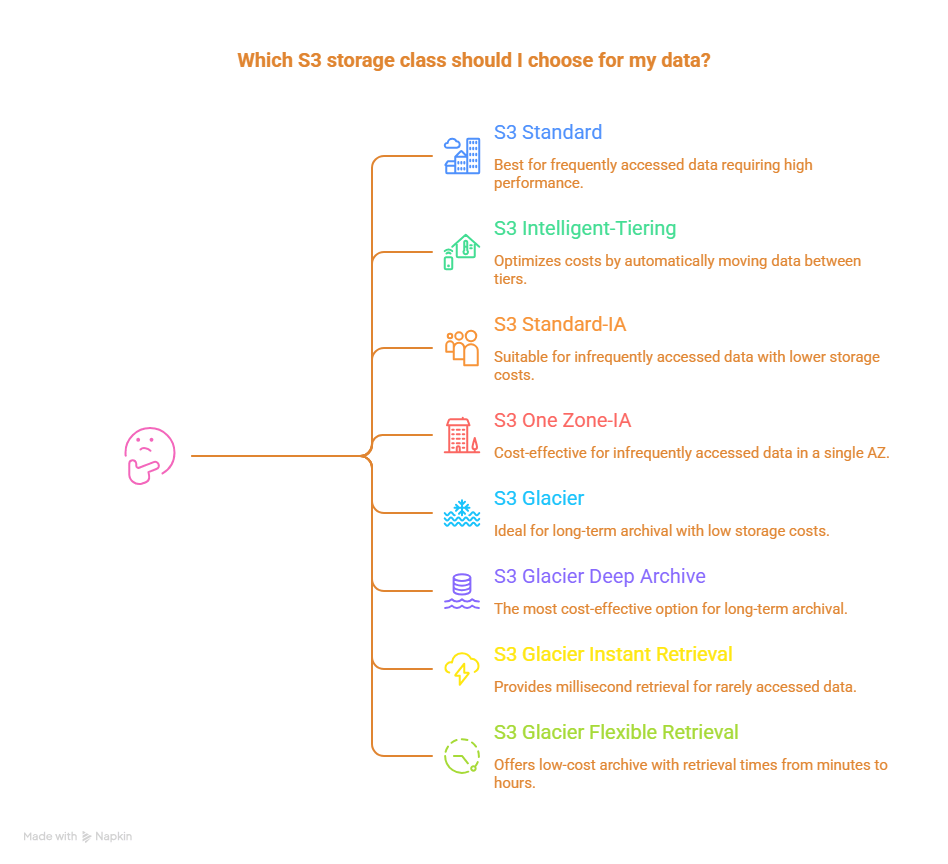
S3 Storage Classes:
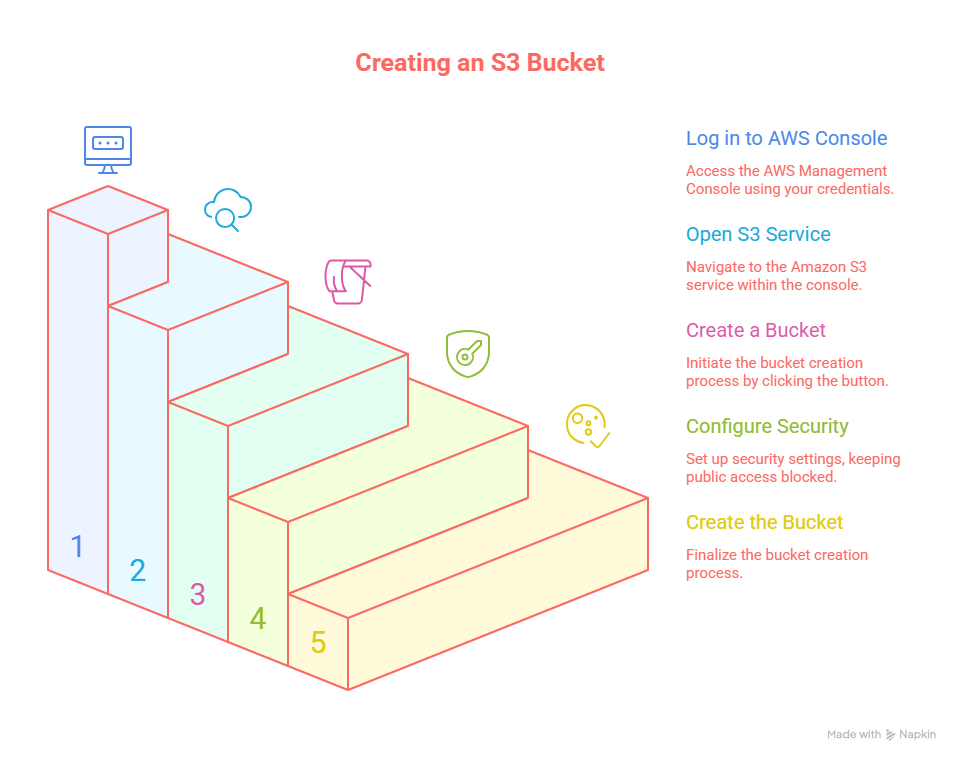
STEPS TO CREATE S3 BUCKET
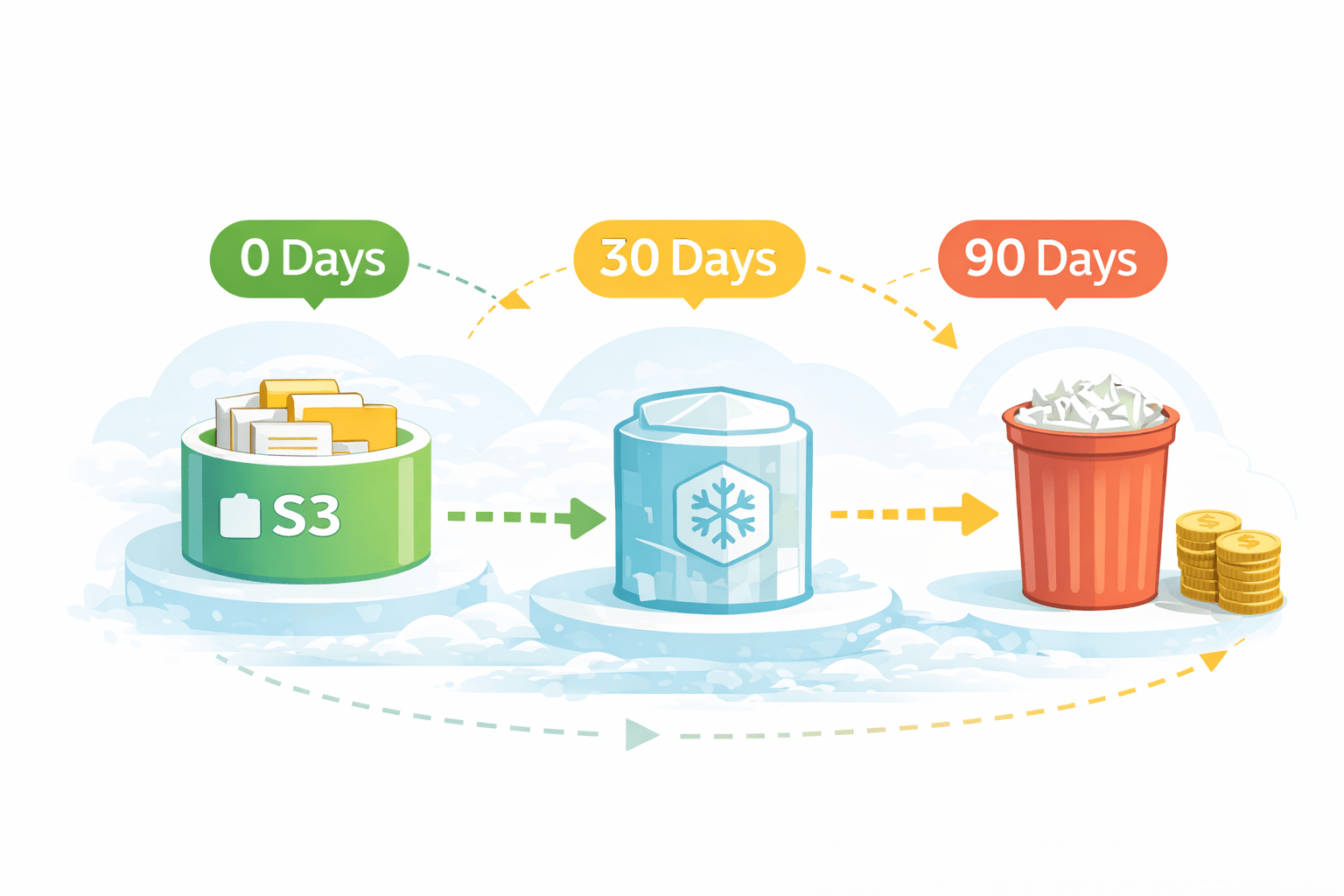
S3 Lifecycle Policies
Automatically move or delete objects based on age to reduce storage cost
Key Points
Define rules to automate storage management
Move files to cheaper storage classes based on age
Reduce costs by automatically deleting old files
Example
A company stores daily backup files in S3,
moves files older than 30 days to Glacier,
and deletes them after 90 days to save money.
Bucket Policy
A bucket policy controls who can access an S3 bucket and what actions are allowed.
Example (Public Read Bucket Policy)
{
  "Version": "2012-10-17",
  "Statement": [{
    "Effect": "Allow",
    "Principal": "*",
    "Action": "s3:GetObject",
    "Resource": "arn:aws:s3:::example-bucket/*"
  }]
}
ACL (Access Control List)
ACL controls who can access data
Permissions include
Read
Write
Helps in data security
Grant / deny access to users
Control at bucket and object level
Manage permissions for multiple accounts
Hosting Static Website on S3
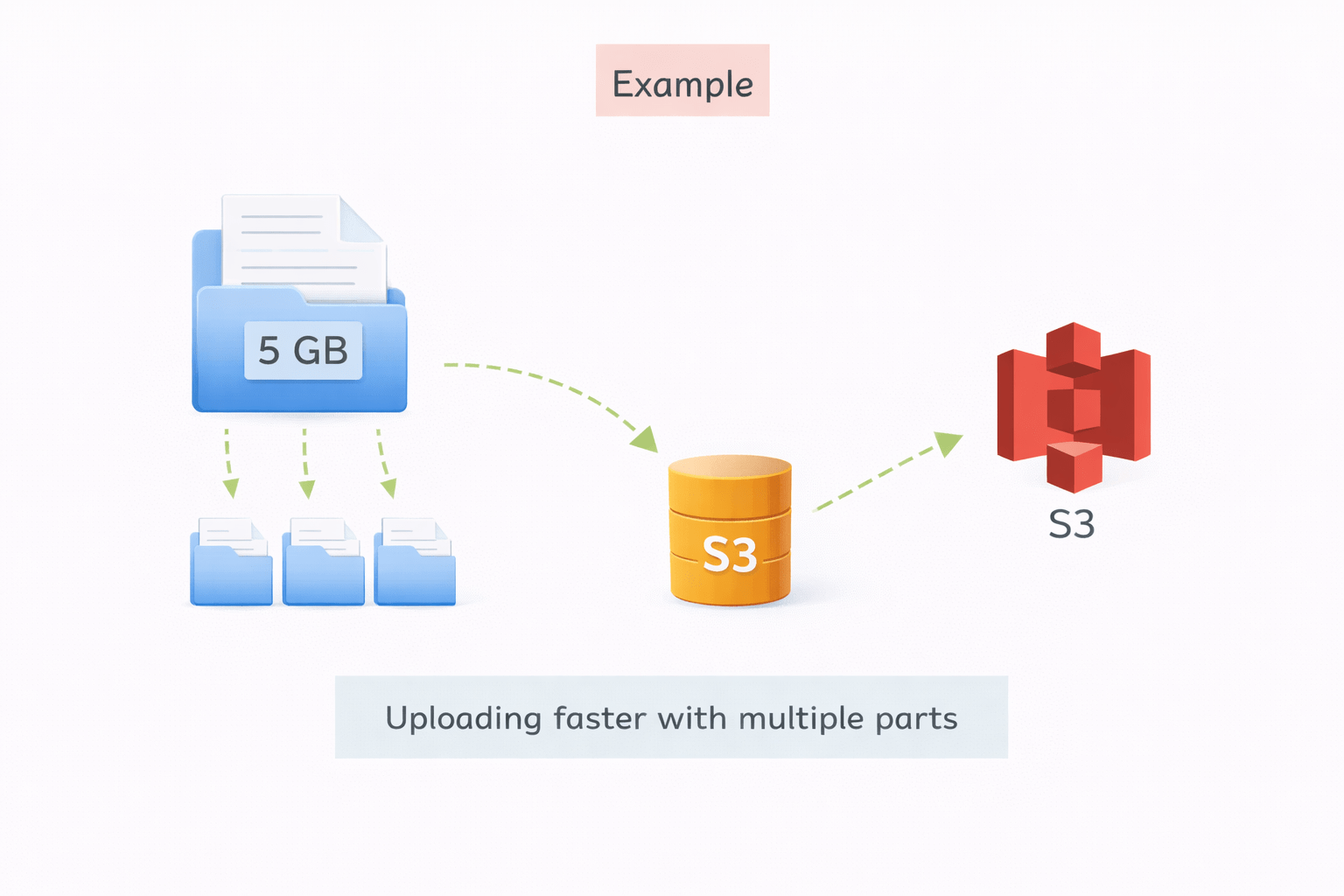
Multipart Upload in AWS S3
Uploads large files in parts instead of a single upload
Each part is uploaded independently and in parallel (faster performance)
If a part fails, only that part is re-uploaded, not the whole file
Best for large files (100 MB to TBs) and unstable networks
After all parts upload, S3 combines them into one object automatically
Example
A company uploads a 5 GB backup file to S3. Instead of one long upload, it splits into parts → uploads faster and resumes easily if interrupted
Protects data from unauthorized access
Data Encryption in S3
Data encrypted
At rest
In transit
Key Benefits:
Ensures data security and compliance
Uses strong encryption algorithms (AES-256)
Keys managed by AWS KMS or customer
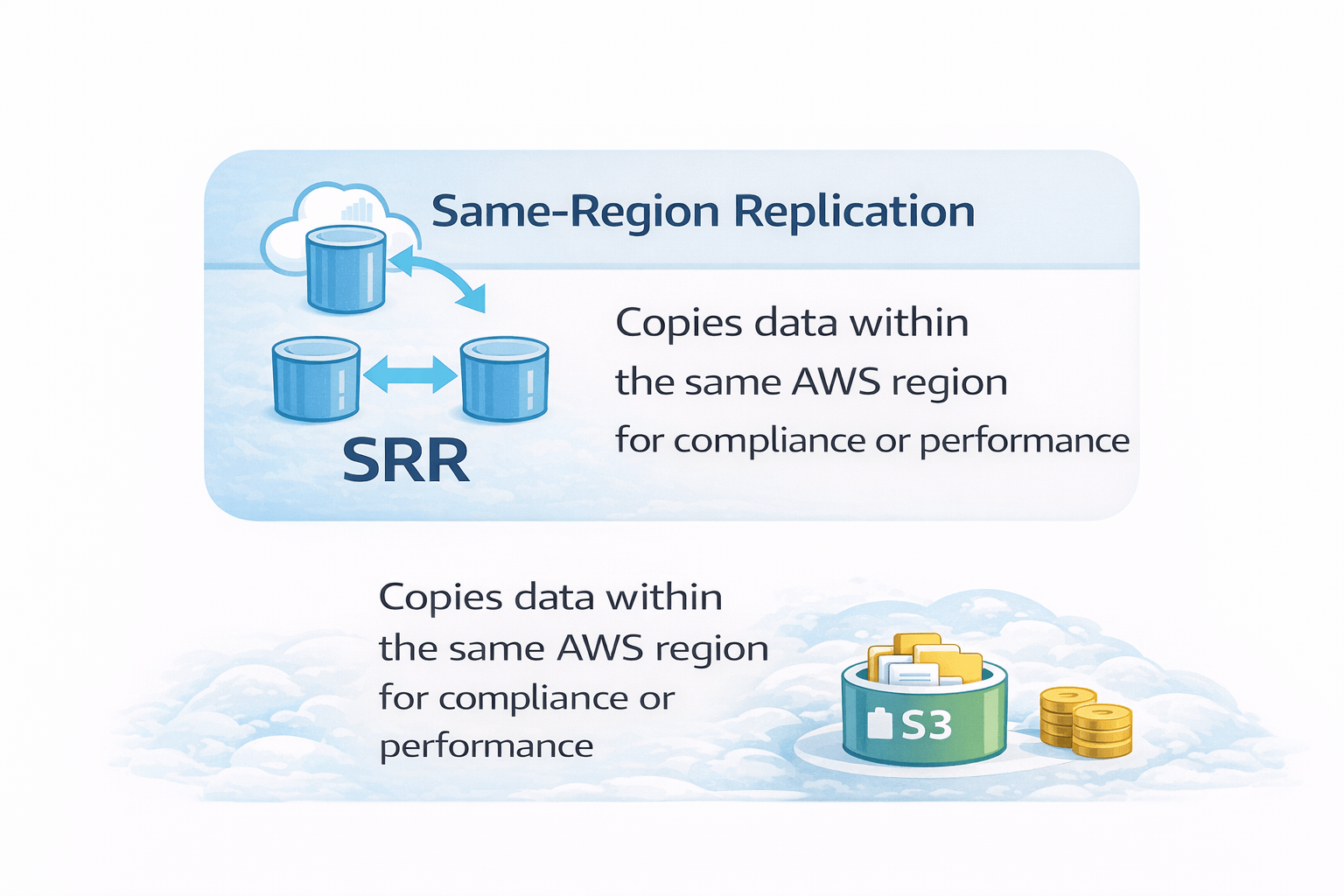
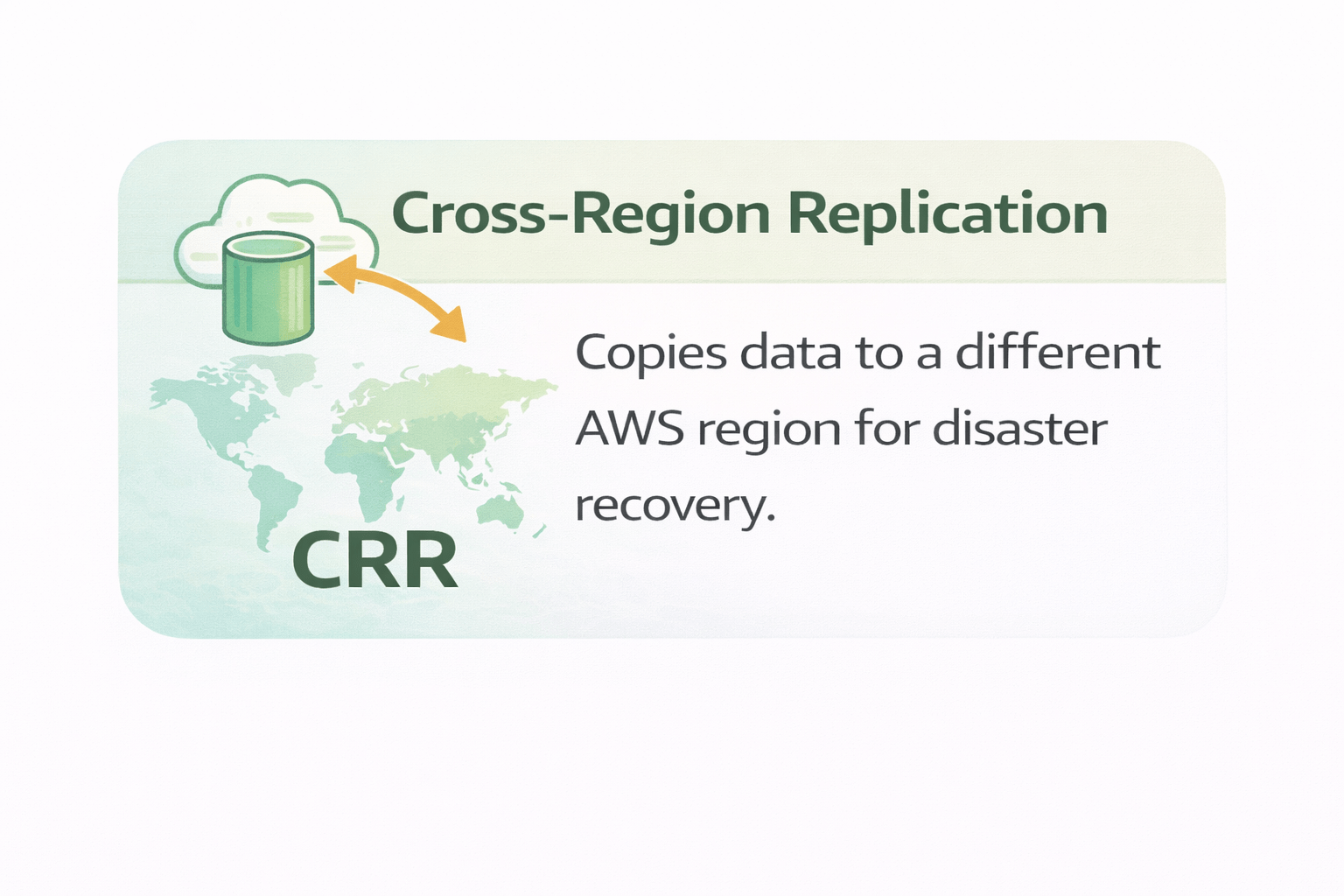
S3 Replication
keep your file safe with region based copies
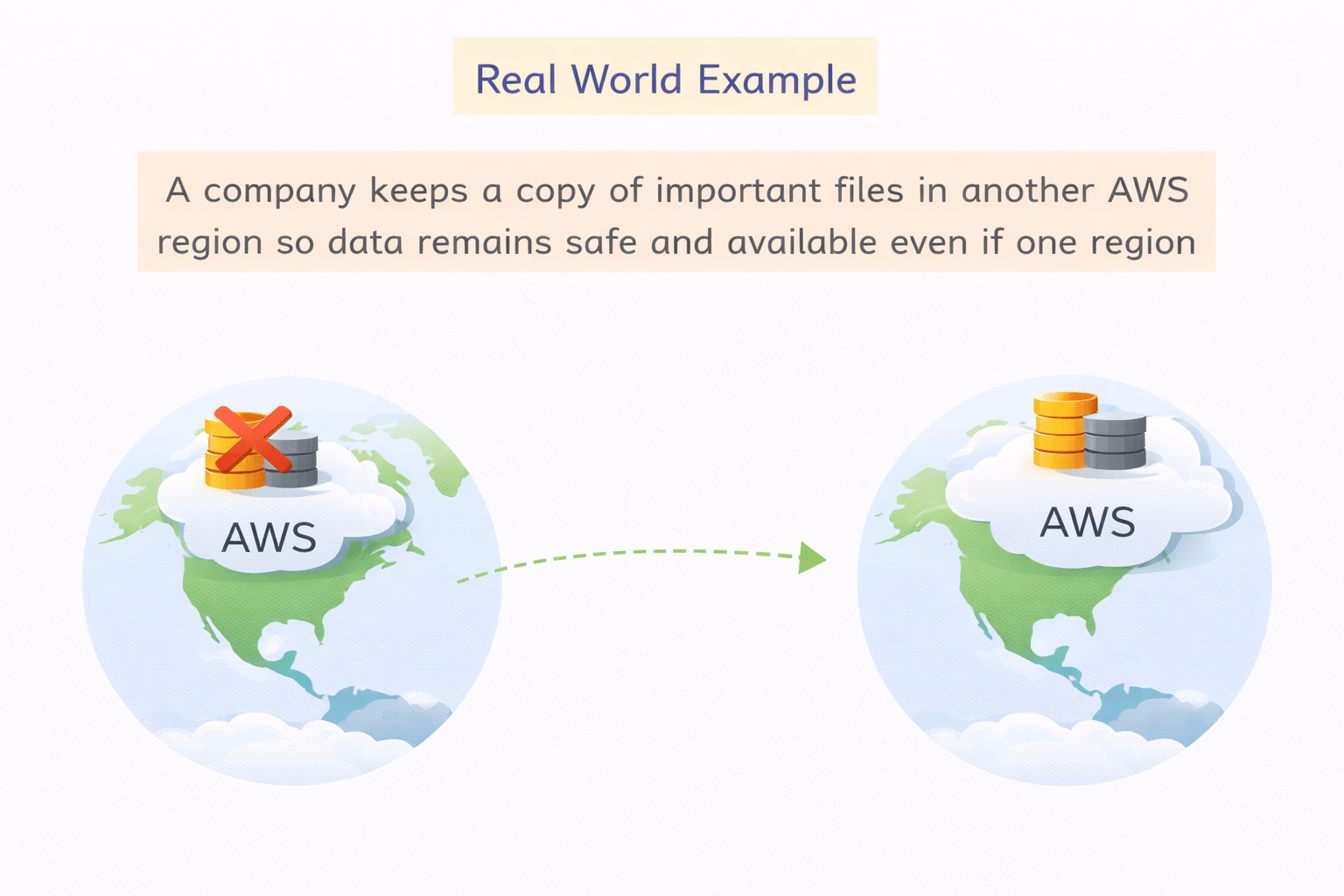
Real World Example
A company keeps a copy of important files in another AWS region so data remains safe and available even if one region fails.
4
Glacier is best for long-term archives
3
Multiple storage classes for cost optimization
2
Buckets store objects
1
S3 is scalable object storage
Quiz
Amazon S3 is an example of which type of storage?
A. Block storage
B. Object storage
C. File storage
D. Local storage
Quiz-Answer
Amazon S3 is an example of which type of storage?
A. Block storage
B. Object storage
C. File storage
D. Local storage
By Content ITV