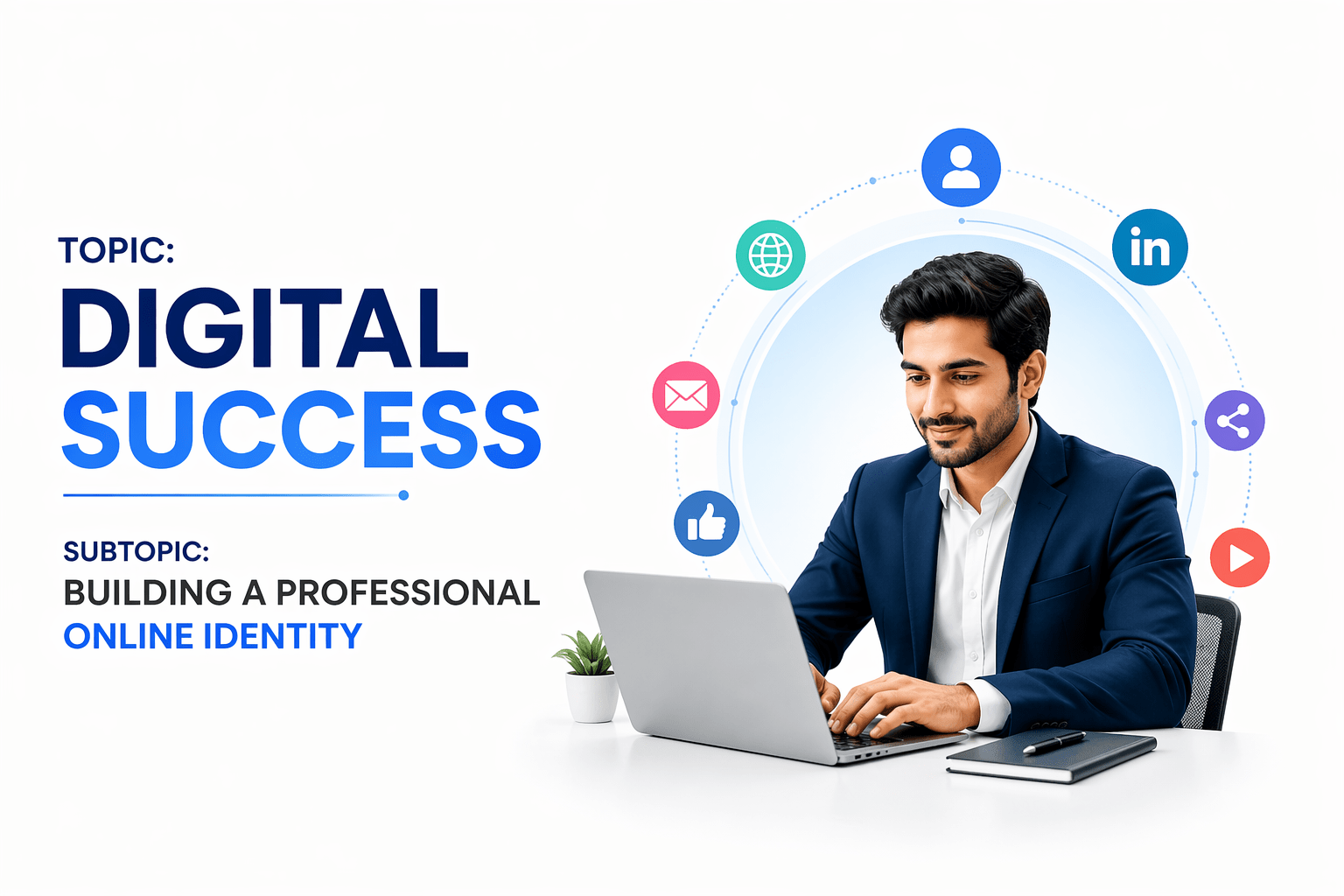



Content ITV PRO
This is Itvedant Content department
Learning Outcome
6
Basics of branding and messaging
5
Maintain and improve digital reputation effectively
4
Showcase skills and achievements consistently online
3
Create and optimize professional digital profiles
2
Identify key elements of a strong online profile
1
Understand the importance of a professional online identity
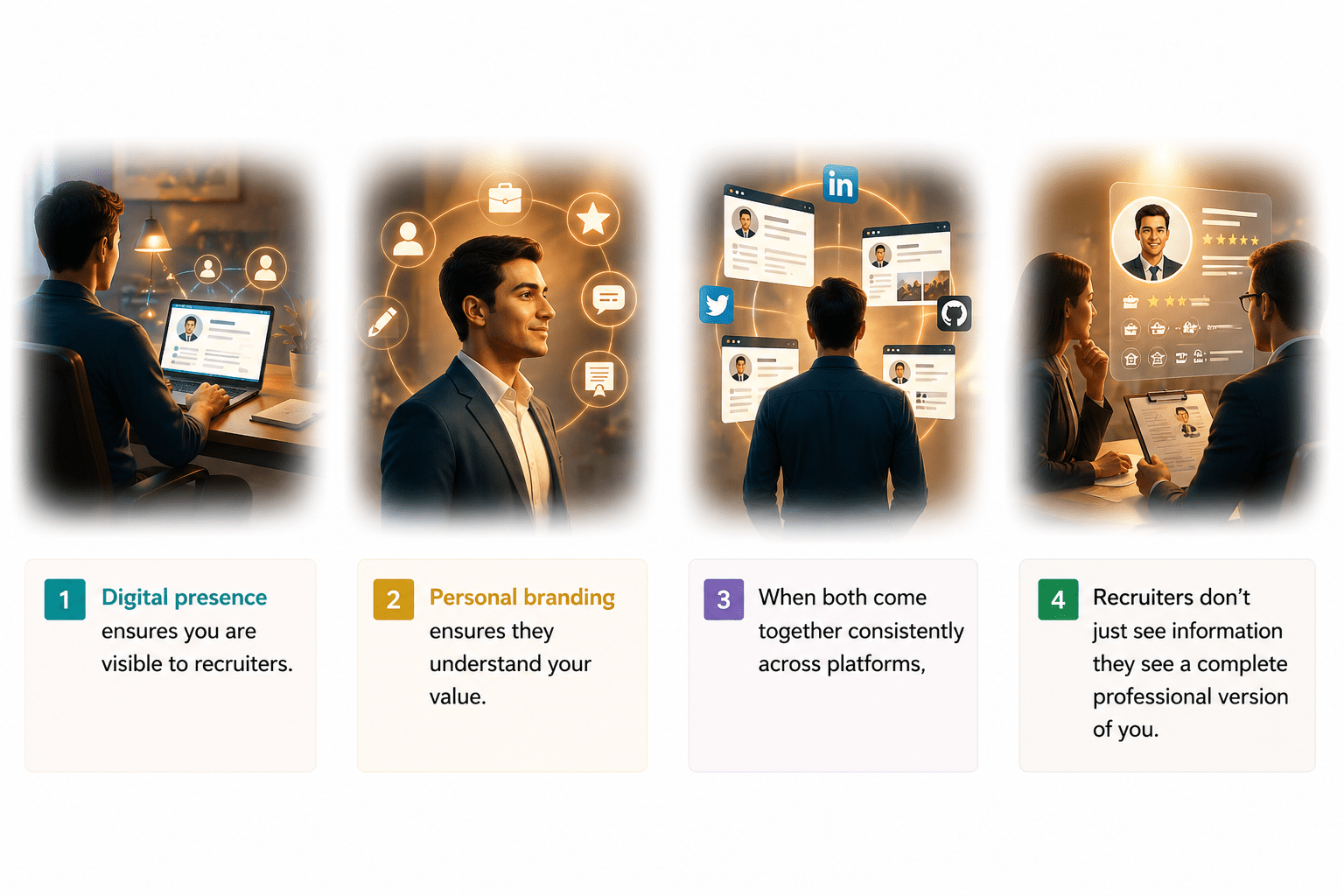
Then, personal branding ensures they understand your value.
At first, digital presence ensures you are visible to recruiters.
But when both come together consistently across platforms, recruiters don’t just see information
they see a complete professional version of you.
That complete and consistent version is your Professional Online Identity
Why It Matters (LinkedIn & Personal Branding)
Think of LinkedIn as your online ID card for your career
It speaks for you even when you’re not around.
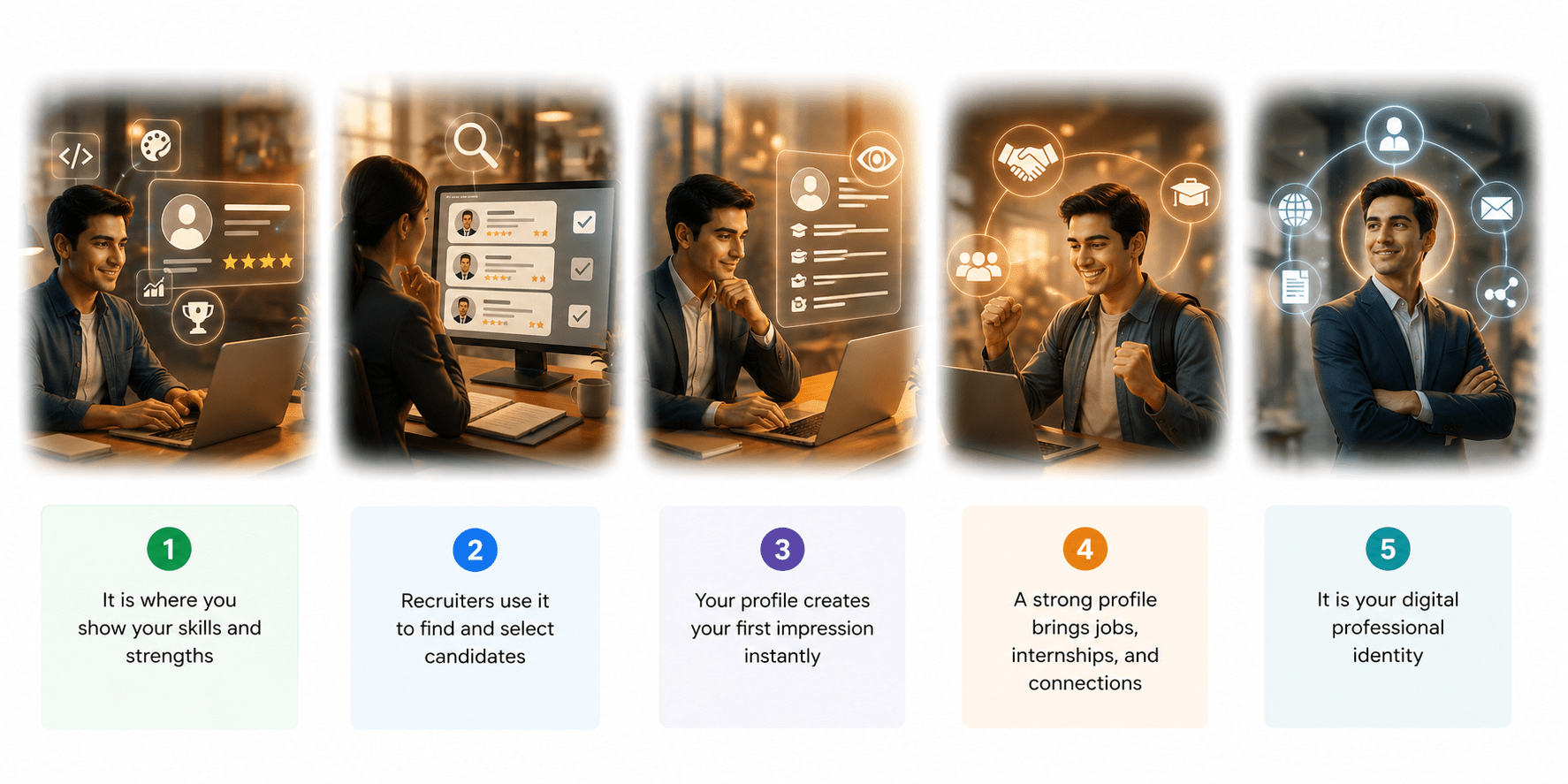
1.It is where you show your skills and strengths
2.Recruiters use it to find and select candidates
3.Your profile creates your first impression instantly
4.A strong profile brings jobs, internships, and connections
5.It is your digital professional identity
What is LinkedIn?
LinkedIn is the world’s largest professional networking platform.
It allows you to showcase your skills, achievements, and learning journey.
LinkedIn is your living professional identity online.
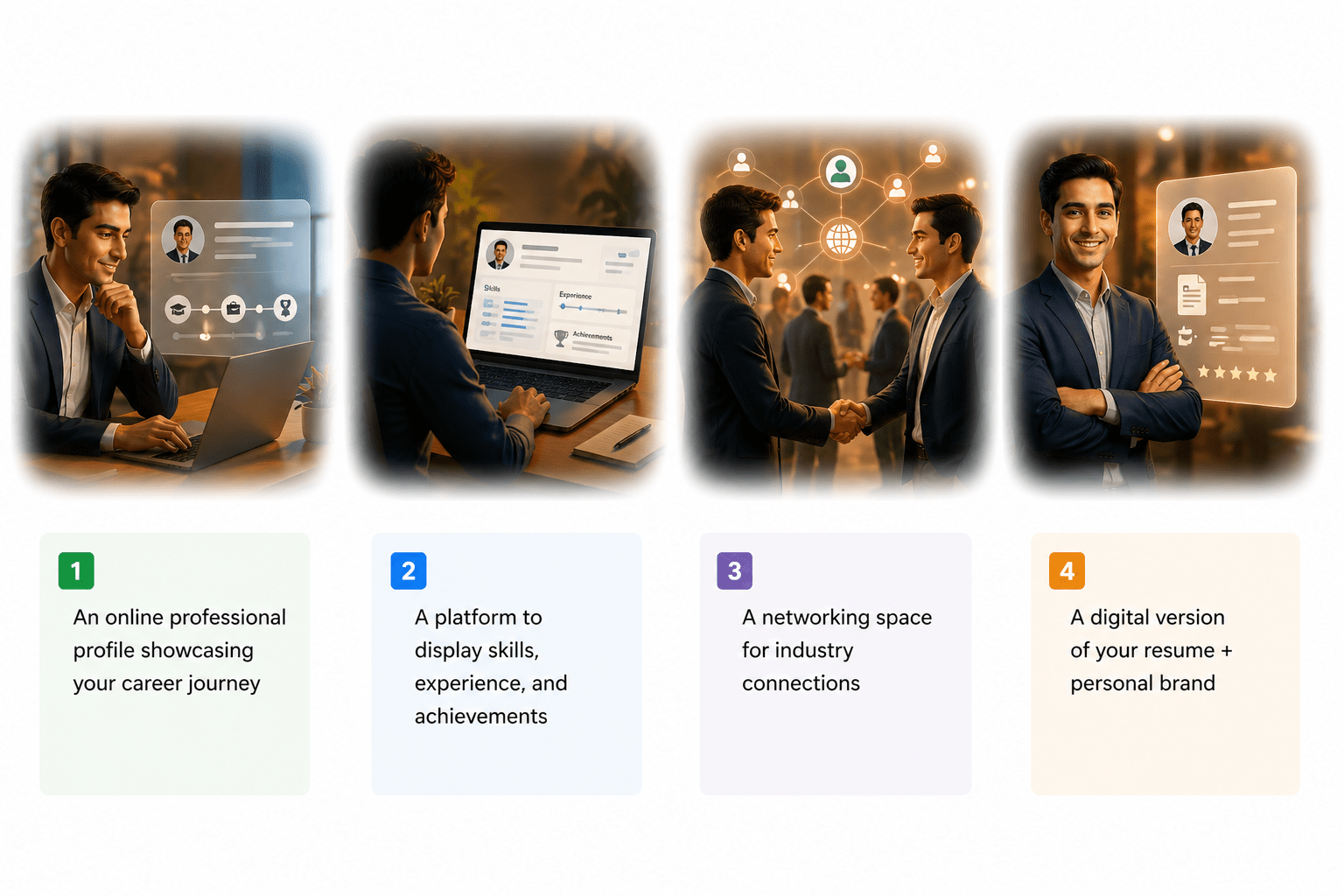
1.An online professional profile showcasing your career journey
2. A platform to display skills, experience, and achievements
3. A networking space for industry connections
4. A digital version of your resume + personal brand
Create a Linkedin Account
What is Professional Online Identity?
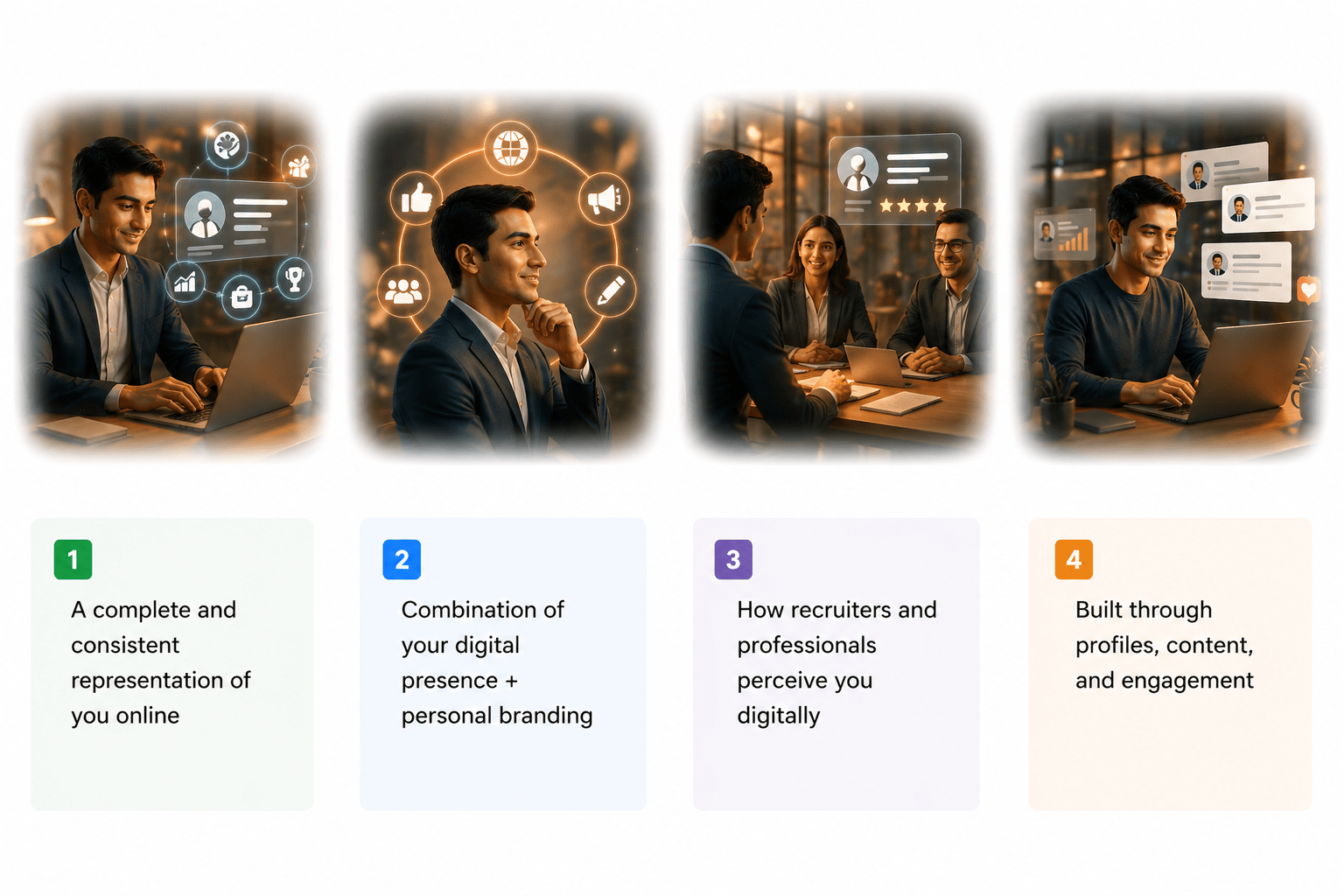
1.A complete and consistent representation of you online
2.Combination of your digital presence + personal branding
3.How recruiters and professionals perceive you digitally
4.Built through profiles, content, and engagement
Steps to create Linkedin profile
Building Your LinkedIn Profile as a Fresher
LinkedIn = Your Digital First Impression
Step 1 – Profile Photo
Clear, professional photo
Plain background
Face clearly visible
Formal / smart casual attire
❌ Student
❌ Fresher
✅ Final-Year BBA Student | Marketing Enthusiast
✅ Engineering Graduate | Aspiring Software Developer
Step 2 – Headline (Most Important)
Step 3 – About (Summary) Section
Include:
Who you are
Your skills / interests
Career goal
Step 4 – Education Details
Add:
1.College / University
2.Degree & specialization
3.Year of study
4. Key subjects (optional)
Step 5 – Skills Section
Step 6 – Projects & Internships
Add at least 8–10 skills:
✔ Technical skills
✔ Soft skills
Examples:
Excel, Python, Communication, Teamwork, Problem-Solving
Add:
1. Academic projects
2. Internships
3. Live projects
4. Certifications with projects
Step 7 – Customize LinkedIn URL
Step 8 – Open to Work & Location
Change your URL to:
linkedin.com/in/yourname
Add your city
Turn on Open to Work
Step 9 – Build Connections
Step 10 – Stay Active
Connect with:
Classmates
Seniors & alumni
Trainers & professionals
Like or comment on posts
Share learning or certificates
Post once a week
Key Takeaway
You don’t need experience to start
You need a complete & clear profile
Your LinkedIn profile speaks before you
Tips for a Strong LinkedIn Presence
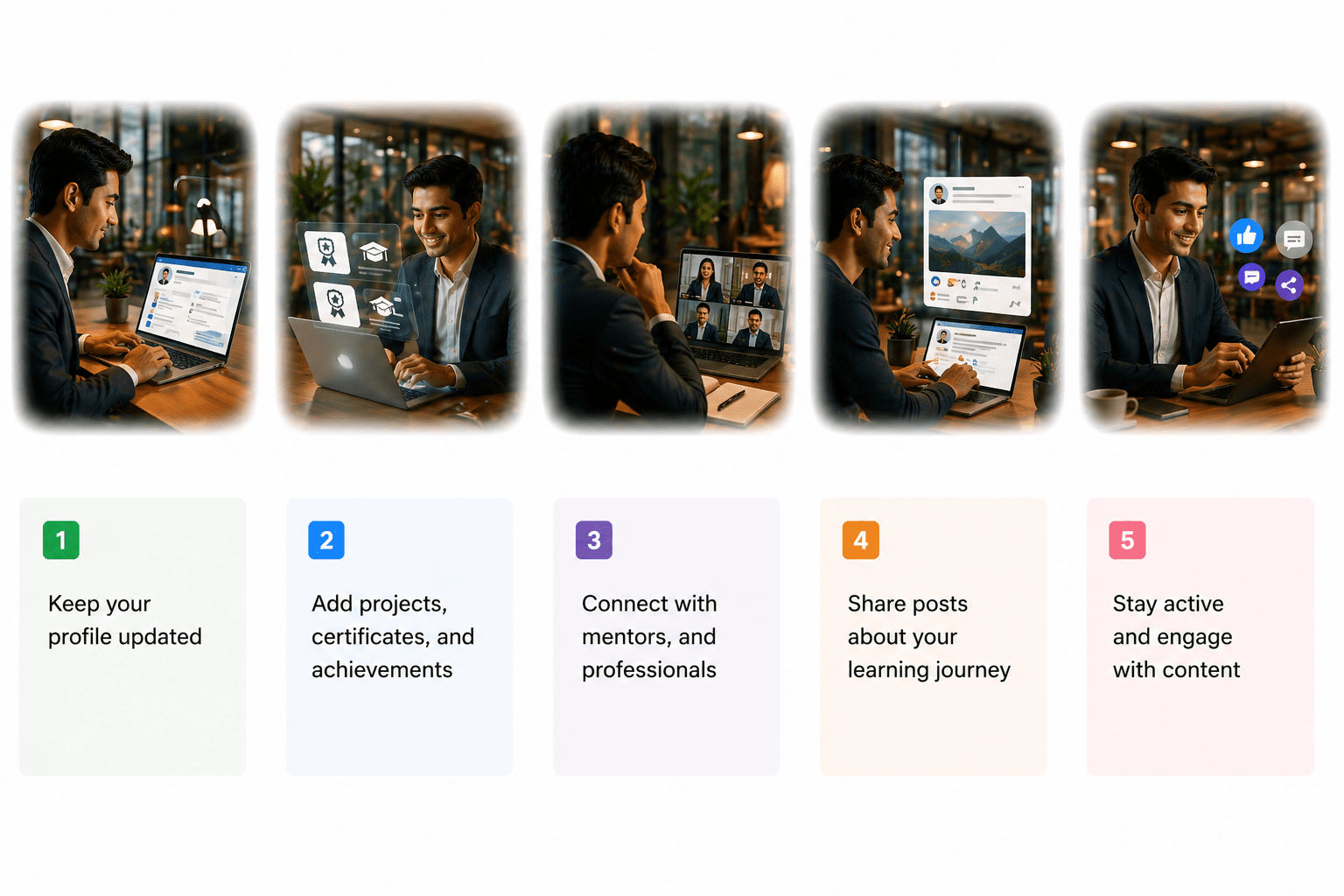
1.Keep your profile updated
2.Add projects,certificates, and achievements
1.Keep your profile updated
1.Keep your profile updated
1.Keep your profile updated
Core Concepts (Slide 7)
Core Concepts (.....Slide N-3)
Summary
5
Build strong branding
4
Use different marketing channels
3
Target the right audience
2
Create and communicate value
1
Understand customer needs
Choose cool, soft colors instead of vibrant colors
Max 5 Points for Summary & Min 2
Quiz
Which platform is mainly used for professional networking and B2B marketing ?
A. Facebook
B. Instagram
C. LinkedIn
D. Snapchat
Quiz-Answer
Which platform is mainly used for professional networking and B2B marketing ?
A. Facebook
B. Instagram
C. LinkedIn
D. Snapchat
By Content ITV