












Content ITV PRO
This is Itvedant Content department
Learning Outcome
5
Identify key features, pros, and cons of React
4
Understand declarative vs imperative approach
3
Differentiate SPA vs MPA
2
Know why React is used in modern web apps
1
Understand what React is
Our Web Design Journey So Far
Before learning React, we have already covered:
HTML: Defines the structure and content of a webpage.
CSS: Controls the styling and visual appearance of a webpage.
JavaScript: Adds behavior and interactivity to a webpage.
Imagine a restaurant menu displayed on a digital screen.
As updates increase:
Mistakes happen
Updates become slow
Managing UI becomes difficult
Staff must manually update each section of the screen.
Whenever:
Item price changes
Offer starts
Item becomes unavailable
This is exactly how plain JavaScript UI updates work in large apps — manual and hard to manage.
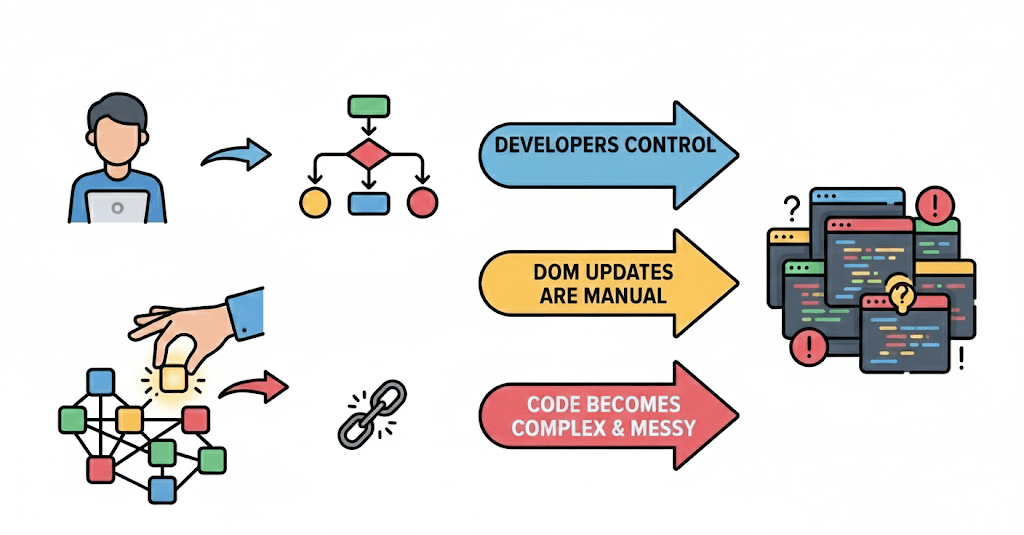
WHY is UI hard to manage with JavaScript as apps grow?
Developers control UI step by step
DOM updates are manual
Code becomes complex and messy
React solves this by:
Letting developers describe what UI should look like
Automatically updating UI when data changes
This shift is called Declarative UI
What is React?
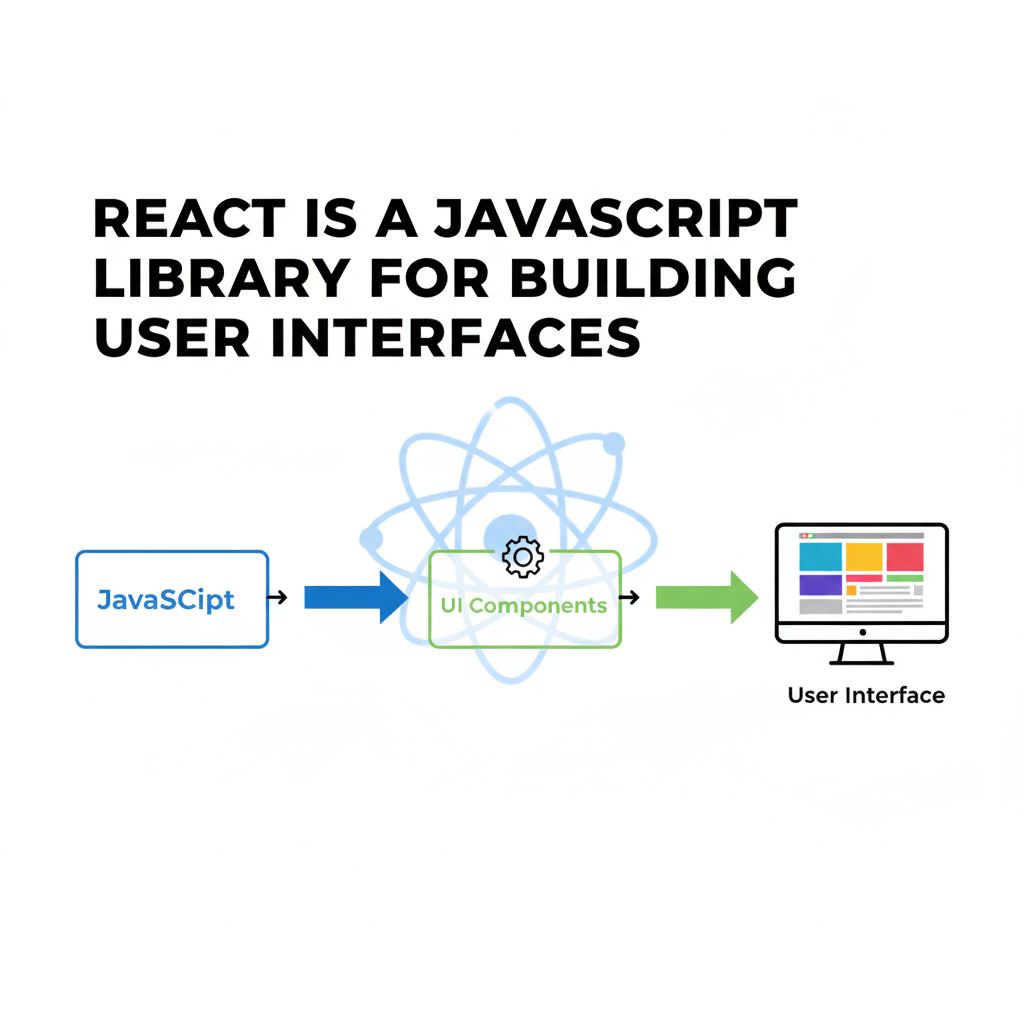
React is a JavaScript library for building user interfaces
Created by Facebook (Meta)
Mainly used to build Single Page Applications (SPA)
Why React?
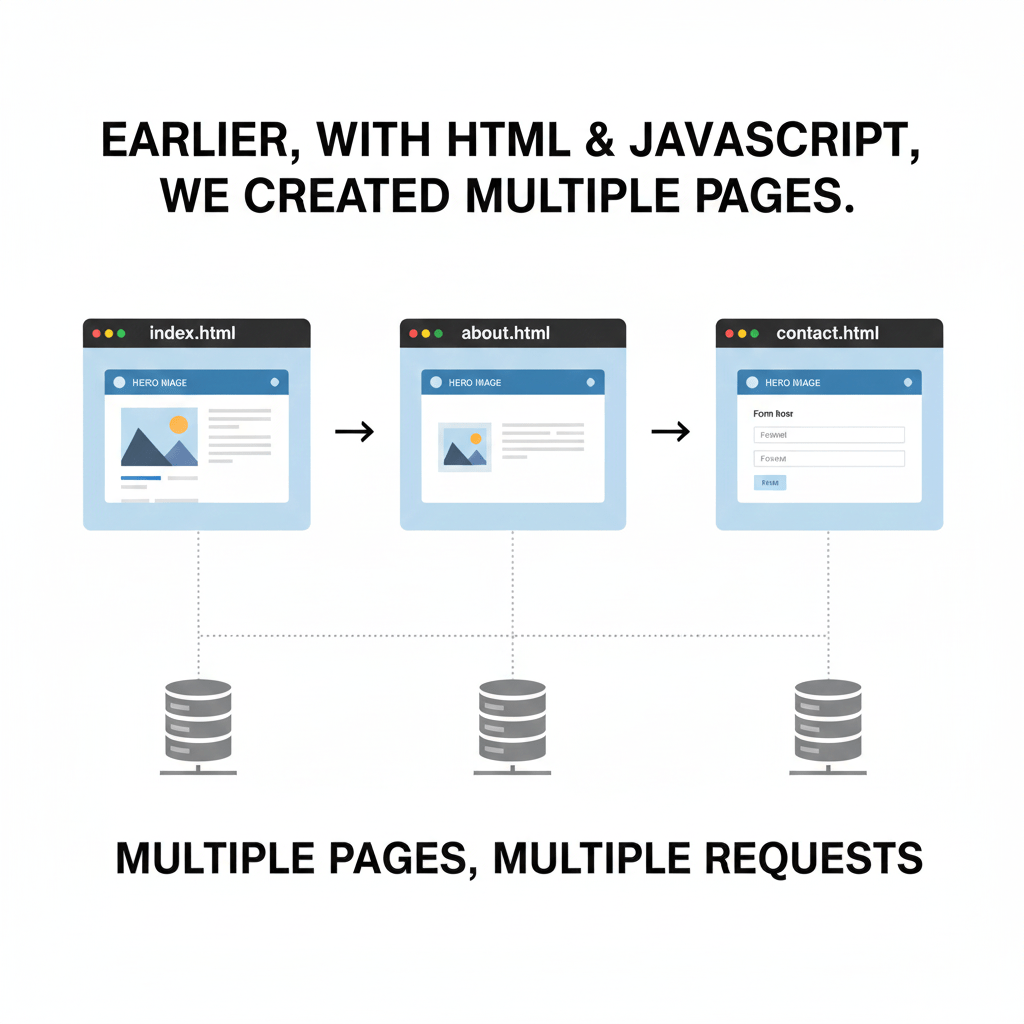
Earlier, when we built websites using HTML and JavaScript,
we created multiple pages.
This is called MPA (Multi Page Application)
In MPA:
Every click loads a new page
Too many page reloads = bad user experience
Why React?
So what is the solution?
That solution is SPA (Single Page Application).
In SPA (Using React):
The app loads only once
React updates only the UI
No page reload
Website feels fast and smooth
React builds SPA without reloads
MPA reloads pages
Key Features + Pros & Cons
Features:
Component-based structure
Reusable UI
Virtual DOM
Declarative approach
Pros:
Fast UI updates
Clean code
Easy maintenance
Cons:
Initial learning curve
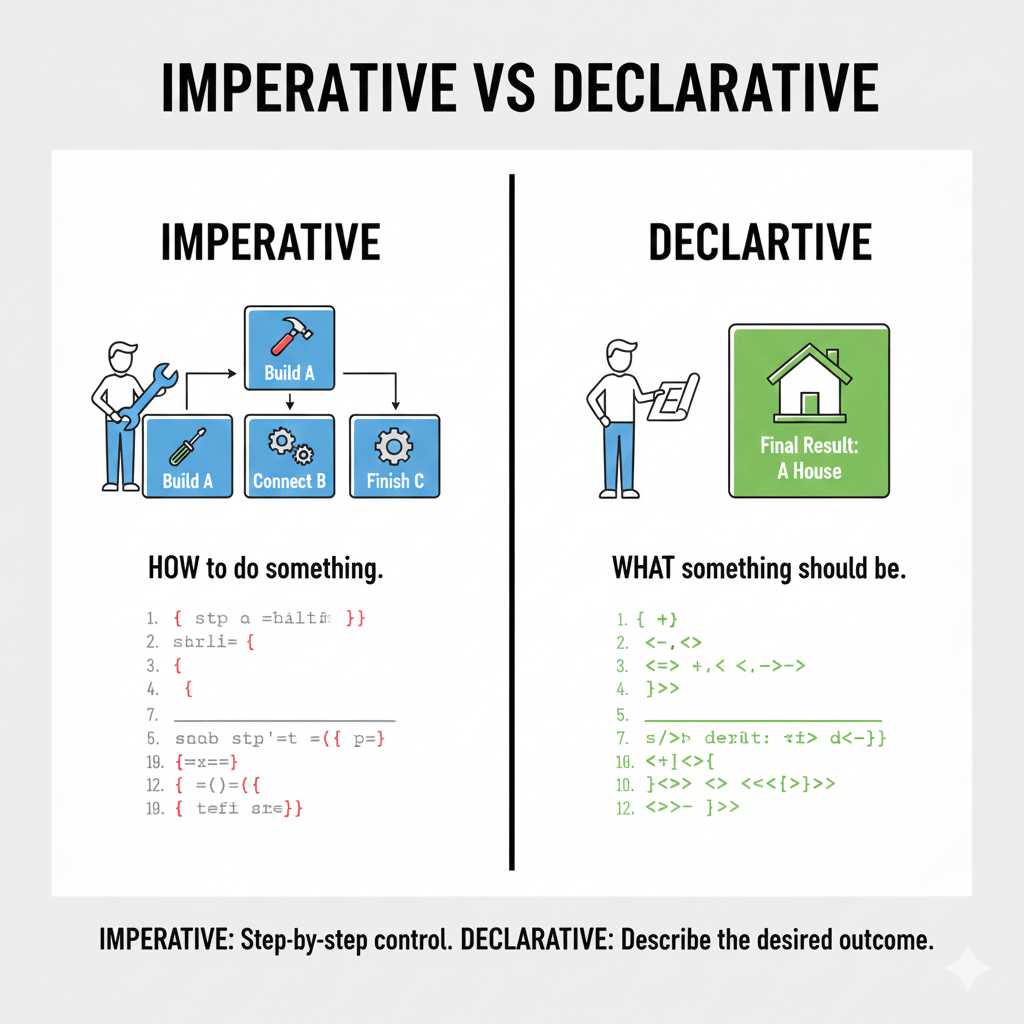
Imperative vs Declarative
Why Declarative is Better
Less code
Fewer bugs
Easier to read
Scales better
Declarative (React):
Tell React what UI should look like
React handles updates
Change data → UI updates automatically
Imperative (JavaScript):
Tell browser how to update UI
Manual DOM changes
Summary
3
Ideal for modern, fast web applications
2
Focuses on what UI should be, not how to update it
1
React simplifies UI development
Quiz
React mainly helps in building
A. Static websites
B. Multi-page apps
C. Single Page Applications
D. Server-side apps
Quiz-Answer
React mainly helps in building
A. Static websites
B. Multi-page apps
C. Single Page Applications
D. Server-side apps
By Content ITV